TransOurDream Upgraded Iron on Heat Transfer Paper for T Shirts
4.5Editor score
Twenty light-transfer sheets included
Compatible with inkjet printers
Supports scissors and cutting machines
Four reusable Teflon sheets included
Heat transfer printer paper makes personalized shirts, totes, aprons, and other fabric gifts possible with a printer, scissors, and an iron or heat press. The right sheet balances vivid color, clean cutting, reliable adhesion, stretch, and the ability to survive repeated laundering.
This guide compares ten transfer-paper options for light, dark, and mixed project needs. The evaluation considers sheet size, included protective sheets, printer and ink compatibility, fabric limits, application method, cutting-machine support, wash care, and the details provided by each manufacturer.
Each pick reveals which projects and equipment it best suits, from simple home iron transfers to larger heat-press batches. Ratings and product details reflect the supplied listings, while prices and promotions can change, so shoppers should confirm the current listing before purchasing.
4.5Editor score

4.6Editor score

4.4Editor score
As an Amazon Associate we earn from qualifying purchases.
The comparison below organizes all ten options by transfer type, printer support, sheet quantity, included accessories, fabric compatibility, and application method, making it easier to identify the right paper for a particular shirt project.




TransOurDream's upgraded light-transfer paper is a flexible choice for printable shirts and fabric crafts, combining a 4.4 rating with support for inkjet printers, scissors, cutting machines, irons, and heat presses. Its second-generation formula is described as easier to cut, easy to iron, and capable of producing bright, stretchable designs.
We may earn a commission when you buy through this link, at no additional cost to you.
The pack contains 15 transfer sheets measuring 8.5 by 11 inches along with three reusable Teflon sheets. No-mirror printing simplifies preparation, and the manufacturer lists pigment or dye ink as compatible while advising against sublimation ink. The intended fabric range is white and light-colored cotton with approximately 70 to 100 percent cotton content.
Its main limitation is that it is not a dark-fabric transfer. Designs containing white or very pale details may lack the opacity needed against a colored shirt. It also cannot be used with a laser printer, so buyers need to confirm that their printer and ink system match the stated requirements before ordering.
This is a strong recommendation for home crafters who want versatile light-shirt transfers and use an inkjet printer. It is especially useful when the project will be cut on a Cricut-style machine, because the upgraded formula is specifically designed to improve cutting performance.
The no-mirror print process reduces one common source of confusion when preparing iron-on graphics. Users can print, cut or weed the design, position it on the garment, cover it with the included Teflon sheet, and apply heat with a household iron or heat press.
Beyond shirts, the manufacturer recommends the paper for totes, aprons, masks, pillowcases, cushion covers, tablecloths, flags, and banners. That makes it a practical choice for coordinated gifts, event decorations, and reusable household items.
We may earn a commission when you buy through this link, at no additional cost to you.
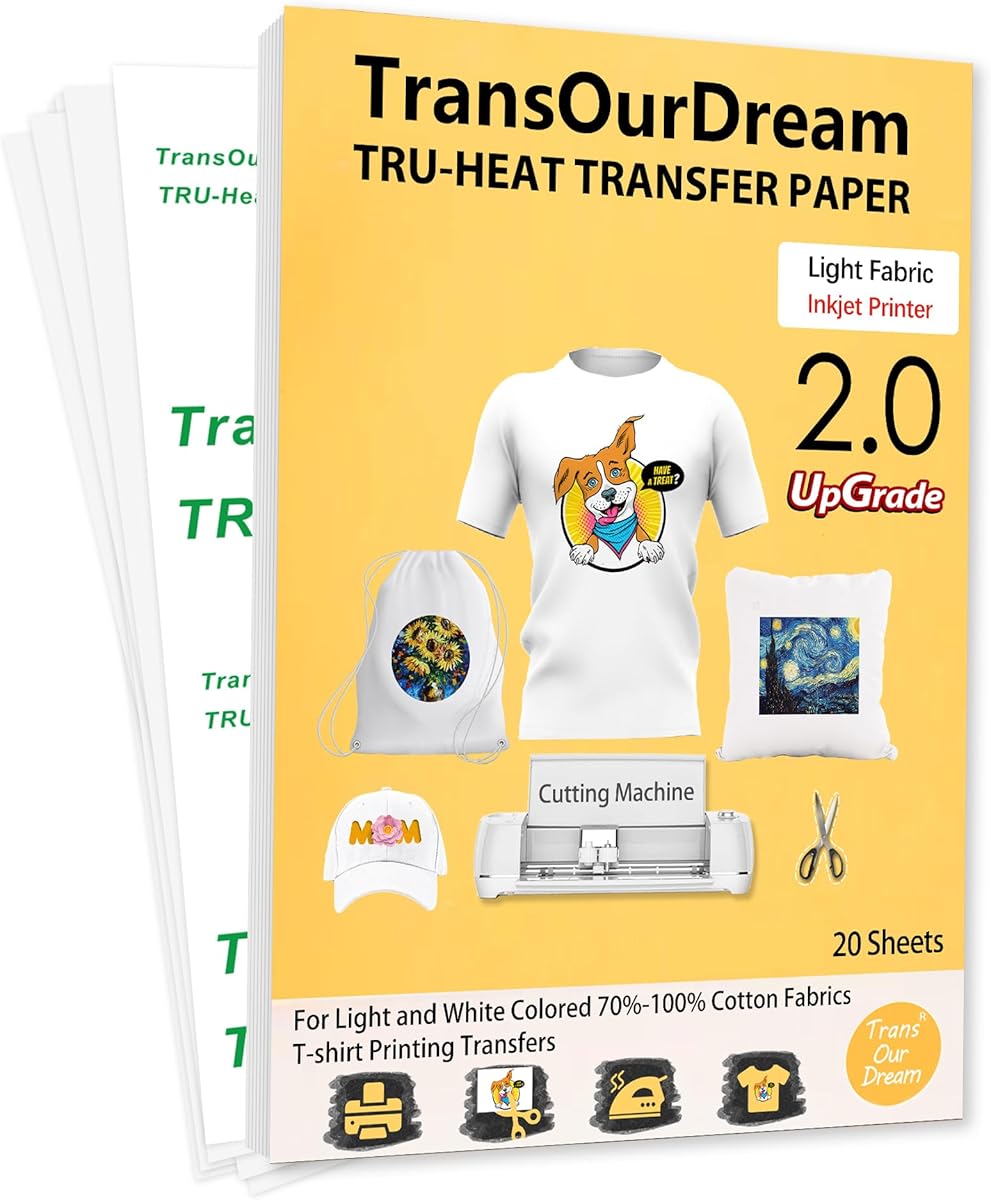
This upgraded Light 2.0 paper combines a 4.5 rating with a generous 20-sheet pack and four reusable Teflon sheets. It is designed for inkjet printing and is presented as an improvement over traditional light-transfer paper, particularly in cutability with scissors or a cutting machine.
We may earn a commission when you buy through this link, at no additional cost to you.
The formula is advertised as producing more vibrant color than conventional products. It works with pigment or dye ink, supports text, photos, and graphics, and can be transferred with any type of iron or a heat press. The recommended substrates are white and light-colored cotton fabrics containing roughly 70 to 100 percent cotton.
Users still need an inkjet printer and should avoid sublimation ink. As with the other light-transfer options, it would be the wrong choice for a black or dark shirt unless the transfer design has been engineered for that substrate. Cutting-machine support, however, is a significant advantage over basic light papers.
The recommendation is straightforward for crafters building a collection of matching light shirts or gifts. It offers a useful balance of quantity, cutting convenience, vivid output, and included accessories while retaining the accessibility of a standard household iron.
Twenty sheets allow more than a single isolated transfer, while the four Teflon sheets provide reusable protective surfaces. This is useful for batch crafting, matching family shirts, monogram sets, and coordinated event favors.
The manufacturer specifically highlights the improved Light 2.0 formula as easier to cut with scissors and compatible with Cricut-style machines. That makes the product more attractive for vinyl-style weeded designs than paper intended only for simple rectangular images.
We may earn a commission when you buy through this link, at no additional cost to you.
Avery's dark-fabric transfer paper stands out with the highest listed rating in this group, 4.6, and a clearly stated wash-resistance claim of up to 20 washes. It is intended for detailed apparel graphics, branded clothing, personalized gifts, and home decor made with dark cotton or cotton-poly fabrics.
We may earn a commission when you buy through this link, at no additional cost to you.
Its Color Shield formula is designed to support vivid, fade-resistant output. The sheets work with inkjet printers and can be trimmed with scissors, electronic cutting machines, or die cutters. Standard irons and heat presses are supported, and the package includes step-by-step instructions.
The five-sheet quantity is smaller than that of most competitors in the roundup, and the stated fabric scope excludes several synthetic-heavy garments. Buyers should also account for the fact that this Avery product is described as inkjet-compatible rather than a dual inkjet-and-laser transfer medium.
For someone making occasional dark shirts who values clear durability information and professional design support, this is the strongest all-around choice. Avery Design & Print Online provides templates, images, logos, and text options, which helps users begin without designing every graphic from scratch.
The listing states that the Color Shield formula can produce prints lasting up to 20 washes. This makes Avery a logical option for clothing intended for regular use rather than a one-time event or novelty garment.
Step-by-step instructions and access to Avery's online design platform reduce the learning curve. Templates can provide a starting point for custom logos, lettering, and graphics before the file is printed and cut.
We may earn a commission when you buy through this link, at no additional cost to you.
TransOurDream Dark 6.0 is built for professional heat-press use and larger batches, offering 25 sheets plus three Teflon sheets in each pack. Its 4.4 rating reflects a product positioned around efficient transfers, vivid results, and repeatable production on black and other dark cotton garments.
We may earn a commission when you buy through this link, at no additional cost to you.
The manufacturer states that transfers can be completed in 10 seconds with a professional heat press under the proper process. Regular pigment or dye ink is supported, while sublimation ink is not recommended. The workflow is to print and cut, position the image face upward, protect it with Teflon paper, and apply the heat press.
This product is less convenient for casual users because it specifically calls for a professional heat press rather than offering a household-iron workflow. It also limits fabric choices to 100 percent cotton in dark colors, excluding common polyester blends.
It is best suited to makers producing repeated batches with a heat press and an inkjet printer. The large sheet count, machine-cutting support, and short stated press time make it more compelling for volume-oriented shirt projects than for occasional one-off crafting.
A 25-sheet pack and a press-oriented design support organized production runs. The product is aimed at users who can standardize time, temperature, pressure, and material handling for multiple garments.
The manufacturer describes the transferred result as bright and vivid and identifies the paper as machine washable. These qualities are particularly relevant for black shirts, where thin coverage or uneven color would be immediately visible.
We may earn a commission when you buy through this link, at no additional cost to you.
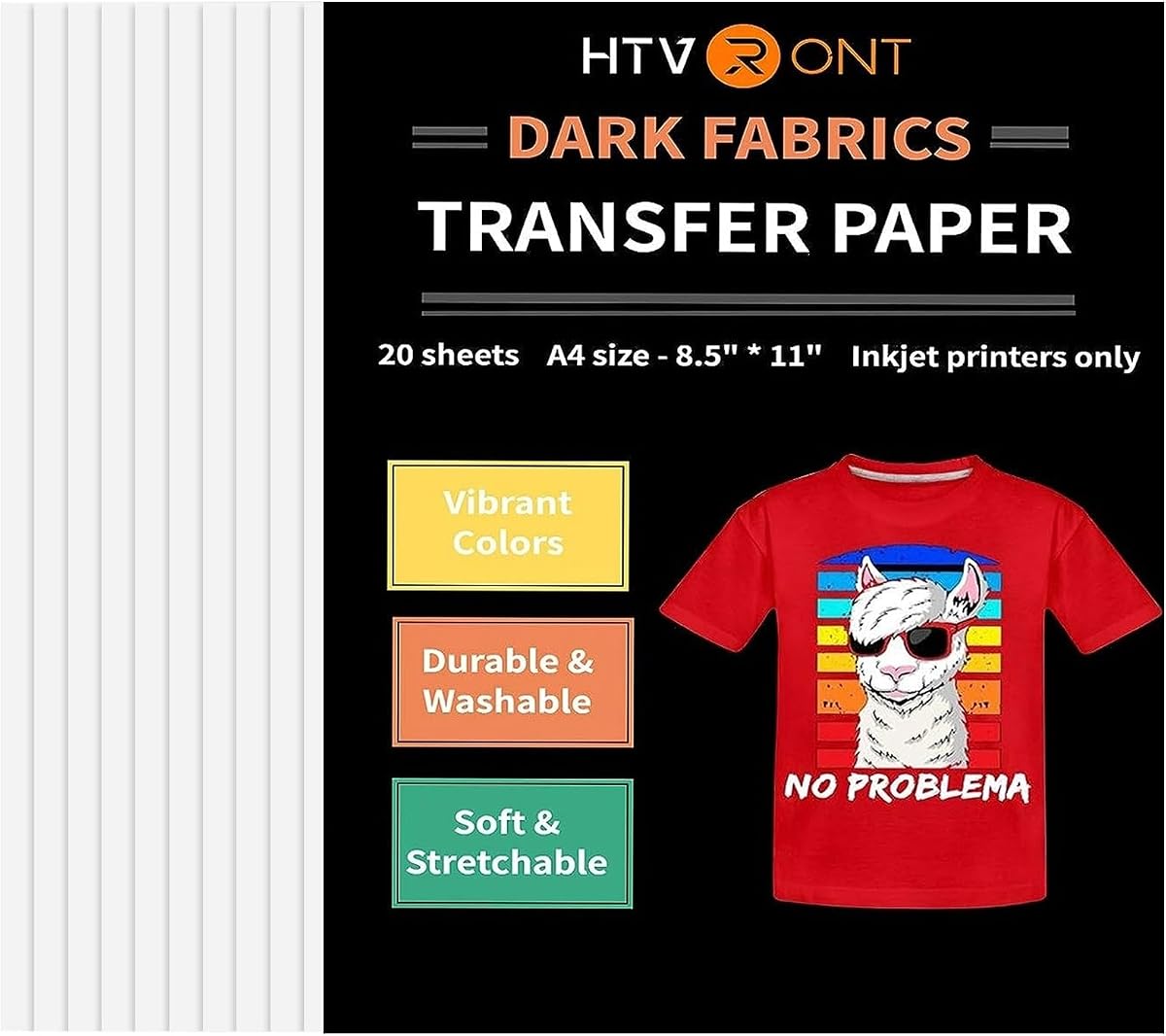
HTVRONT's dark-fabric paper is a straightforward option for users who want heat-transfer vinyl behavior from printable sheets. It carries a 4.4 rating, includes 20 standard-size sheets, and is intended for dark cotton or cotton-poly garments.
We may earn a commission when you buy through this link, at no additional cost to you.
Its listing gives specific heat-press guidance of 320 to 338 degrees Fahrenheit for 8 to 12 seconds, while also identifying the paper as usable with a home iron and inkjet printer. Dye and pigment ink are supported, but sublimation ink is excluded from the recommended ink types.
The manufacturer says the material resists fading, cracking, and peeling through repeated washing. It also notes that this is printable HTV rather than conventional iron-on vinyl and that it can be used with cutting machines, giving users more options than a simple cut-paper transfer.
This is a good match for shirt makers who want a reasonably large supply and explicit heat settings without committing to a professional press. The inkjet-only requirement and limited listing detail about included protective paper should be checked before planning a larger project.
The stated heat range and short press time offer a clear starting point for heat-press users. Consistent pressure, a flat garment, and uninterrupted contact remain important for turning a small heat application into a complete transfer.
Cutting-machine compatibility makes the sheets useful for logos, lettering, and separated graphic elements. Users can print first and then cut or weed the design into a more polished shirt graphic.
We may earn a commission when you buy through this link, at no additional cost to you.
This Dark 3.0 transfer paper earns the premium distinction because it supports both inkjet and laser printers while remaining compatible with irons, Easy Press devices, and heat presses. The 20-sheet pack is joined by two Teflon sheets, and the product carries a 4.4 rating.
We may earn a commission when you buy through this link, at no additional cost to you.
The manufacturer describes the printing as vivid and vibrant and gives clear laundering instructions: machine wash in a full cold-water cycle and do not tumble dry. Scissors and cutting machines are supported, allowing the paper to serve both full-image transfers and individually separated designs.
Dye and pigment ink are listed as compatible, but sublimation ink is specifically excluded. Dark transfer paper also requires a careful preparation sequence, including proper printing, cutting, face-up placement, and protective Teflon coverage during heating.
This is the most flexible option for a household or small business that owns different printer types. It is particularly useful for users who want one dark-fabric transfer system without being restricted to inkjet-only equipment, while still allowing a basic iron as the application tool.
Inkjet and laser compatibility broadens the pool of compatible equipment. It is helpful for shared craft rooms, small apparel businesses, and homes where the available printer may change over time.
The listing recommends a full cold-water cycle and no tumble dry. Following that guidance can reduce stress on the transferred image and helps preserve the intended appearance of dark-fabric graphics over time.
We may earn a commission when you buy through this link, at no additional cost to you.
TransOurDream's 10-sheet dark transfer paper distinguishes itself with a waterborne polyurethane formula and a stated ability to stretch to twice its original size. It is aimed at dark and black cotton shirts and has a 4.4 rating.
We may earn a commission when you buy through this link, at no additional cost to you.
The manufacturer describes the transfers as vibrant, soft, and machine washable. The material is said to be especially easy to cut with scissors or a die-cutting machine, which broadens its usefulness for personalized graphics and shaped designs.
The pack includes one reusable A3 Teflon sheet rather than several smaller pieces. As an inkjet-only product, it cannot accommodate a laser printer, and the stated fabric range is limited to 100 percent cotton in black or dark colors.
This is a sensible pick for a smaller project that emphasizes flexibility and easy machine cutting. Its stretch-focused formula is especially relevant for garments that may be worn, stretched, or washed regularly, provided the fabric and printer meet the stated requirements.
The claimed two-times stretch capability indicates an emphasis on flexibility rather than a rigid film. This is useful for fitted shirts and other garments where a stiff transfer could crack or peel as the fabric moves.
The standard sequence is to print and cut the design, place it face upward on the garment, cover it with Teflon paper, and apply an iron or heat press. The included reusable sheet provides the required protective layer.
We may earn a commission when you buy through this link, at no additional cost to you.
TransOurDream Light 1.0 is a classic transfer-paper option aimed at beginners and home crafters creating designs for white or light-colored cotton. It has a 4.0 rating, 20 sheets per pack, and compatibility with inkjet printers, household irons, and heat presses.
We may earn a commission when you buy through this link, at no additional cost to you.
The product uses a mirror-print and cool-peel method. After printing, users place the image facing downward on the fabric, apply heat, and peel away the backing once cooled. The manufacturer describes the paper as sticking strongly to fabric and being highly machine-wash durable.
Its 4.0 rating is the lowest among the listed products, and mirror printing adds a step that can cause errors among beginners. It also lacks the cutting-machine support highlighted in several upgraded alternatives, making it better suited to rectangular images, names, and simple compositions.
The paper remains a practical option for users who want a large quantity and a forgiving cool-peel process on white garments. It is best for straightforward transfers where the design is not intended for extensive vinyl-style cutting or weeded lettering.
Waiting for the transfer to cool before removing the backing can make the final peel more manageable. The method reduces the need to pull a warm transfer directly from the garment, which is advantageous for inexperienced users.
Suggested uses include sweatshirts, hoodies, totes, canvas bags, aprons, masks, cushion covers, tablecloths, flags, and banners. This makes the paper useful for coordinated gifts and seasonal decorating projects.
We may earn a commission when you buy through this link, at no additional cost to you.
This 10-sheet Dark 3.0 package offers the same broad printer flexibility as the larger version, supporting both inkjet and laser printers. It carries a 4.4 rating and includes one reusable Teflon sheet for iron, Easy Press, or heat-press transfers.
We may earn a commission when you buy through this link, at no additional cost to you.
The listing emphasizes vivid and vibrant printing, compatibility with scissors and cutting machines, and machine washing on a full cold-water cycle without tumble drying. It is intended for dark or black T-shirts and cotton fabrics carrying text, photos, images, and pictures.
For users who do not need a large supply, the ten-sheet format can be more convenient than bulk-oriented packs. On the other hand, only one Teflon sheet is included, and the product cannot use sublimation ink, so users should verify both supplies before beginning a batch.
This is a good recommendation for a small collection of dark shirts made with either printer type. Its versatility across equipment and application tools is stronger than that of most inkjet-only dark-transfer papers, while the compact quantity helps limit unused material.
Laser and inkjet support means the design file can be printed in more than one workshop. The same sheet also works with an iron, Easy Press, or heat press, giving users several ways to apply the transfer.
Ten sheets suit a defined set of personalized garments, samples, or gifts. The smaller pack can also make it easier to experiment with different dark-transfer settings before committing to a larger order.
We may earn a commission when you buy through this link, at no additional cost to you.
Printers Jack dark transfer paper provides 20 sheets in an 8.3 by 11.7-inch size and receives a 4.4 rating. It is aimed at users who want clear operating parameters for dark cotton or nylon and who have access to a heat press.
We may earn a commission when you buy through this link, at no additional cost to you.
The listing specifies a pressing time of 25 to 30 seconds, a temperature of 329 to 365 degrees Fahrenheit, and heavy pressure. It describes the material as durable, stretchable, and able to absorb ink well while resisting the cracking and peeling associated with poor transfers.
The stated tool list includes an inkjet printer, pigment ink, a heat press, protective paper, scissors, and dark fabric. Because the protective paper is not included, users need to obtain it separately. The focus on heavy pressure also makes this less convenient than options that support a standard household iron.
For a maker with a heat press and experience applying pressure consistently, this is a detailed and capable choice. The inclusion of nylon expands fabric options, though the manufacturer's note that more than 60 percent cotton gives the best results suggests careful material selection is important.
The listed time, temperature, and pressure ranges give users a concrete starting point. Consistent pressure across the full design area and enough cooling before peeling help produce a more complete transfer.
The developer describes the coated film as durable and stretchable, helping it accommodate normal garment movement. This is particularly relevant when transferring graphics to sleeves, fitted shirts, or other areas that bend frequently.
We may earn a commission when you buy through this link, at no additional cost to you.
The most important choices are the garment color, printer technology, ink type, application method, and level of detail. These factors determine whether a transfer bonds cleanly, retains its color, and remains flexible through washing.
Match the paper directly to the shirt color. Choose light paper for white and light garments; choose dark paper for black and other dark colors.
Check your exact printer type and ink before ordering. Never assume standard inkjet or sublimation ink will work.
Choose iron compatibility for convenience. Choose heat-press support for efficient batches and consistent pressure.
Verify fabric type and content. Smooth, flat, high-cotton garments generally offer the most predictable transfer.
Choose cutting-machine support for logos and lettering. Scissors are enough for simple rectangular images.
Follow the stated wash guidance. Transfer quality and laundering method both affect longevity.
Choose the sheet size that fits your printer workflow and a quantity that matches the scale of your project.
Read the included instructions, gather all tools, and rehearse placement before applying heat.
Prepare a clean, smooth garment and confirm the paper is appropriate for its color. Set the inkjet or laser printer to the sheet's required media setting, load the transfer paper with the printable side facing the printer, and print the design. Use the correct ink type, allow the image to dry if the manufacturer recommends it, and confirm that the edges and lettering are sharp before cutting.
Cut the design using scissors, a die-cutting machine, or a cutting machine. For products requiring a mirror image, print accordingly. For face-up dark transfers, remove the backing, position the image on the garment, and cover it with the supplied Teflon paper. For a cool-peel light transfer, place the printed side downward and remove the backing only after the transfer has cooled.
Apply the required heat with the specified iron or heat-press tool, keeping the garment flat and pressure consistent across the design. Follow the product-specific time, temperature, and pressure instructions rather than relying on generic settings. Let the sheet cool as directed, peel away the paper, and wash the garment in cold water on a full cycle. Avoid tumble drying when the care guidance calls for it, and turn the garment inside out when washing to help protect the transferred graphic.
Only if the manufacturer specifically lists laser-printer compatibility. Most options in this roundup require an inkjet printer, while the TransOurDream Dark 3.0 products support both inkjet and laser models. Do not assume that laser toner will produce the same result as dye or pigment ink. Check the product instructions, printer settings, and ink restrictions before purchasing.
No. The products in this guide generally specify dye ink or pigment ink and explicitly advise against sublimation ink. Sublimation ink is intended for a different transfer process involving heat-reactive inks and specialized substrates. Using the wrong ink can affect color, adhesion, sharpness, and wash durability, so follow the exact ink guidance supplied with the paper.
Light transfer paper is intended for white and pale garments, while dark transfer paper is designed to remain visible on black and other deep-colored shirts. Dark paper generally includes an opaque base beneath the colored image. Using light paper on a dark shirt can make the graphic look faded or disappear, so always select the type that matches the garment color.
It depends on the product. Many options in this roundup explicitly support irons, while the Dark 6.0 is designed for a professional heat press and Printers Jack lists a heat press among its required tools. If the listing permits iron use, follow its stated temperature, time, and pressure guidance. A heat press is generally more consistent for batches because it applies even pressure across the entire design.
Start with the correct paper for the fabric and printer, then apply the specified heat, pressure, and dwell time without rushing. The garment should be smooth and free of wrinkles, and the entire design should make firm contact with the heat source. Allow the transfer to cool as instructed before removing the protective paper, and wash according to the listed care guidance.
Several products can, including the upgraded TransOurDream Light 2.0, TransOurDream Dark 3.0, HTVRONT printable HTV, and Printers Jack paper. Their upgraded formulas are designed to be cut or weeded more easily. The traditional Light 1.0 focuses on scissors and does not highlight cutting-machine compatibility, so confirm the specific product before planning a detailed cut design.
Cold water and a full washing cycle are commonly recommended for the washable options in this guide. Several listings specifically advise against tumble drying. Turning the garment inside out and following the manufacturer's exact care directions can reduce stress on the graphic. Avoid ironing directly over a transfer unless the product instructions specifically permit it.
The paper may not be appropriate for the garment color, the ink may be wrong, or the application may not have reached the specified temperature and pressure. A wrinkled garment, incomplete contact, or premature peeling can also affect the result. Review every step against the product instructions and complete a test transfer before decorating multiple shirts.
Avery is the most balanced recommendation for dark shirts because of its strong rating, detailed design support, broad cutting options, and clearly stated wash durability. TransOurDream Light 2.0 stands out as the best budget-oriented choice for light cotton garments, while the premium Dark 3.0 paper offers the most useful printer flexibility by supporting both inkjet and laser equipment.
Before buying, prioritize compatibility with the garment color, printer, ink, and application tool. Users making vinyl-style names or logos should also look for cutting-machine support, while occasional crafters may prefer the convenience of a smaller pack and a simple household-iron process. Follow the included instructions because printing direction, cooling, pressure, and wash care can materially affect the result.
Ratings, included accessories, and product details should be checked against the current listing, and prices and promotions can change without notice. Comparing the live listing before ordering helps confirm the correct sheet quantity, included Teflon paper, printer requirements, and latest application guidance.