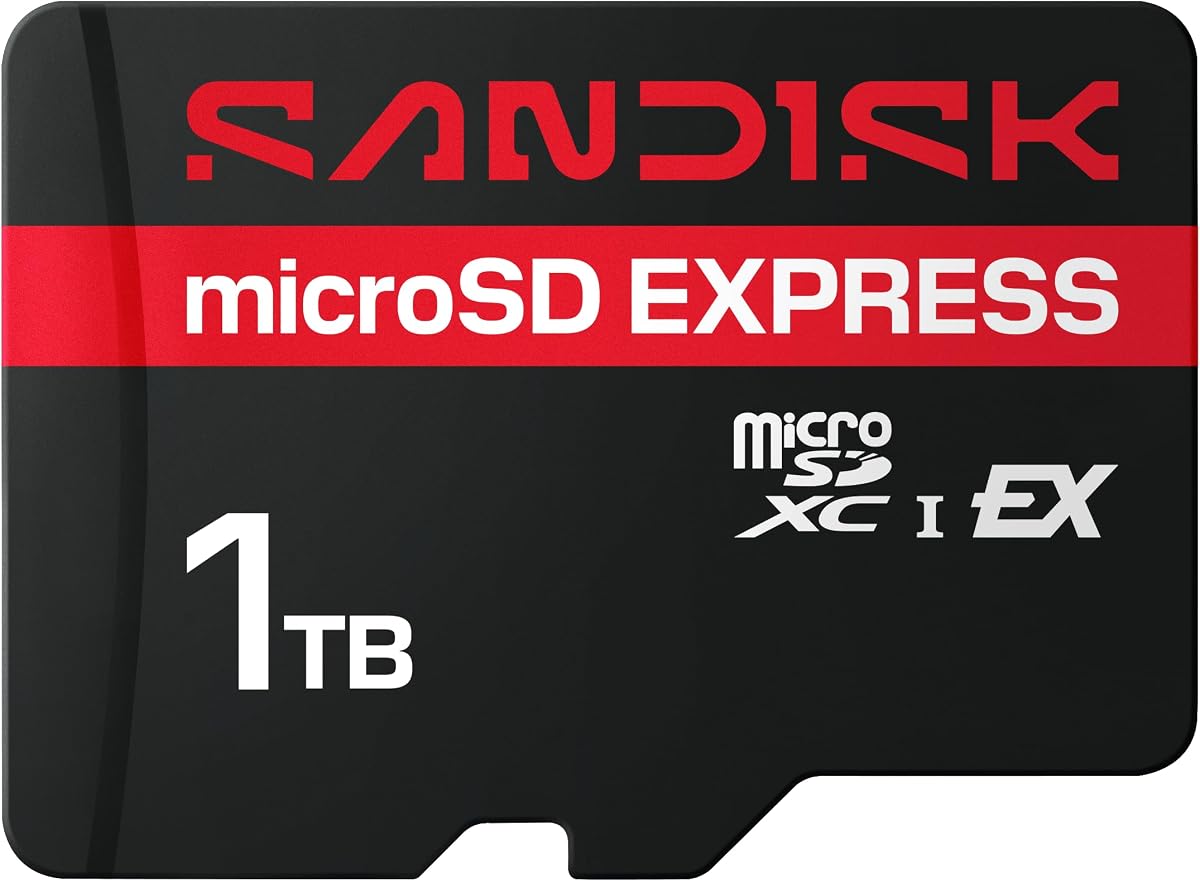
SANDISK 1TB microSD Express Card
4.6Editor score
Up to 880 MB/s transfer speeds
Massive one-terabyte capacity
Nintendo Switch 2 compatible
Fourteen resistance protections
This guide compares the best Sandisk Micro SD Express Card options, including capacities, speeds, compatibility, durability, and key use cases.
Sandisk Micro SD Express Cards combine the familiar microSD format with a faster PCIe-NVMe interface, making them especially compelling for Nintendo Switch 2 gaming, portable cameras, and demanding file transfers. A worthwhile card must balance real-world speed, capacity, compatibility, thermal behavior, and durability rather than relying on headline transfer rates alone.
We compared the ten available cards using their stated capacities, read and write speeds, device support, video ratings, physical protections, and intended workloads. The list covers the newest microSD Express cards alongside conventional UHS-I alternatives, revealing which models suit gaming, content creation, general storage, or future-oriented high-speed transfers.
Each pick highlights the card's strongest reason to buy and the compromises worth considering before checkout. Feature differences and product availability can change over time, so readers should verify the current specifications, device requirements, and market price before making a final purchasing decision.
4.6Editor score

4.6Editor score

4.6Editor score
This side-by-side comparison evaluates all ten cards by capacity, headline speed, device compatibility, durability, and practical use case, helping distinguish dedicated microSD Express performance from conventional UHS-I value.



The SANDISK 512GB microSD Express Card is a strong all-around choice for gamers and creators who want more speed without moving to the largest capacity available. It carries a 4.6 rating and combines a generous 512GB capacity with support for Nintendo Switch 2, fast transfer performance, and adaptive thermal management.
We may earn a commission when you buy through this link, at no additional cost to you.
Its headline appeal is the potential for transfer speeds up to 880 MB/s when paired with appropriate equipment. Sandisk states that a two-hour HD movie can be transferred in less than 3.5 seconds, while 60 minutes of 4K UHD video can save approximately 2.8 minutes during transfer. The card also works at UHS-I speeds in compatible UHS-I and UHS-II devices, making it more versatile than a card optimized only for a narrow ecosystem.
Thermal management is especially relevant because sustained high-speed transfers can generate heat. The included ThermAdapt system uses a specially designed enclosure and controller with dynamic adaptive thermal management. The card is also described as waterproof, temperature-proof, humidity-proof, drop-proof, shock-proof, magnetic-proof, x-ray-proof, and wear-out-proof, providing useful reassurance for portable gaming and field use.
This is a compelling recommendation for someone who needs substantial game storage, quick file movement, and broad device support without moving to one terabyte. Its main limitation is that the advertised express transfer rate requires compatible hardware, and the recommended Sandisk PRO-READER SD Express Dual Card is sold separately. For Nintendo Switch 2 owners and mixed-use users, however, this 512GB card is exceptionally well balanced.
The card's express interface can sharply reduce transfer times for large 4K video collections, RAW photo libraries, and other demanding files. Pair it with a compatible express reader to realize the advertised performance; older UHS-I readers will limit the available speed.
ThermAdapt and the extensive resistance protections make this card a sensible option for travel, mobile gaming, and outdoor creation. The durability claims also provide greater confidence than choosing a generic card based on speed alone.
We may earn a commission when you buy through this link, at no additional cost to you.
The SANDISK 1TB microSD Express Card is the premium capacity choice in this roundup, offering enough room for extensive game collections, professional media, and large project archives on one card. Its 4.6 rating is supported by a combination of high transfer speed, broad compatibility, and extensive physical protection.
We may earn a commission when you buy through this link, at no additional cost to you.
Sandisk advertises read speeds of up to 880 MB/s and says the card can deliver up to 3.5 times the read speed of its fastest microSD UHS-I cards. In a compatible setup with the PRO-READER SD Express Dual Card, it can move 60 minutes of 4K UHD video captured at 30 fps in less than 15 seconds and transfer as many as 1,000 10MP RAW photos in under 50 seconds.
The one-terabyte capacity is the distinguishing advantage. It can reduce the need to replace or swap cards while still delivering express performance, and it remains suitable for UHS-I and UHS-II hosts at their respective UHS-I speed level. The card is listed as waterproof, temperature-proof, humidity-proof, drop-proof, shock-proof, magnetic-proof, x-ray-proof, and wear-out-proof.
Choose this model if maximizing capacity is a central priority, particularly for a large Nintendo Switch 2 library or a portable editing workflow. It may be more capacity than a casual user needs, but for buyers who regularly move large files, the combination of one terabyte and high express speeds is difficult to overlook. Compatible express hardware remains essential for full-speed transfers.
A one-terabyte capacity is particularly useful for owners of many digital games, downloadable content, high-resolution photographs, and video projects. It reduces card swapping and creates room for future growth without changing storage formats.
The stated photo and video transfer results make this card more than a gaming accessory. Photographers and video creators can consolidate assets and offload footage more quickly when using the compatible reader.
We may earn a commission when you buy through this link, at no additional cost to you.
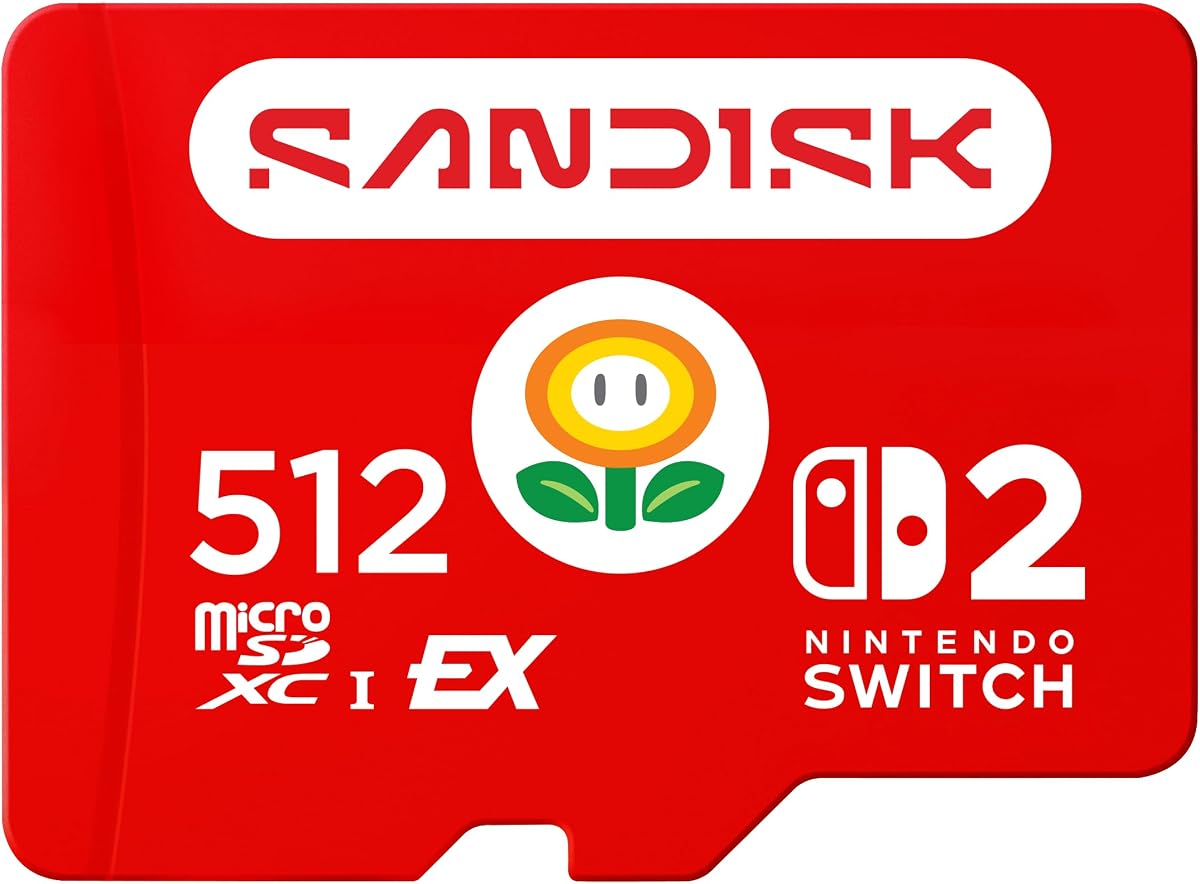
The SANDISK 512GB microSD Express Card for Nintendo Switch 2 is built around a simple promise: dependable, officially licensed gaming performance in a high-capacity format. It earns a 4.6 rating and states read speeds up to 880 MB/s and write speeds up to 650 MB/s.
We may earn a commission when you buy through this link, at no additional cost to you.
Official licensing makes this option especially straightforward for Nintendo Switch 2 owners who want a card clearly positioned for the console. Its 512GB capacity provides ample space for digital games and downloadable content, while the stated speeds can improve loading times when games are stored on the card. Users can also capture gameplay screenshots and short Full HD video clips.
Unlike broader multi-purpose cards in the list, this product's listed benefits focus tightly on gaming. That focus is not a flaw; it makes the card easier to evaluate for its intended use. It is a more specialized recommendation than the general Sandisk Express cards, particularly for buyers who prioritize official console positioning over expanded file-management features.
This is a strong choice for Nintendo Switch 2 owners who want a generous amount of game storage and a product explicitly licensed for the platform. The combination of capacity, clear speed figures, and gaming-focused design makes it easier to recommend than an unlicensed alternative when the primary job is storing and loading console games.
The stated read speed of up to 880 MB/s is designed to reduce the wait for content stored on the microSD card. Actual results depend on the console, game, file type, and card's available free space.
Official licensing provides clear assurance for Switch 2 buyers who want a product explicitly designed and licensed for the system. It also makes the card a straightforward match for console-focused shopping lists.
We may earn a commission when you buy through this link, at no additional cost to you.
The SANDISK 256GB microSD Express Card offers a more restrained capacity than the 512GB and 1TB Sandisk Express models while retaining the core benefits of the format. It holds a 4.6 rating and includes Nintendo Switch 2 support, express performance, thermal management, and extensive durability features.
We may earn a commission when you buy through this link, at no additional cost to you.
Sandisk says the card can transfer up to 4.4 times faster than its fastest microSD UHS-I cards. It can move a two-hour HD movie in less than 3.5 seconds, while the 256GB model can transfer 60 minutes of 4K UHD footage in under 70 seconds and 1,000 10MP RAW photos in 51.7 seconds when used with the compatible PRO-READER SD Express Dual Card.
ThermAdapt is a notable feature at this capacity, using a specially designed enclosure and controller to manage heat dynamically. The card is also listed as waterproof, temperature-proof, humidity-proof, drop-proof, shock-proof, magnetic-proof, x-ray-proof, and wear-out-proof, matching the broader protection language used for the premium Sandisk Express cards.
This is the value-oriented recommendation for buyers who want express-card speed but do not need half a terabyte or more. It suits modest game libraries and smaller media collections well. The trade-off is obvious: a 256GB card can fill more quickly than larger options, and the maximum transfer rates still depend on a compatible express reader.
At 256GB, the card is large enough for a useful collection of games, photos, and documents without occupying the space associated with a one-terabyte card. It is a sensible middle ground for portable and occasional express workloads.
The inclusion of ThermAdapt shows that useful thermal management is not limited to the highest-capacity models. Buyers can benefit from the enclosure and controller design when transferring demanding files.
We may earn a commission when you buy through this link, at no additional cost to you.
The SANDISK 128GB microSD Express Card is the compact option among the dedicated Sandisk Express products in this guide. It maintains a 4.6 rating and offers headline transfer performance, Nintendo Switch 2 compatibility, ThermAdapt thermal management, and the same broad protection suite found in larger models.
We may earn a commission when you buy through this link, at no additional cost to you.
Sandisk states that the card can reach up to 880 MB/s and deliver read speeds up to 4.4 times those of its fastest microSD UHS-I cards. In compatible hardware, it can transfer 60 minutes of 4K UHD video captured at 30 fps in less than 70 seconds and move 1,000 10MP RAW photos in 51.7 seconds.
The lower capacity is the main event. At 128GB, this card can still hold a meaningful selection of games, photos, or documents, but it fills more quickly than the 256GB, 512GB, and 1TB alternatives. It is therefore most attractive to buyers who need express performance for a modest working set rather than a large permanent library.
This model suits someone building a smaller Nintendo Switch 2 collection or maintaining a portable set of high-resolution files without paying for unnecessary space. Its compact capacity and strong feature set are advantages when the card functions as a targeted working tool. For long-term expansion or extensive media storage, a larger model would be more appropriate.
The principal appeal is access to express performance without carrying a larger-capacity card. Users can still benefit from rapid transfers while keeping their storage footprint modest and focused.
A 128GB card is well suited to a curated set of games or a portable working collection. It provides room for essentials while discouraging the accumulation of rarely used files that can reduce performance.
We may earn a commission when you buy through this link, at no additional cost to you.
The SANDISK 256B Extreme microSD Card + Adapter, Up to 245MB/s Read Speeds is a conventional high-performance UHS-I option rather than a microSD Express card. It holds a 4.7 rating and targets users who need fast 5K capture, high-resolution stills, and broad compatibility.
We may earn a commission when you buy through this link, at no additional cost to you.
Its stated read speed reaches up to 245 MB/s, while write speeds reach up to 170 MB/s across the 256GB-to-1TB capacity range. The card carries U3 and V30 video speed class ratings, supporting demanding video recording, including 5K point-of-view content and high-resolution still images.
Storage options extend to as much as 2TB, and the card is described as temperature-proof, humidity-proof, waterproof, shock-proof, drop-proof, magnet-proof, X-ray-proof, and wear-out-proof. The included SD adapter broadens compatibility with larger hosts, while the Sandisk Memory Zone desktop and Android app assists with backing up, organizing, and transferring content.
This card makes the most sense for a camera, drone, or other device that does not support microSD Express but benefits from strong UHS-I performance. Buyers committed to Nintendo Switch 2's high-speed ecosystem should choose an actual Express card, while conventional camera users may find this model more practical and broadly compatible.
U3 and V30 ratings make the card appropriate for demanding video capture, while the stated write speed supports high-resolution recording workflows. It is a more natural fit for conventional cameras than an Express card.
The included adapter and Memory Zone support make file organization and transfers more convenient. This is helpful for users who want storage performance without managing specialized express accessories.
We may earn a commission when you buy through this link, at no additional cost to you.
The Samsung P9 Express microSDXC 512GB for Nintendo Switch 2 is a strong alternative to the Sandisk Express cards. It carries a 4.7 rating and combines up to 800 MB/s sequential reads with a 512GB capacity, console support, thermal management, and management software.
We may earn a commission when you buy through this link, at no additional cost to you.
Samsung says the card can enter games up to four times faster than its standard UHS-I microSD cards when used with compatible hardware. Dynamic Thermal Guard is designed to reduce overheating during sustained activity, while the card supports games, downloadable content, and other files within its stated 512GB capacity.
Its compatibility extends beyond the console to microSD UHS-I devices such as tablets, drones, and cameras. The card carries six types of protection and a three-year limited warranty. Samsung Magician adds product authenticity verification and drive health monitoring, giving users useful tools for checking the card and maintaining confidence in its operation.
Although it is not part of the Sandisk family, this P9 model deserves consideration for Nintendo Switch 2 owners comparing leading express cards. Its stated read speed, thermal system, and 512GB capacity are highly competitive, while Magician adds useful management features. The principal trade-off for this guide is brand preference, along with the need to obtain a compatible express reader separately for maximum transfer performance.
Dynamic Thermal Guard is particularly relevant during extended console sessions, where repeated game loading can create sustained activity. It helps the card maintain smoother performance as workloads continue.
Samsung Magician provides authenticity verification and drive health monitoring. These features are useful for owners who want visibility into the card's condition and a way to confirm its identity.
We may earn a commission when you buy through this link, at no additional cost to you.
The SANDISK 128GB Ultra microSD UHS-I Card – Up to 195MB/s Read Speed, Full HD Video, V10, U1, C10, A5 – SDSQUJQ-128G-GZ6MA is a conventional card for everyday expansion rather than express-level gaming. It holds a 4.6 rating and offers up to 195 MB/s reads for compatible devices.
We may earn a commission when you buy through this link, at no additional cost to you.
The card is designed for Android smartphones and tablets, digital cameras, and laptops. It supports Full HD video and carries A1 application performance, which targets faster app launches and overall app responsiveness on compatible mobile devices. Sandisk also points to the QuickFlow microSD UHS-I Card USB-A Reader for fast offloading.
Although the product's broader capacity lineup reaches 1.5TB, this listing is for 128GB. That makes it a compact option for additional files, selected media, or a moderate mobile working set. Memory Zone support for Android and desktop can help with backups, organization, and transfers, reducing the friction of managing a card used across several devices.
This is the practical pick for someone who wants a dependable everyday Sandisk card but has no need for Nintendo Switch 2 express performance. Its limitation is obvious: it cannot match the throughput of a microSD Express card. In return, it serves a broader ordinary-device market and is better suited to standard Full HD capture, app storage, and general file management.
The A1 rating is relevant when a card holds apps or app data on compatible Android devices. It helps improve launch and overall performance compared with a card that lacks application-oriented specifications.
Full HD recording, file storage, and quick transfers across phones, tablets, cameras, and laptops are the core use cases. It is a versatile option when express performance is unnecessary.
We may earn a commission when you buy through this link, at no additional cost to you.
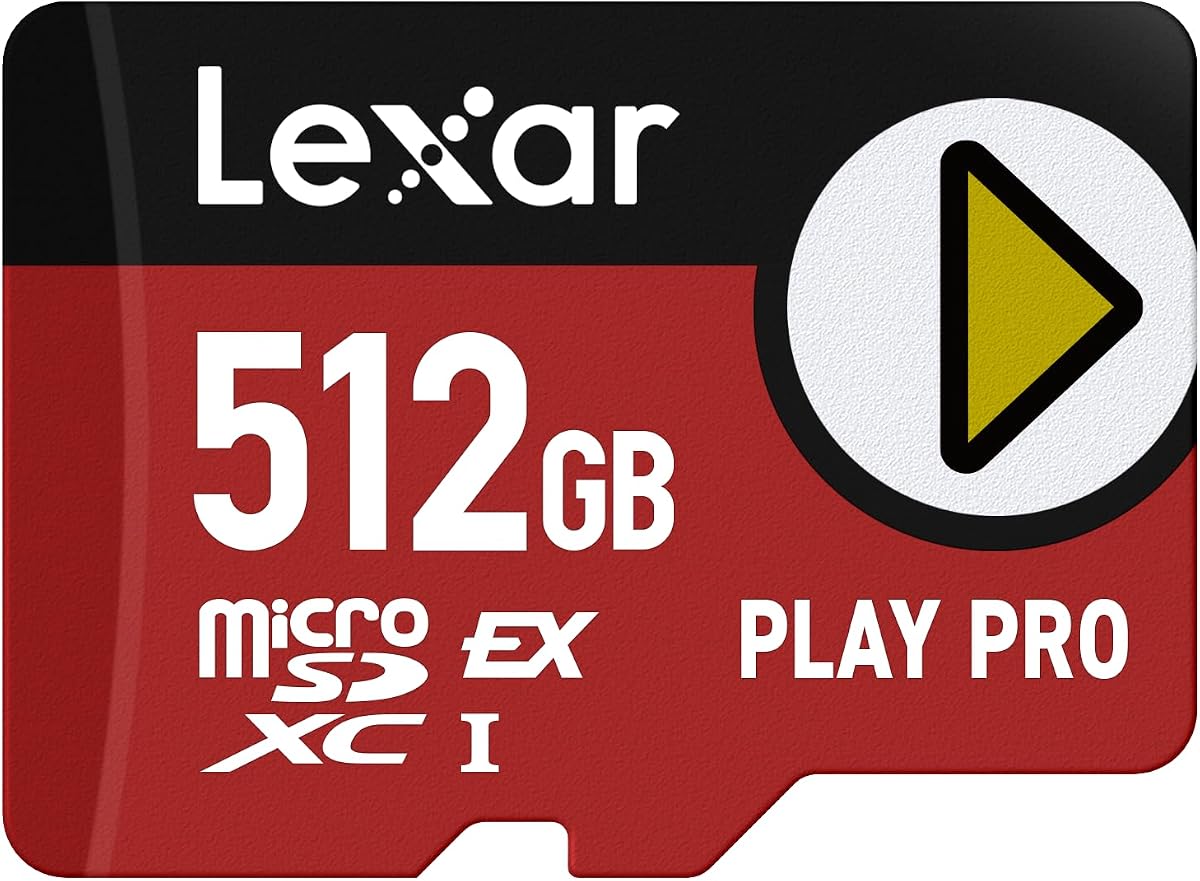
The Lexar 512GB Play PRO Micro SD Express Card, 900MB/s Read, 4K, V30, UHS-I is a performance-focused alternative with the highest stated read speed in this comparison. Its 4.6 rating is supported by up to 900 MB/s reads, up to 600 MB/s writes, and a 512GB capacity.
We may earn a commission when you buy through this link, at no additional cost to you.
Lexar describes the card as four times faster than typical UHS-I microSD cards and specifically positions it for Nintendo Switch 2. Its PCIe technology supports the high read speed, while the stated write speed can accelerate downloads when paired with a compatible Lexar microSD Express card reader.
The card also supports 4K use and carries V30 and UHS-I specifications. It is backward-compatible with UHS-I and UHS-II host devices at UHS-I speeds, providing a practical fallback when the express interface is unavailable. A limited lifetime warranty and lifetime access to the Lexar Recovery Tool add service and file-recovery support.
This model is worth considering for buyers who place read speed and download performance at the top of their priorities. It also provides a high-capacity gaming option with broader fallback compatibility than a card designed exclusively around one ecosystem. The trade-offs are brand preference and the likely need for a separate compatible reader to reach the strongest write-transfer results.
The stated 900 MB/s read rate is the highest among the ten products listed. It is particularly relevant for large games, media files, and other assets that benefit from rapid sequential access.
Support for UHS-I and UHS-II hosts means the card can remain useful outside full-speed express equipment. It runs at UHS-I speeds in those devices, avoiding complete incompatibility.
We may earn a commission when you buy through this link, at no additional cost to you.
The GIGASTONE 1TB microSD Express card is a high-capacity alternative with a 4.7 rating and strong stated read and write performance. It advertises 800 MB/s reads and 650 MB/s writes, making it a credible option for large game collections and demanding portable workflows.
We may earn a commission when you buy through this link, at no additional cost to you.
The card is designed for Nintendo Switch 2 and listed for action cameras, drones, and other compatible devices. It includes a microSD-to-SD adapter, a useful addition for readers or hosts that accept full-size SD cards. Its SD specifications span multiple standards, including UHS-I and UHS-II, alongside V30 and U3 video class markings.
One of its more attractive service features is the included five-year limited warranty and free data recovery offer. That adds value beyond raw throughput, particularly for users storing irreplaceable media. However, the product listing supplies fewer thermal-management and file-management details than several Sandisk options.
This card is most compelling for buyers who want a one-terabyte express card with balanced 800/650 MB/s performance and extended warranty coverage. It is a useful alternative to the premium Sandisk 1TB model, though buyers should consider brand familiarity, thermal behavior, and reader support. For those priorities, it deserves a place on a shortlist.
Combining a one-terabyte capacity with 800 MB/s reads and 650 MB/s writes offers room and speed in the same card. That balance suits large game libraries and high-resolution media collections.
The five-year limited warranty and data recovery offer provide added reassurance for long-term storage. These services can be especially valuable when the card holds a large body of irreplaceable media.
We may earn a commission when you buy through this link, at no additional cost to you.
Choosing the right card means matching the interface, capacity, speed class, and physical protections to your devices and workloads while accounting for the equipment needed to achieve advertised transfer rates.
MicroSD Express uses a PCIe-NVMe interface, but compatibility depends on the host device and any intermediate reader or adapter. Nintendo Switch 2 is explicitly supported by the Sandisk Express cards, the Samsung P9 Express, and the GIGASTONE model in this guide. Other devices may operate the card only at UHS-I speeds, so check the product or device documentation before expecting its maximum transfer rate. A high-end card cannot deliver full express performance through a reader that only supports older UHS standards.
Choose a card only after confirming that the destination device recognizes the format and capacity. For maximum transfer speed, also budget for a compatible express card reader. If broad compatibility matters more than throughput, a conventional UHS-I card may be more convenient.
The selections range from 128GB to 1TB, with some product families offering still larger conventional-card capacities. A 128GB card is appropriate for a focused collection, while 256GB and 512GB offer more flexibility for games, photos, video, and applications. One terabyte is attractive for expansive libraries or professional media, but it is unnecessary for every user. A card should have enough free capacity to sustain its advertised performance and avoid filling up with rarely used files.
For Nintendo Switch 2, compare the size of the installed game library plus downloaded content. For photographers and videographers, calculate the expected media volume and retain additional space for new files. Always select capacity based on actual usage rather than the largest option available.
Read speed affects how quickly applications, games, and files can be accessed. Write speed is equally important for saving media, downloading content, and transferring files onto a card. Several express cards advertise up to 880 or 900 MB/s reads, while write figures range from 600 to 650 MB/s. These are maximum claims under suitable conditions rather than guarantees for every host, file, or reader.
Treat sustained speed and real-world transfer examples as more useful than a single peak figure. The Sandisk listings provide stated movie and RAW photo transfer times, which help illustrate workload results. Match the card to the operation that matters most: reads for gaming and access, writes for recording and downloads.
Video speed classes indicate minimum sustained write performance for different recording formats. The conventional Sandisk Extreme card carries U3 and V30 ratings, while the Lexar and GIGASTONE express cards also list V30 and U3. The Sandisk Ultra card is designed around Full HD video and includes A1 application performance, making it relevant to compatible Android devices that store apps on removable storage.
For 4K or more demanding footage, prioritize the required video class and write speed rather than capacity alone. For mobile app storage, A-class support may be more important. Confirm that both the camera or console and the card satisfy the requirements of the content being recorded or stored.
Fast cards generate heat during sustained transfers, and overheating can affect reliability or performance. The Sandisk Express cards include ThermAdapt, described as a specially designed enclosure and controller using dynamic adaptive thermal management. Samsung's P9 Express uses Dynamic Thermal Guard for a similar purpose. These features are especially relevant for repeated file transfers, long recording sessions, and high-speed game loading.
If your workflow involves sustained maximum throughput, favor a card with a documented thermal-control system. Also allow the card to dissipate heat between demanding operations and keep it in a case that does not trap heat. A cooler card is generally more useful in the field than one optimized solely for a brief benchmark.
Portable cards should tolerate ordinary travel, moisture, impacts, and electrostatic or magnetic exposure. The Sandisk products in this guide are described as waterproof, temperature-proof, humidity-proof, drop-proof, shock-proof, magnetic-proof, x-ray-proof, and wear-out-proof. The Samsung P9 Express lists six types of protection, and the GIGASTONE offering includes a five-year limited warranty and data recovery service.
Protection specifications provide useful confidence, but they do not make a card immune to every situation. Back up irreplaceable files, handle the card carefully, and avoid use in extreme conditions outside the manufacturer's guidance. Warranty and recovery benefits can be valuable additions for long-term media storage.
Fast hardware is only one part of a smooth storage workflow. Sandisk Memory Zone is available for backing up, organizing, and transferring files on Android or desktop, while Samsung Magician adds authenticity verification and health monitoring for the P9 Express. The GIGASTONE package includes an SD adapter, and the Sandisk Extreme listing also includes an adapter.
Choose based on the devices and ecosystems you already use. Software that makes transfers, recovery, and health checks easier can be just as valuable as a small difference in peak speed. Confirm that the software is available for your operating system before relying on it as part of your workflow.
Begin by confirming that your console, camera, drone, tablet, or computer supports the card's interface and capacity. Insert the card into the correct slot, format it with the host device when appropriate, and install the latest system or device software before moving important files. For maximum express transfer speeds, connect the card through a compatible express reader rather than an older UHS-I adapter.
Copy files normally through the host device, but avoid interrupting an active transfer, repeatedly removing the card, or moving it between systems without safely ejecting it. Keep the card away from water, excessive heat, strong magnets, and physical damage even when it carries extensive protection ratings. When moving media, use an approved case and retain the original packaging or a clearly labeled storage container.
Periodically check available space, review important files, and maintain a separate backup of irreplaceable content. Use the manufacturer or brand's management software where available to verify authenticity, monitor health, or organize files. If performance becomes inconsistent, confirm that the reader supports the express interface and compare results with the card's expected host-device limitations before replacing it.
A microSD Express card uses a PCIe-NVMe interface to provide substantially higher transfer performance than conventional UHS-I microSD cards. That speed is available only when the host device and reader support the express interface. In older UHS-I or UHS-II devices, compatible cards generally operate at the device's UHS-I speed instead.
Several cards in this guide are specifically stated to work with Nintendo Switch 2, including the Sandisk Express models, Samsung P9 Express, and GIGASTONE 1TB card. The Sandisk 512GB model designed for Switch 2 is also officially licensed. Always confirm the exact model, capacity, and current product description before purchasing.
Many microSD Express cards include backward compatibility for microSD UHS-I and, in some cases, UHS-II devices. They operate at the slower interface supported by those hosts, so the card remains usable but does not provide its full express transfer rate. Device and card documentation should be checked for any format or capacity restrictions.
You need a microSD Express reader that supports the card's PCIe-NVMe interface and a host connection capable of handling the available speed. Sandisk recommends the PRO-READER SD Express Dual Card for its listed express transfer examples, while Lexar states that its write performance benefits from a compatible Lexar microSD Express card reader. A standard UHS-I reader will not unlock maximum express throughput.
A 1TB card is better when you routinely need more room for games, downloaded content, photos, or video. It can also reduce how often files must be moved or deleted. A 512GB or 256GB card may be more practical for a smaller collection, while 128GB suits focused use and can discourage unnecessary file accumulation.
High-speed cards can generate heat during sustained transfers, which is why models such as the Sandisk Express cards feature ThermAdapt and the Samsung P9 Express includes Dynamic Thermal Guard. Users can also reduce stress by allowing the card to cool between large transfers and keeping it in a case that does not trap heat.
No. Advertised speeds are maximum figures under supported conditions and may vary with the host, reader, file type, available capacity, and thermal state. A device limited to UHS-I speeds will deliver substantially lower results. Real-world workflow requirements and the manufacturer's published transfer examples are more useful than a peak number alone.
Keep the card in a protective case or labeled container when it is not in use, and avoid exposing it to excessive heat, moisture, magnets, and physical shock. Safely eject it before removal, keep free space available, and back up important files regularly. Protection features reduce risk but do not replace sensible handling and backups.
The SANDISK 512GB microSD Express Card is the strongest all-around recommendation because it balances generous capacity, Nintendo Switch 2 support, fast transfers, thermal management, and extensive protection. The 1TB Sandisk model is the premium choice for buyers who want maximum space, while the 256GB version offers a more economical entry into the express format.
Prioritize device compatibility first, then match capacity and sustained speed to the workload. Nintendo Switch 2 owners should consider the licensed Sandisk model, the standard Sandisk Express cards, the Samsung P9 Express, or the GIGASTONE card. Creators should pay close attention to write speed, video classes, thermal management, and the availability of a compatible express reader.
Ratings and specifications provide a useful starting point, but current market conditions and product details can change. Before purchasing, verify the exact capacity, current listing, reader requirements, warranty coverage, and current price. Those checks help ensure the selected card delivers the right combination of performance, space, and reliability for your devices.