
OwlTree 4 Pack Thermal Pad
4.7Editor score
Four useful thickness options
6.0 W/mK stated conductivity
Large freely cuttable sheets
PC thermal pads for VRAM: compare thickness, conductivity, dimensions, handling, and compatibility to find the right thermal interface for your build or
PC thermal pads for VRAM provide a reusable thermal interface between memory chips and the metal heat spreader or cooler above them. A good pad must transfer heat effectively, conform to tiny gaps, resist the temperatures inside a demanding graphics card, and remain electrically safe during installation. Thickness, width, material, and compression behavior all influence the final result.
The products in this guide were compared using their stated conductivity, dimensions, thickness options, temperature tolerance, installation features, and suitability for graphics cards, SSDs, chipsets, and other PC components. The list includes narrow strips for direct VRAM replacement, large multipurpose sheets, and a phase-change alternative, giving builders several ways to approach the same cooling task.
Each review explains the practical strengths and limitations of the product based on the available specifications, while the comparison table makes size and thickness differences easier to scan. The top selections highlight a flexible multipack, a high-conductivity adhesive kit, and a premium narrow-strip option. Availability and pricing can change, so confirm the current listing before ordering.
4.7Editor score

4.8Editor score
4.8Editor score
This side-by-side comparison focuses on the details that determine whether a thermal pad suits a graphics-card VRAM replacement, including thickness, strip length, sheet area, conductivity claims, adhesive design, and electrical safety.



The OwlTree 4 Pack Thermal Pad is a multipurpose silicone pad kit for replacing the thermal interface around VRAM, processors, graphics processors, SSDs, and other electronic components. Its listed rating is 4.7, and the strongest feature is the inclusion of four 100 by 100 mm sheets at 0.5 mm, 1 mm, 1.5 mm, and 2 mm. That range lets a builder match different gaps without buying a separate sheet for every thickness.
We may earn a commission when you buy through this link, at no additional cost to you.
The stated thermal conductivity of 6.0 W/mK is substantial for a flexible pad and makes this kit a practical option for enthusiasts working across several components. The silicone construction is described as heat resistant from -40°C to 200°C, non-toxic, odorless, anti-corrosion, wear resistant, anti-static, and flame retardant. Those characteristics also make the sheets relevant to laptop maintenance, console work, appliance electronics, and other compact assemblies where the interface must tolerate varied conditions.
The main trade-off is that the product description does not mention a self-adhesive layer. Builders will need to handle the thinner 0.5 mm material carefully and may want to use a temporary positioning aid during assembly. The broad sheet size also requires accurate cutting, since oversizing a pad can interfere with a nearby heatsink or create an uneven interface. Nevertheless, four usable thicknesses and the freedom to cut custom shapes offset that inconvenience.
This is an appealing pick for a first VRAM pad replacement, a multi-component thermal refresh, or a builder who wants several thickness options on hand. Choose the sheet closest to the original pad's compressed height rather than automatically selecting the thickest option. It is especially suitable for PC thermal pads for VRAM projects involving GPUs, SSDs, laptop chipsets, and other closely spaced electronics.
The 0.5 mm, 1 mm, 1.5 mm, and 2 mm sheets allow the same kit to handle different component clearances. A thinner sheet is generally more appropriate for a tightly spaced memory package, while a thicker option can replace a noticeably compressed original interface.
Each 100 by 100 mm sheet provides ample material for VRAM chips, SSD controllers, chipset areas, and mixed-component repairs. Cutting the material to the exact footprint helps prevent overlap and gives the builder control over each application.
We may earn a commission when you buy through this link, at no additional cost to you.
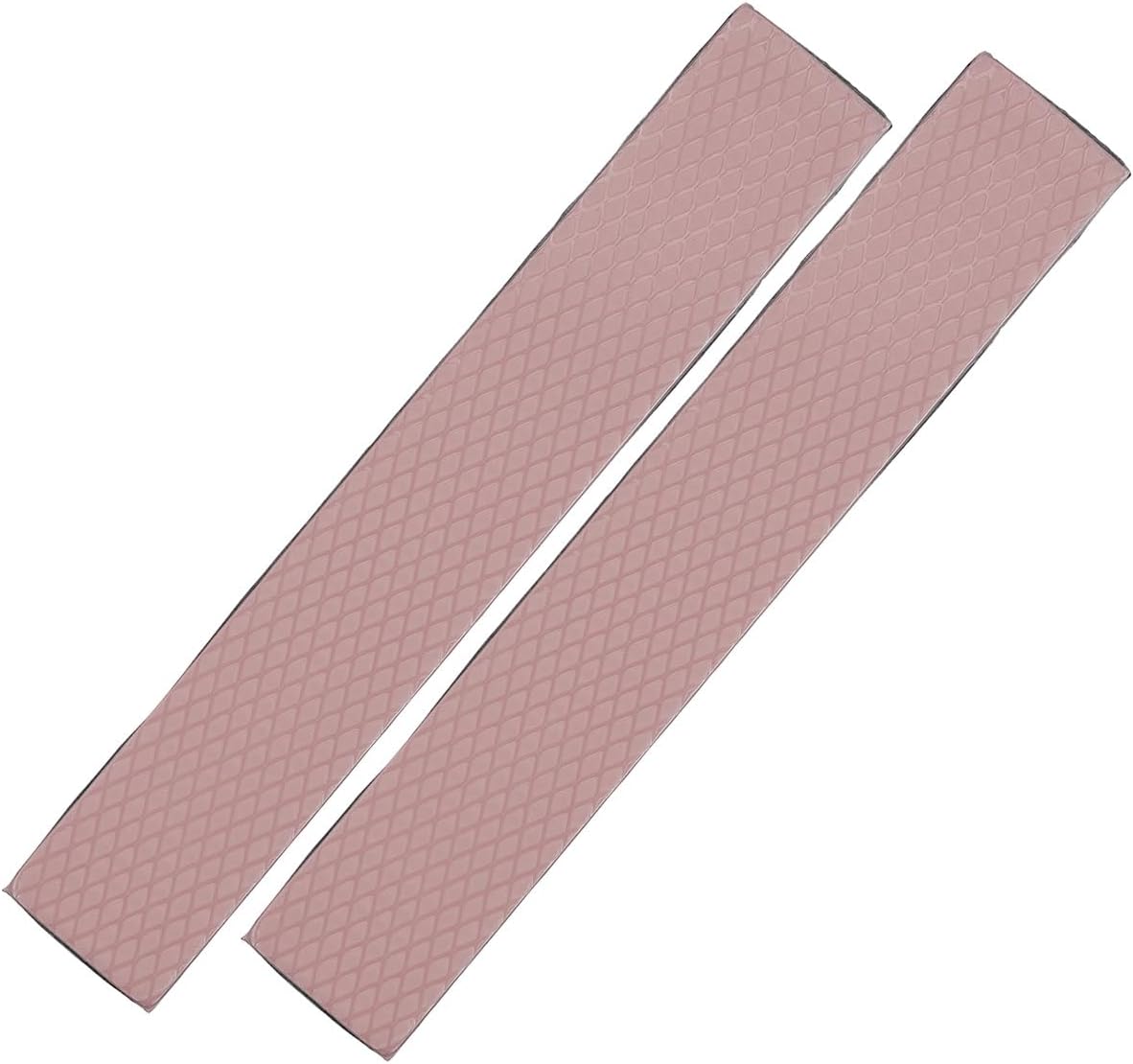
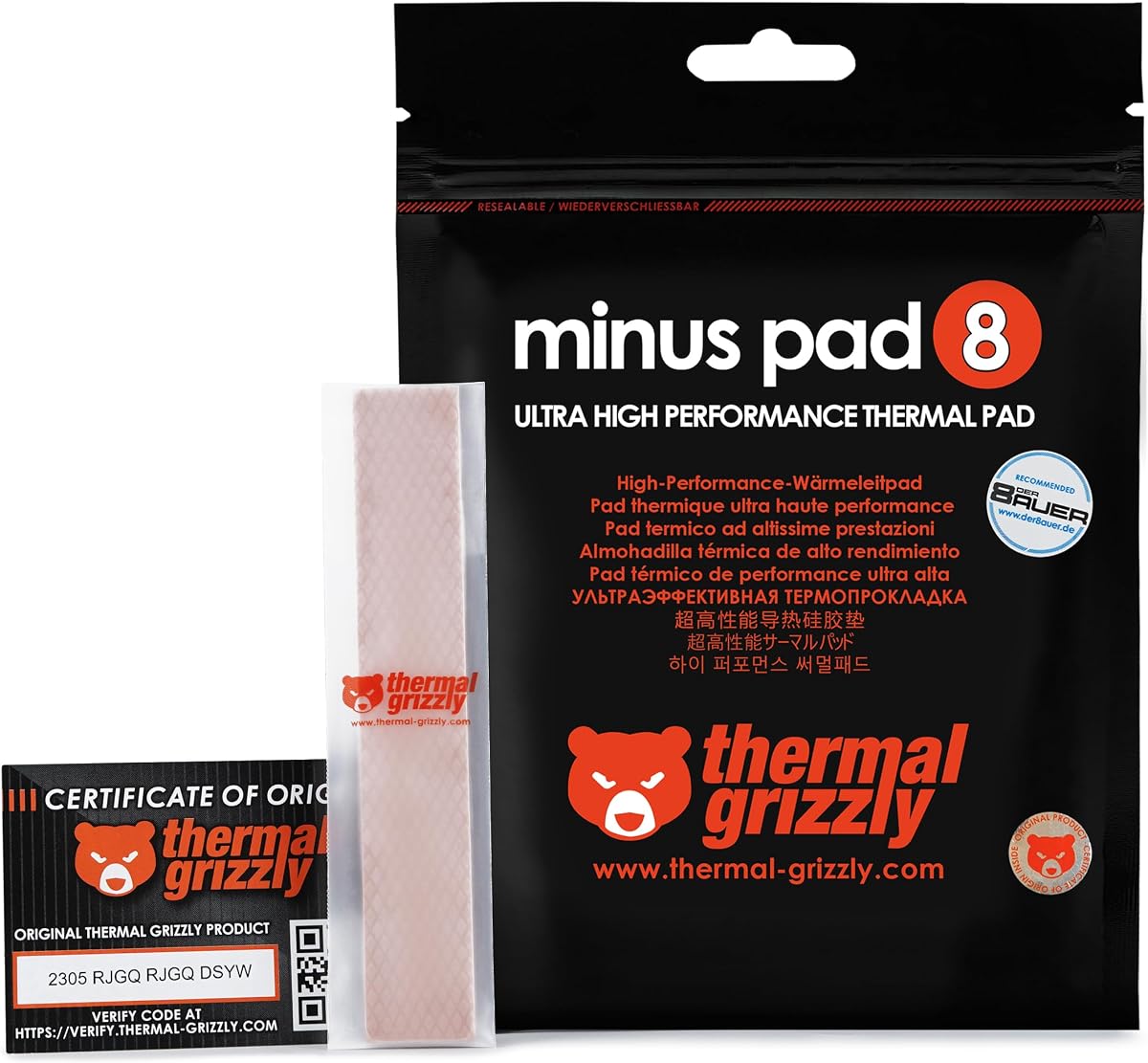
This Thermal Grizzly Minus Pad 8 package contains two 120 by 20 mm strips with a thickness of 1.0 mm. Its listed rating is 4.7, and the product is designed to create a reliable heat-transfer interface for VRAM, SSD controllers, chipsets, and other PC components. The long, narrow format closely matches the geometry found on many graphics cards and laptop components.
We may earn a commission when you buy through this link, at no additional cost to you.
Flexibility is a central benefit because the pad can compensate for small contact tolerances and minor surface variation. Its non-curing and electrically non-conductive construction also makes it a sensible maintenance material for sensitive electronics. A builder can place separate strips beneath individual memory packages or use them over a matching group of chips, depending on the physical layout and the dimensions of the cooler contact area.
The principal limitation is that this is a fixed 1.0 mm option rather than a mixed-thickness set. If the original interface is substantially thinner or the space between the chip and heatsink is larger, one of the other 1.0 mm variants in this guide may be a closer match. The strip format also provides less material for unusual shapes or very large components, although that is rarely a concern for a focused VRAM replacement.
Choose this option when you want a dedicated replacement for narrow VRAM areas and appreciate the convenience of receiving two strips. It is particularly useful for graphics cards, SSD cooling areas, and laptop maintenance where a small, non-curing, electrically safe pad is required. Match the 1.0 mm thickness to the original pad and the actual gap rather than relying on a general thickness estimate.
The 120 by 20 mm format is well suited to long rows of memory packages and other narrow thermal interfaces. Two strips provide enough material for several individual applications without requiring a large sheet that must be extensively trimmed.
Because the material does not cure, it remains workable during installation and can be repositioned before the cooler is secured. Its electrically non-conductive design adds handling safety around exposed memory and controller components.
We may earn a commission when you buy through this link, at no additional cost to you.
The 1.5 mm Thermal Grizzly Minus Pad 8 variant includes two 120 by 20 mm strips and carries a listed rating of 4.7. It is intended for heat transfer between VRAM, SSD controllers, chipsets, and their associated coolers. The primary distinction from the 1.0 mm version is its greater thickness, making it a better candidate when the replacement interface has more physical room.
We may earn a commission when you buy through this link, at no additional cost to you.
The flexible material can accommodate contact tolerances and supports controlled placement across multiple small components. Its non-curing and electrically non-conductive design is useful during graphics-card maintenance, where installers need to work around densely packed parts. Because each strip is 120 mm long, it can also cover a row of similarly positioned memory chips if the dimensions align.
The main concern is straightforward: 1.5 mm is not automatically better than a thinner pad. Excess material may be difficult to compress or may raise the cooler slightly, so the available gap and the thickness of the factory interface should be checked first. The narrow shape also makes this less attractive for broad chipset or processor surfaces. Within its intended strip applications, however, the material offers the same clean handling benefits as the other Minus Pad 8 variants.
This package is best for a builder who has measured a 1.5 mm gap or who needs a moderately thick, non-curing strip for VRAM areas. It also works for compatible SSD and laptop component interfaces. Use it when the dimensions line up cleanly, and avoid forcing it into a narrower cavity simply because a thicker pad is available.
The 1.5 mm thickness offers useful tolerance for applications where a 1.0 mm pad would leave too much space. It can restore contact in a wider gap, provided the cooler allows the extra material to compress correctly.
Two strips allow separate placements across VRAM packages, an SSD controller, or several laptop chips. The reusable, non-curing construction simplifies targeted maintenance without requiring a full sheet.
We may earn a commission when you buy through this link, at no additional cost to you.
The Aairhut 4 Pack is the most feature-complete general-purpose kit in this guide, with a listed rating of 4.8 and a stated thermal conductivity of 13 W/mK. It includes four 100 by 100 mm silicone sheets at 0.5 mm, 1 mm, 1.5 mm, and 2 mm. The broad thickness range and dual self-adhesive films make it particularly convenient for replacing VRAM interfaces on graphics cards and other tightly packed electronics.
We may earn a commission when you buy through this link, at no additional cost to you.
Its advertised high conductivity is designed to move heat away from components such as VRAM and CPU or GPU areas. The stated 30–40 percent compression rate indicates that the material is expected to conform to minor irregularities and maintain close contact. A builder can peel away the protective film, position a trimmed piece, and use the adhesive backing to hold it in place while the cooler is reassembled.
The dual-film design and broad sheet dimensions are both advantages and trade-offs. Adhesive support reduces the need to hold a very thin piece in position, but it can make a pad less suitable for repeated relocation than a non-adhesive strip. The large sheets must also be cut accurately to avoid lifting adjacent chips or obstructing nearby components. Neither issue is unusual for a sheet-based thermal kit, but both deserve consideration before installation.
This is the strongest all-around recommendation for PC thermal pads for VRAM because it combines a high stated conductivity, four thicknesses, useful sheet area, and an installation aid that is especially helpful with small memory packages. It is also appropriate for M.2 SSDs, PS4 and PS5 work, laptops, and high-performance electronics. Select the sheet that most closely matches the original interface and let the cooler compress it evenly.
The stated 13 W/mK conductivity gives this kit an advantage for builders seeking a high-performance interface for VRAM, processors, and other demanding components. Actual performance still depends on correct thickness, compression, and complete cooler contact.
The self-adhesive backing helps position a small cut piece over an individual memory package without shifting it during reassembly. Removing the protective films only when the pad is correctly positioned also helps avoid accidental folds or contamination.
We may earn a commission when you buy through this link, at no additional cost to you.
This 0.5 mm Thermal Grizzly Minus Pad 8 package includes two 120 by 20 mm strips and has a listed rating of 4.7. The low-profile format is aimed at VRAM, SSD controllers, chipsets, and other compact areas where the original thermal interface was thin. Its narrow geometry also makes it more targeted than a large multipurpose sheet.
We may earn a commission when you buy through this link, at no additional cost to you.
The flexible material can compensate for small differences in contact and remains easy to trim. It is non-curing and electrically non-conductive, which are valuable properties for a reusable maintenance part. In a typical graphics card, the two strips may be divided between individual VRAM packages or used over compatible narrow contact regions after the cooler is removed.
At 0.5 mm, the material is difficult to manipulate once it has been removed from its protective backing. A clean work area, tweezers, and careful handling are important. It also offers little tolerance for a gap larger than the original interface, and forcing a low-profile pad into a wide space would reduce contact. In other words, its slimness is a strength only when the measured gap supports it.
This option is best for builders replacing a genuinely thin factory pad or working in a cramped laptop and graphics-card layout. It is less suitable when the cooler floats noticeably above the memory chips. Confirm the old pad thickness, inspect how the heatsink sits, and choose this 0.5 mm version only when that geometry indicates a close match.
A 0.5 mm pad minimizes added height and can suit a memory area with very little room above the chips. That makes it useful when preserving the original cooler position is important.
The 120 by 20 mm strips can be divided into smaller sections for individual packages. This reduces waste and makes it easier to create separate, correctly sized interfaces around closely spaced VRAM chips.
We may earn a commission when you buy through this link, at no additional cost to you.
The Thermal Grizzly PhaseSheet PTM is a 50 by 40 mm phase-change thermal interface with a listed rating of 4.5. Unlike a conventional silicone pad, it is described as adapting during operation to create close contact. The listing identifies CPU and GPU applications, including repaste jobs, cooler swaps, and maintenance, so it is best viewed as a versatile alternative for builders working across several types of processors.
We may earn a commission when you buy through this link, at no additional cost to you.
Phase-change behavior is the distinguishing feature. The material can begin in a convenient sheet form, be cut to the required area, and then develop stronger contact as temperatures rise. It does not require the spreading and cleanup associated with ordinary thermal paste, and its electrically non-conductive construction supports safer handling around sensitive components.
For VRAM specifically, this is less direct than a narrow 0.5 mm, 1.0 mm, or 1.5 mm strip. Its 50 by 40 mm format would need to be cut into small pieces, and the phase-change mechanism is not described as a substitute for matching a specific factory VRAM pad thickness. The material can also be more difficult to remove cleanly after it has cycled through its operating phase. Those factors make it a secondary option for a focused graphics-card memory replacement.
Choose the PTM when the task involves a CPU or GPU contact surface, a cooler swap, or a clean alternative to paste. For a VRAM-only job, a purpose-sized silicone pad is generally easier to position and less ambiguous. Its strongest benefit is adaptability across larger compatible interfaces rather than specialized memory-strip installation.
The phase-change material is designed to adapt under heat, helping it conform to the contact surface during operation. This makes it useful for compatible CPU and GPU maintenance where a clean, paste-like installation is desired.
Because the product is presented as an alternative to classic thermal paste, it can reduce the need for separate applicator cleanup. It remains a cuttable sheet and should still be positioned carefully before the cooler is installed.
We may earn a commission when you buy through this link, at no additional cost to you.
ARCTIC TP-3 is a four-pack of 120 by 20 mm pads at 1.0 mm thickness. Its listed rating is 4.7, and the product is explicitly described as very soft with strong compression properties. That softness is particularly useful for closely spaced chips and small height differences, scenarios where a rigid interface may leave areas of the contact surface unsupported.
We may earn a commission when you buy through this link, at no additional cost to you.
The pad is described as heat conducting, vibration damping, mouldable, electrically insulating, and easy to cut. ARCTIC specifically highlights RAM, chipset, integrated circuits, laptops, consoles, and graphics cards as suitable applications. It contains no metal particles and is non-capacitive, which reduces the risk of accidental electrical damage if the material contacts exposed components during installation.
ARCTIC also makes an important installation warning: the extremely low hardness of the pad makes installation more demanding. Very soft material can stretch, tear, pick up debris, or become uneven if pulled into place. Builders should prepare the surface, keep the material clean, support it during positioning, and consult the included user manual. These cautions are acceptable because the same softness is what helps it conform around uneven VRAM areas.
This is a useful option when four application points need service and a 1.0 mm gap is appropriate. It offers strong coverage for VRAM, chipset, and graphics-card work without requiring a large sheet. Choose TP-3 when conformity and electrical safety matter more than rigid, easy handling, and allow extra care during the process.
The very soft, compressible material can conform around closely spaced chips and minor height variations. That makes TP-3 useful where a firmer pad might leave air gaps or only make partial contact.
The absence of metal particles, combined with electrical insulation and non-capacitive behavior, makes the pad suitable for close work around RAM and other sensitive parts. Careful handling is still necessary because the material is exceptionally soft.
We may earn a commission when you buy through this link, at no additional cost to you.
The Thermal Grizzly Minus Pad 8 B00ZJS8RWQ listing includes one 120 by 20 mm strip with a 1.0 mm thickness. It carries a listed rating of 4.7 and is intended for heat transfer between VRAM, SSD controllers, chipsets, and coolers. This is a simple, targeted package for builders who know exactly which small area needs a replacement.
We may earn a commission when you buy through this link, at no additional cost to you.
The flexible, non-curing construction gives the installer some freedom to position and reposition the strip before final assembly. Its electrically non-conductive design is appropriate for use around memory chips and other sensitive components. Because the strip is 120 mm long, it can be trimmed into multiple sections for VRAM packages, although the amount of material must be divided carefully.
With only one strip, the package offers less material than the two-strip and four-strip versions in the same range. A graphics card with several memory packages may consume the entire strip, leaving nothing for an SSD controller or a second repair. Its 1.0 mm thickness is also a fixed specification, so it is less forgiving than a mixed-thickness kit when the original interface is unusually thin or thick.
This single-strip version makes sense for a small, precisely scoped VRAM replacement, especially when a narrow 1.0 mm interface matches the original. It is also useful for a laptop or SSD maintenance job involving a limited contact area. For extensive multi-component work, a pack with more material is more practical, but for one compact application this format is straightforward and tidy.
One long strip is sufficient for a limited VRAM region or a single controller area. Trimming it into exact pieces makes the package economical for targeted work without carrying several unused sheets.
The non-curing material can be handled and cut before placement, then removed when maintenance is required. Keeping it clean and protected between uses helps preserve its contact surface.
We may earn a commission when you buy through this link, at no additional cost to you.
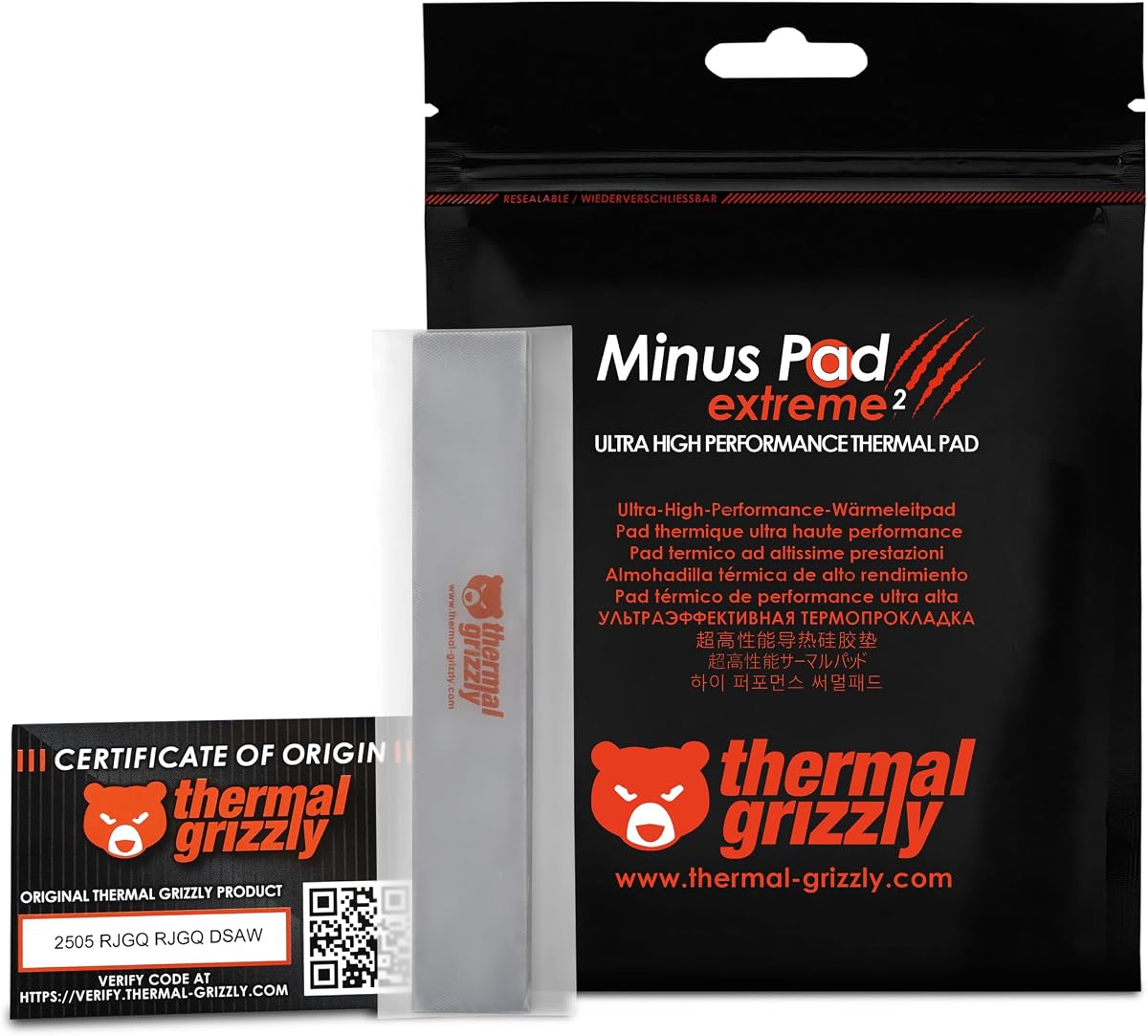
The Thermal Grizzly Minus Pad Extreme V2 is a premium thin-pad option with a listed rating of 4.8. This package contains two 120 by 20 mm strips at 0.5 mm thickness. It is explicitly designed for heat transfer between VRAM, SSD controllers, chipsets, and their coolers, making its narrow low-profile format well aligned with memory-chip replacement work.
We may earn a commission when you buy through this link, at no additional cost to you.
The product description emphasizes outstanding thermal conductivity, flexible installation, and a non-curing, electrically non-conductive construction. Flexibility allows the strips to compensate for contact tolerances and makes them easier to position during assembly. The thin profile is especially attractive for graphics-card layouts where the cooler sits close to the memory packages and additional pad height could interfere with the original stack.
The fixed 0.5 mm thickness is the decisive trade-off. This product is not a universal answer for every VRAM area; it works best when the original interface is thin and the heatsink has little space to spare. Very thin strips can be difficult to lift without a clean tool, and a wide gap would not be bridged effectively. Buyers should also treat the premium positioning as a consideration rather than assuming it will compensate for incorrect dimensions.
Choose the Extreme V2 when you have confirmed a 0.5 mm interface and want a focused premium strip designed with VRAM cooling in mind. It is especially attractive for enthusiast graphics-card maintenance where preserving cooler clearance is important. The pair provides enough material for multiple memory positions, while the non-curing design keeps the installation process clean and reversible.
The 0.5 mm thickness adds very little height between the memory chip and heatsink. That can be advantageous in a tightly engineered graphics card where even a small increase in stack height affects contact.
The product is specifically presented for VRAM and other PC hardware rather than as a general sheet. Its narrow strips and flexible, non-curing construction align closely with targeted memory-interface replacement.
We may earn a commission when you buy through this link, at no additional cost to you.
This Thermal Grizzly Minus Pad 8 option supplies one 120 by 20 mm strip at 1.5 mm thickness and has a listed rating of 4.7. It is designed for reliable heat transfer involving VRAM, SSD controllers, chipsets, and similar PC parts. The 1.5 mm thickness gives it a distinct role between very thin memory interfaces and thicker applications with more physical room.
We may earn a commission when you buy through this link, at no additional cost to you.
As with the other Minus Pad 8 products, the material is flexible, non-curing, and electrically non-conductive. It can compensate for contact tolerances and remains workable during installation. The single strip can be cut into smaller sections for multiple chips when the quantity of material allows, making it possible to service several closely positioned components in one focused job.
Because the package contains only one strip, it offers less coverage than the two-strip or four-pack options. The 1.5 mm thickness also requires more available clearance than 0.5 mm and 1.0 mm variants. A cooler that is already pressed closely against the memory may not have room to compress this material properly. Correct matching and even pressure are therefore particularly important.
This version is a good fit for a small VRAM replacement involving a 1.5 mm factory interface, including compatible laptop or SSD areas. It is most convenient when only a limited section is needed. For multiple memory packages or a broader PC thermal refresh, a multipack or larger sheet offers more material and a broader choice of thickness.
The 1.5 mm option bridges compact and wider interfaces. It can restore contact where a very thin pad would leave excess space, provided the cooler has sufficient clearance for proper compression.
One strip can be divided into accurately sized pieces for a few VRAM packages or another narrow component area. The non-curing construction also makes the material easier to position during a repair.
We may earn a commission when you buy through this link, at no additional cost to you.
The right VRAM thermal pad depends on the original thickness, available clearance, component dimensions, installation habits, and the number of areas you expect to service. Use the specifications to narrow the choice before comparing materials or convenience features.
Begin by identifying the thickness of the factory pad or the vertical gap between each VRAM package and the metal contact surface. Thermal pads are dimensioned for a specific compressed or uncompressed height, and replacing a thin pad with a much thicker one can reduce contact or interfere with the heatsink. The products here cover 0.5 mm, 1.0 mm, 1.5 mm, and 2 mm options, but the correct choice should come from the hardware rather than a general preference for thickness.
In general, thinner pads suit tighter layouts, while thicker pads can bridge a slightly larger gap. A mixed-thickness kit is useful when several devices or components are involved. Match the material to the original wherever possible and avoid forcing an unsuitable pad into a narrow cavity.
VRAM layouts vary from a few memory packages to a long row of chips. A 120 by 20 mm strip can be divided into individual sections or placed across a row, while a 100 by 100 mm sheet offers abundant material for unusual footprints and multiple projects. Look at the cooler contact area, chip spacing, nearby capacitors, and mounting points before deciding how much material is actually needed.
Narrow strips reduce waste and simplify work on memory arrays, while large sheets are more adaptable for SSDs, chipset areas, and mixed repairs. Accurate cutting is just as important as sheet size because overlapping neighboring components can prevent the cooler from seating correctly.
Thermal conductivity indicates how readily the pad can transfer heat, but it is only one part of the interface. OwlTree states 6.0 W/mK, Aairhut states 13 W/mK, and several other products emphasize efficient or proven thermal transfer without providing a comparable numeric claim in the supplied information. Conductivity should therefore be considered alongside compressibility, fit, contact pressure, and installation quality.
Choose a higher stated conductivity when the application is well matched and installation can be precise, but do not assume it will overcome an incorrect thickness. A properly compressed pad with full contact is more useful than a high-conductivity sheet that wrinkles, shifts, or leaves gaps.
VRAM packages may sit at slightly different heights, and the metal surface above them may not be perfectly flat. A pad that compresses without tearing can fill small variations and maintain broader contact. Aairhut publishes a 30–40 percent compression rate, ARCTIC emphasizes its very soft and compressible TP-3 material, and the Thermal Grizzly products are described as flexible and able to compensate for contact tolerances.
Softer is not automatically easier. Very soft pads can stretch or pick up debris, so builders should work cleanly and support the material during placement. The best choice balances conformance with enough mechanical stability to remain in position while the cooler is secured.
Sheets are the better choice for custom shapes, several components, and future repair projects because they can be cut to many sizes. Strips are more convenient for a single VRAM row and reduce material waste. The Thermal Grizzly range emphasizes narrow strips, while OwlTree and Aairhut provide large sheets with multiple thicknesses.
Consider the likely number of services before choosing. A large mixed-size kit can cover VRAM, SSD controllers, chipsets, and laptop components, while one narrow strip is usually intended for one focused replacement. A multipack also makes more sense if you want material on hand for future maintenance.
A self-adhesive sheet can hold a small piece in position during cooler reassembly, which is helpful around VRAM packages that would otherwise be difficult to keep centered. Aairhut includes dual self-adhesive films for this purpose. By contrast, the Thermal Grizzly pads are described as non-curing, and ARCTIC TP-3 is a mouldable pad that must be handled carefully because of its extreme softness.
Adhesive improves convenience but may make a pad less convenient to relocate repeatedly. Non-adhesive material can be more flexible during a repair. Whichever format you choose, keep the interface clean, avoid touching the contact surface, and protect a removed pad from dust.
Every product in the guide is described as electrically non-conductive, insulating, or non-capacitive, and the listed operating ranges extend to high temperatures. ARCTIC additionally states that its pad contains no metal particles. These features reduce risk when the material is placed close to exposed electronics, although the card should still be disconnected and handled with appropriate care.
Check the stated temperature range and material properties when the pad will sit near a hot GPU or in a demanding laptop. Electrical safety does not remove the need for correct thickness, clean installation, and even mounting pressure. Treat all pads as precision thermal components rather than generic sheets of material.
Read the manufacturer's instructions, especially for very soft pads, and compare them with the construction of your graphics card. A non-curing pad can generally be removed and reused if it remains clean and undamaged, while adhesive-backed material may be better suited to a one-time installation. The Thermal Grizzly PhaseSheet PTM is a phase-change alternative intended primarily for CPU and GPU work, so it is less direct for a narrow VRAM strip replacement.
Choose the format that matches your maintenance style. A reusable strip is convenient for repeated upgrades, and a cuttable sheet offers broader future utility. Store removed pads flat, away from dust and direct heat, and inspect them for compression marks, tears, or contamination before reuse.
Before installation, shut down the PC, disconnect the power, and allow the graphics card to cool. Remove the cooler in the order recommended by the card manufacturer, then lift out the old pads carefully so the VRAM packages and surrounding board are not damaged. Note the original pad thickness, whether it covered individual chips or a complete row, and how the cooler contacted each surface. Clean the old thermal material from the chips and heat spreader using a suitable cleaner and a lint-free cloth.
Select the closest matching thickness, cut the pad into accurately sized pieces, and test-fit it without forcing it into the gap. Peel away any protective adhesive film only when the cut piece is ready to be placed. Position each piece over the complete VRAM contact area, then reinstall the cooler gradually and evenly. Avoid pinching, stretching, or leaving folds in the material, because those defects can create thermal gaps. If the card uses separate memory heatsink plates, secure them in the specified order and check that no pad edge interferes with a fastener.
After installation, allow the system to run normally and monitor the GPU temperature, hotspot behavior, fan behavior, and any signs of instability. Expect the card to operate normally within the limits established by its manufacturer and cooler design. For future service, keep a removed non-adhesive pad flat in a clean protective bag if it remains flexible, smooth, and free of debris. Replace it instead of reusing it if it is torn, heavily compressed, contaminated, or no longer returns to its original shape.
Use the thickness of the original factory pad whenever possible, as that is usually designed for the available clearance. The products in this guide cover 0.5 mm through 2 mm. A thicker pad is not automatically better because it can be difficult to compress or prevent the cooler from making full contact. If the original pad is missing, measure the gap carefully and compare the installed position of the cooler with each candidate.
No. A thicker pad helps only when it matches the physical gap and can be compressed evenly. In a tight cooler design, a thick pad may reduce contact with the VRAM or interfere with surrounding components. Thin pads such as 0.5 mm are useful for low-clearance designs, while 1.0 mm and 1.5 mm options may suit wider gaps.
You do not always need to replace every pad, but consistency is helpful when the VRAM, GPU, VRM, and other components share a heatsink. If one area has hardened, torn, or contaminated material, inspect the others and replace any pads that no longer conform. Complete replacement can reduce uncertainty, especially during a major cooler or backplate modification.
Yes, every sheet in the guide is described as cuttable, and narrow strips can also be divided into smaller sections. Use a clean, sharp cutting method and measure each chip footprint before cutting. Avoid leaving a large excess border, which can interfere with neighboring parts, and do not stretch the material while trying to force it into shape.
Thermal paste is generally better for a direct, flat processor contact surface, while a thermal pad is more practical for multiple, discrete VRAM packages and areas where small height differences or shaped components are involved. The PhaseSheet PTM is a phase-change alternative for compatible CPU and GPU applications, but a correctly sized conventional pad is usually the more straightforward choice for a dedicated VRAM replacement.
A clean, undamaged non-curing pad may be reusable, provided it still lies flat and has not been over-compressed. Pads with adhesive backing may be less convenient to reposition, and any torn, contaminated, or permanently distorted piece should be replaced. Keep removed material flat and protected from dust, sunlight, and excessive heat between services.
Electrical insulation, non-capacitive behavior, and the absence of conductive particles help make a pad suitable for close contact with sensitive electronics. All products in this guide are described as electrically non-conductive or insulating, and ARCTIC specifically notes that TP-3 contains no metal particles. The system should still be powered off, and the pad should be handled by its edges to avoid contaminating the contact face.
Improved temperatures are most likely when the original pads are hardened, poorly fitted, damaged, or contaminated, or when a previously incomplete interface is corrected. Replacing a healthy factory pad does not guarantee a visible change because the heatsink, airflow, power limits, and ambient conditions also affect results. Correct thickness, flat placement, and even cooler pressure are essential for any potential improvement.
The Aairhut 4 Pack stands out as the most complete general-purpose option, combining a stated 13 W/mK conductivity with four thicknesses, large cuttable sheets, and self-adhesive support. OwlTree offers a broader value-oriented alternative with four sheets, a 6.0 W/mK claim, and the same useful thickness range. For builders wanting a focused premium memory interface, the Thermal Grizzly Minus Pad Extreme V2 provides two narrow 0.5 mm strips designed specifically for VRAM and other compact PC components.
The most important buying priority is physical fit. Confirm the original pad thickness, the length required for each memory row, the available cooler clearance, and whether adhesive support would help or hinder your installation. After that, conductivity, softness, temperature resistance, and electrical properties can distinguish the stronger options. A mixed-thickness kit is convenient for multiple projects, while dedicated strips reduce waste and simplify a single VRAM repair.
Check the current listing, package contents, and availability before making a purchase, since product configurations and commercial terms can change. Compare the physical dimensions carefully with the card you own, work on a clean surface, and reinstall the cooler with even pressure. Those careful steps remain essential regardless of which thermal pad you select.
