
Made for Amazon SanDisk 128GB microSD Memory Card for Fire Tablets and Fire -TV
4.6Editor score
Certified for Fire Tablets
Supports apps and media
Class 10 Full HD performance
Extra Storage for Tablet buying guide comparing 10 top microSD cards, USB flash drives, and portable SSDs for capacity, speed, compatibility, and portability.
Extra storage for a tablet can take several forms, from a compact microSD card to a dual-interface flash drive or a portable external SSD. The right choice depends on device compatibility, available ports, storage capacity, transfer speed, and whether you need to move files, store media, or create backups.
We compared all ten products by examining their stated capacities, connector designs, speed claims, supported devices, portability, and practical storage functions. The list covers Fire Tablets, Android and USB-C tablets, iPads with compatible connectors, and computers that can serve as transfer destinations.
Each review highlights the strongest reason to consider the product along with its limitations. Our top selections include a dedicated Fire Tablet card, a broadly compatible microSD option, and a premium USB-C flash drive, while current prices and availability can change at any time.
4.6Editor score
4.7Editor score

4.5Editor score
This side-by-side comparison evaluates capacity, connection method, maximum stated transfer speed, portability, and the types of tablets or devices each product is designed to support.





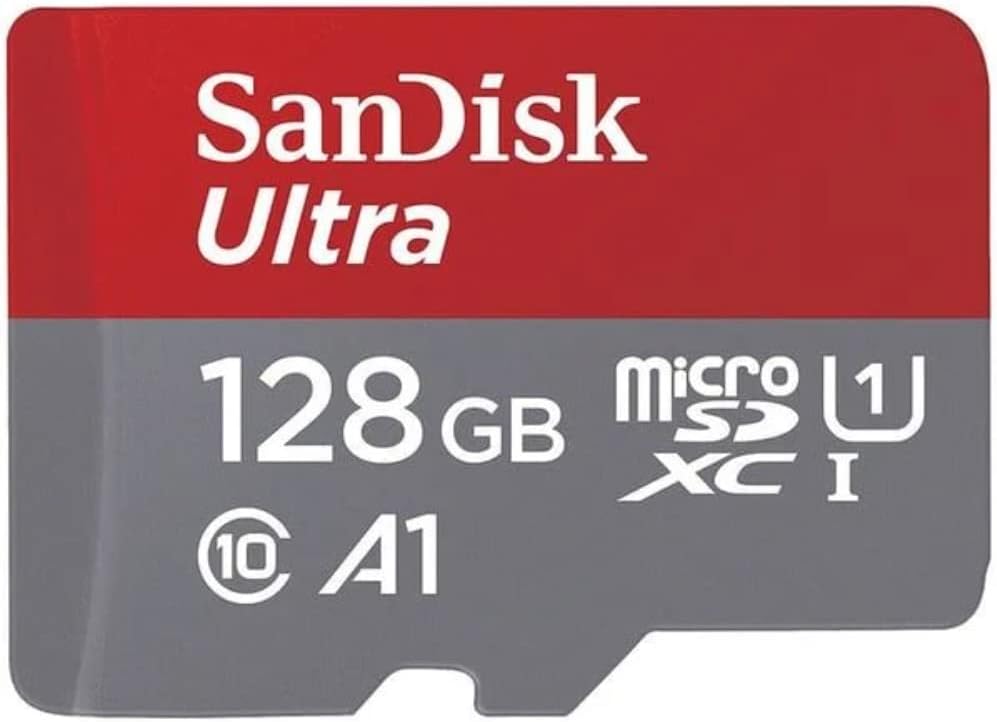
This Made for Amazon SanDisk microSD card is purpose-built for Fire Tablets and Fire TV devices, making it a straightforward choice for Amazon owners who need more room without replacing the tablet itself. Its standout qualities are certified compatibility, 128GB of capacity, and support for additional apps, games, photos, music, and movies.
We may earn a commission when you buy through this link, at no additional cost to you.
Unlike a standard flash drive, the card inserts directly into a compatible Fire Tablet and can be used to place supported content on removable storage. That makes it convenient for separating large media libraries from the tablet's internal memory. The stated Class 10 performance is also appropriate for Full HD video recording and playback, while the design supports multiple simultaneous activities.
The primary limitation is specialization. This card is not intended to serve as a general-purpose storage solution for every Android tablet, iPad, phone, or computer. Its 128GB capacity also provides less breathing room than the larger external SSDs and 256GB drives in this guide, particularly for extensive app libraries or high-resolution video collections.
Buy this card if you use a compatible Fire Tablet and want an affordable, purpose-matched way to expand storage. It is our Best Budget selection for that device family because it removes much of the guesswork involved in finding removable storage that works correctly with Amazon hardware.
The card is described as tested and certified for Fire Tablets and Fire TV devices, giving Amazon users a clearer compatibility target than a generic microSD card. It can hold supported apps and games as well as photos, music, and movies.
Adding a card gives compatible Fire users a way to carry more content between devices without replacing the tablet. This is especially useful for media collections that do not need to remain on internal storage.
We may earn a commission when you buy through this link, at no additional cost to you.
The SanDisk 256GB Ultra Dual Drive combines a reversible USB-C connector with a traditional USB-A connector in one retractable body. It is a useful expansion option for USB-C tablets that support external storage, and it also works with USB-A computers for easy file movement.
We may earn a commission when you buy through this link, at no additional cost to you.
The drive's stated read speed reaches 150MB/s when the host device supports USB 3.1 Gen 1 or USB 3.0. Its larger 256GB capacity is well suited to moving photos, videos, documents, and other sizable files off a tablet. The dual-interface design removes the need to carry separate adapters for many transfer tasks.
Compatibility is not automatic on every mobile device. A tablet needs a USB Type-C port and On-The-Go support, and actual performance can be lower when the host interface, operating conditions, or workload limits the drive. The product description also emphasizes read speed rather than a guaranteed write rate.
This is a strong choice for users who move files between a modern tablet, phone, and laptop. Choose it when a single drive must work with both USB-C and USB-A ports and you need more capacity than a typical microSD card offers.
The retractable USB-C and USB-A ends make the drive practical for a mixed-device setup. You can connect it directly to compatible tablets and computers without carrying a separate adapter for every transfer.
At 256GB, the drive offers useful headroom for video, photographs, and work files. It can also provide temporary breathing room when a tablet's internal storage becomes crowded.
We may earn a commission when you buy through this link, at no additional cost to you.
The SSK Portable SSD is the high-capacity option in this guide, with 1TB of storage and a slim 10Gbps external SSD design. It is intended for users who need more than a card or thumb drive can provide, particularly for large media archives, project files, and high-resolution video.
We may earn a commission when you buy through this link, at no additional cost to you.
Stated performance reaches 1050MB/s for reads and 1000MB/s for writes under suitable conditions. A high-speed cache allocates part of currently available capacity to accelerate transfers, while an activity LED provides visual status. The supplied USB-C and USB-A cables broaden its usefulness across tablets, smartphones, computers, and other compatible devices.
The fast specification only matters when the tablet or computer can negotiate a compatible interface. Mobile access still depends on the device's USB-C port and OTG capabilities, and the stated capacity may appear differently because Windows and macOS calculate storage differently. The product also includes S.M.A.R.T. diagnostics, TRIM support, and an aluminum case designed for heat dissipation.
This is the appropriate choice for tablet owners who need serious capacity and frequently transfer large files. If your priority is a small everyday microSD or inexpensive flash drive, one of those simpler options will be easier to carry, but this SSD delivers the greatest storage headroom and speed potential in the group.
The 1TB capacity is ideal for users moving entire libraries rather than occasional documents. It also reduces the frequency of moving files back to a computer or another drive.
High read and write speeds can shorten large transfers, while the slim aluminum housing is intended to dissipate heat. Actual results remain dependent on the capabilities of the connected host.
We may earn a commission when you buy through this link, at no additional cost to you.
The SanDisk 128GB Ultra microSDXC card is a versatile choice for Android tablets, smartphones, Chromebooks, and Windows laptops. Its A1 performance class, U1 speed rating, and broad device support make it a balanced option for users who want one removable card for several kinds of equipment.
We may earn a commission when you buy through this link, at no additional cost to you.
The card provides stated transfer speeds of up to 140MB/s, with the product description highlighting the ability to move up to 1000 photos per minute. A1-rated performance is intended to support faster app loading, while the SanDisk Memory Zone app provides a location for viewing, accessing, and backing up phone files.
Its 128GB capacity may be modest for a large 4K video library, and actual card speeds can vary with the device, file sizes, and workload. A tablet also needs a compatible microSD slot and must support removable storage in its operating system. A separate reader is available for workflows involving USB 3.0 card readers.
This is our Editor's Choice because it offers the strongest balance of compatibility, app-oriented performance, and useful transfer speed. It is a particularly sensible recommendation for an Android tablet used for apps, photographs, documents, and moderate media storage.
The combination of A1 application performance and U1 video classification targets responsive everyday use. It is a useful middle ground for users who need more from a card than basic file storage.
Support for Android devices, Chromebooks, and Windows laptops makes this card easy to reuse. That flexibility is valuable when moving media from a tablet to a computer without another storage device.
We may earn a commission when you buy through this link, at no additional cost to you.
The JOIOT dual flash drive is a small, flexible option for tablets that accept USB-C storage. It includes both USB-C and USB-A connectors, allowing it to move between compatible mobile devices and computers without an adapter.
We may earn a commission when you buy through this link, at no additional cost to you.
Its stated performance reaches 130MB/s for reads and 35MB/s for writes through USB 3.0. The plug-and-play design supports Windows, Android, Linux, and Mac OS, while backward compatibility allows it to work with USB 2.0 ports at the limits imposed by those connections.
Compatibility with iPhone and iPad models depends on the presence of a USB-C connector. Lightning-equipped devices are not supported, and the lower write rate means the drive is better for moving existing files than quickly creating a complete high-resolution video archive. Like other flash drives, performance also depends on the host device.
Buy this drive if you want a pocket-sized two-interface solution for a compatible USB-C tablet and a traditional computer. It is especially convenient for quick transfers, document storage, and moving media between devices when portability matters more than maximum capacity.
The miniature enclosure is designed to fit easily into a pocket or small carrying case. Dual connector caps help protect the exposed plugs from dust and physical damage during transport.
No installation is required, and the stated operating-system support covers major desktop and mobile platforms. The older USB 2.0 connection adds flexibility when newer ports are unavailable.
We may earn a commission when you buy through this link, at no additional cost to you.
The SanDisk Ultra Dual Drive Go is a pocket-oriented flash drive for users who need to connect a tablet to a computer or another mobile device. Its retractable body contains a reversible USB-C plug and a standard USB-A connector, reducing the need for separate adapters.
We may earn a commission when you buy through this link, at no additional cost to you.
The stated performance reaches 150MB/s reads through USB 3.1 Gen 1, with lower and variable write speeds. The SanDisk Memory Zone app can automate photo backups from compatible phones and tablets, making the drive useful for moving personal images away from internal storage.
As with other direct mobile storage, a device needs USB-C and OTG support, and the official compatibility list should be checked for a particular model. The 128GB capacity is modest for extensive video libraries, and advertised read speeds cannot be guaranteed across every host or usage condition.
Choose this drive for everyday file movement and light media storage when you want a recognizable, retractable design. It is a good travel companion for compatible tablets, although the 256GB options offer more room for large collections.
The integrated connectors slide into the body, protecting them while the drive is carried. Its low-profile form makes it easier to keep in a pocket, bag, or tablet case.
With the Memory Zone app installed on a compatible device, users can automate photo backups. This turns the drive into more than temporary file storage and helps create a separate copy of images.
We may earn a commission when you buy through this link, at no additional cost to you.
The Samsung Type-C flash drive combines 256GB of capacity with a high stated read speed and a compact USB-C form. It is a premium-looking option for compatible tablets that need fast file transfers, generous capacity, and a drive designed to withstand demanding travel conditions.
We may earn a commission when you buy through this link, at no additional cost to you.
Samsung states that the drive can transfer 4GB files in about 11 seconds and supports read speeds up to 400MB/s over USB 3.2 Gen 1. The reversible connector works with laptops, tablets, phones, and cameras that support USB-C, while backward compatibility covers USB 3.0 and USB 2.0 connections.
The body is described as waterproof, shock-proof, magnet-proof, temperature-proof, and X-ray-proof, making it appealing for travel and mobile work. Maximum speeds still depend on the connected device and file transfer conditions. Unlike dual-connector alternatives, it has no built-in USB-A plug, so an adapter may be needed for older computers.
This is our Best Premium flash drive selection for users who want a balance of capacity, speed, durability, and polished design. It is particularly suitable for tablet owners who frequently work with large files and regularly connect to modern USB-C equipment.
The 400MB/s stated read speed is well suited to moving large video, archive, and project files. It also has enough capacity to reduce the need to split collections across multiple drives.
The claimed resistance to water, shock, magnets, temperature, and X-rays provides reassurance beyond a standard desktop drive. These features are particularly relevant to tablets used while traveling.
We may earn a commission when you buy through this link, at no additional cost to you.
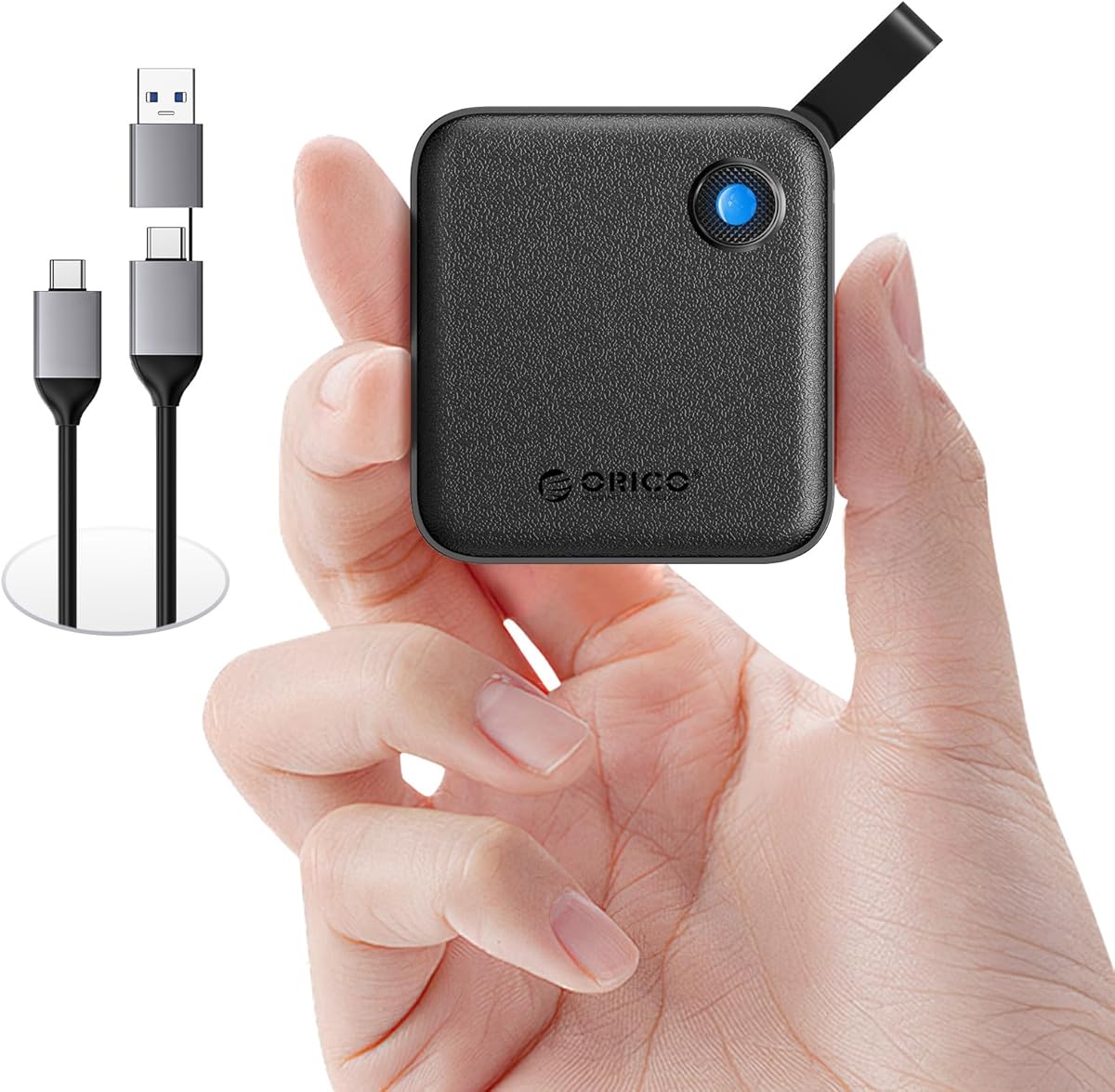
The ORICO 256GB portable SSD offers a middle ground between a simple flash drive and a high-capacity external SSD. Its stated read speed of up to 460MB/s makes it appropriate for photographers, videographers, and tablet users who transfer large files but do not need a terabyte of room.
We may earn a commission when you buy through this link, at no additional cost to you.
The included two-in-one USB-C and USB-A cable simplifies connections to compatible tablets, computers, and other devices. A small enclosure measuring 2.44 by 2.72 by 0.5 inches keeps the drive portable, and the stated 0.9-pound weight is more substantial than a thumb drive but still manageable.
The tablet must support USB-C external storage and the necessary OTG functions. Performance varies with the host device, and a physical SSD is bulkier than a flash drive. The product description also emphasizes portability and appearance more heavily than detailed endurance or software features.
Choose the ORICO SSD when you want external storage that feels more substantial than a flash drive but remains compact. It is a good fit for moving photo and video libraries between a compatible tablet and a computer while preserving a simple single-cable approach.
The SSD provides a small, dedicated storage device with more capacity than most flash drives. Its physical size makes it practical for a tablet bag, camera kit, or mobile workspace.
The combined USB-C and USB-A cable simplifies transfers between modern and traditional ports. Users can keep one storage solution for several devices instead of packing multiple adapters.
We may earn a commission when you buy through this link, at no additional cost to you.
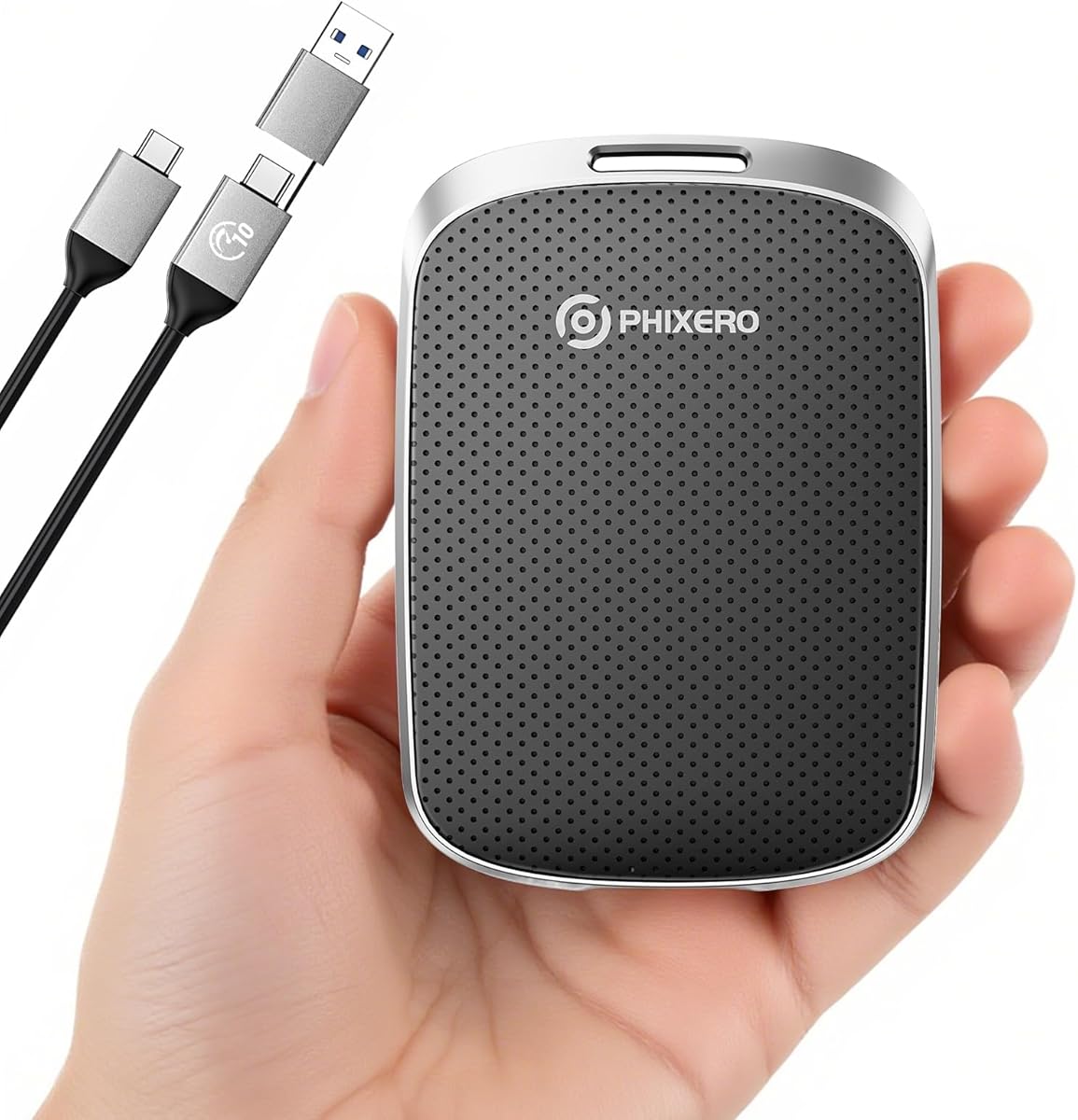
The PHIXERO P5PLUS portable SSD is built for users who need fast transfers and direct access to large files from mobile devices. It supports continuous read speeds up to 550MB/s and write speeds up to 500MB/s, making it attractive for video, photography, and tablet-based file management.
We may earn a commission when you buy through this link, at no additional cost to you.
A one-piece aluminum alloy frame provides a rigid, portable enclosure with stated resistance to drops, vibration, and dust. The USB-C and USB-A cable supports direct file sharing, transmission, and video playback on compatible phones, tablets, and computers. The stated operating-system compatibility includes Windows, Mac OS, Linux, and Android.
High-resolution recording directly to the SSD is listed as possible with a compatible camera or mobile device, but not every tablet supports direct recording. The included hanging loop also makes it convenient to attach to a belt loop or backpack. Actual speed depends on the host, cable, and workload.
This is a compelling choice for mobile creators who regularly move 4K footage or other large files. It provides more performance and durability than a basic thumb drive, while remaining simpler and smaller than most full-size external hard drives.
Sustained read and write performance helps with multi-gigabyte transfers, project files, and media libraries. It is particularly useful when repeated file movement matters more than occasional small copies.
The aluminum frame and hanging loop create a durable package for mobile production. The drive can stay attached to a bag or belt while moving between compatible devices.
We may earn a commission when you buy through this link, at no additional cost to you.
The Vansuny 128GB dual flash drive is a straightforward option for adding removable storage to a compatible USB-C tablet. It combines a Type-C connector with USB-A, includes a keychain-style form factor, and is designed to work without requiring software installation.
We may earn a commission when you buy through this link, at no additional cost to you.
The drive ships in exFAT by default because that format is widely recognized by smartphones and tablets. It supports USB 3.0, falls back to USB 2.0 on older ports, and is listed for use with Windows, Mac OS, Linux, and Android systems. Its listed media support includes common video, audio, and image formats.
The device must have a compatible C port and support OTG, and changing the file system can affect recognition, so users should keep formatting in mind. The product description's transfer examples reflect an earlier generation of flash performance, so it is better suited to general storage than the fastest modern workflows.
Buy it when affordability and simple USB-C plus USB-A access matter more than maximum speed. It is a practical option for moving files, freeing compatible tablet storage, and keeping a small drive attached to keys or a bag.
The exFAT default is intended to make the drive immediately useful with many phones and tablets. Users should verify their device's format requirements before reformatting it.
The listed support for common video, audio, and image formats makes the drive useful for general entertainment storage. It also works across several desktop operating systems for broader file transfer options.
We may earn a commission when you buy through this link, at no additional cost to you.
The right tablet storage solution depends first on device compatibility, then on capacity, speed, portability, and the kinds of files you plan to manage. Reviewing these factors before buying can prevent an otherwise capable drive from being unusable with your tablet.
A storage product can perform perfectly on a computer yet remain inaccessible from a tablet. MicroSD cards require a physical slot and operating-system support, while USB flash drives and portable SSDs generally require a compatible USB port plus OTG or external-storage support. For USB-C devices, also confirm whether the tablet supports the drive's protocol and whether the included adapter is needed.
A 128GB card or flash drive is sufficient for documents, selected applications, and a moderate collection of photos. A 256GB option offers more flexibility for video and larger libraries, while 1TB is better suited to extensive archives, creative projects, or users who prefer to keep media on an external device. Leave additional headroom because the operating system and apps may require internal space.
Higher read and write speeds can reduce waiting when copying large video files or backing up photo libraries. The fastest advertised result generally requires compatible USB 3.0 or newer hardware, suitable cables, and a suitable file workload. For routine documents and photos, a modest USB flash drive may be sufficient, while external SSDs are more useful for frequent large transfers.
MicroSD cards are compact and remain inside the tablet after insertion, making them convenient for permanent expansion. Dual-interface flash drives are easy to carry and ideal for moving files between a tablet and computer. External SSDs offer greater speed, durability, and capacity, but they are bulkier and require cable management. The most convenient option is often the one you will actually use consistently.
A drive may be physically compatible while remaining unreadable if its file system is not supported by the tablet. The Vansuny dual flash drive in this guide defaults to exFAT specifically for broader smartphone and tablet recognition. If you need to change formatting, do so on a computer using a format recognized by the tablet, and verify compatibility before relying on the drive for important files.
For daily use, a retractable flash drive can protect its connectors and fit easily in a pocket. For travel, field work, or frequent handling, an SSD with an aluminum frame and resistance claims may be preferable. External storage should be protected from moisture, impact, and extreme conditions, and connectors should never be forced into a tablet port.
Some flash drives work with companion apps that can automate photo backups or simplify file management. Such features can be valuable for photographers and casual users who may forget to copy images manually. External SSDs are better suited to scheduled computer backups, while removable cards work well for creating separate media libraries. Consider the backup workflow in addition to raw capacity.
Before inserting a microSD card, compare its physical format and capacity with the tablet's specifications, then confirm that the operating system supports removable storage. For a USB flash drive or portable SSD, inspect the connector and port, verify OTG support where applicable, and make sure the drive uses a recognized file system. Back up important data before changing formats or partitioning a new device.
Transfer files in manageable batches and use the tablet or computer's file manager rather than removing the drive while copying is active. For flash drives and SSDs, eject the device properly before unplugging it. For memory cards, use the tablet's storage menu to unmount or safely remove the card when the operating system provides that option. Avoid using the drive as the only home for irreplaceable files.
Keep connectors dry, clean, and free from debris, and do not bend or force them. Protect removable cards from moisture, heat, impact, and magnetic fields. SSDs should remain within suitable operating conditions, while flash drives benefit from being safely stored when not connected. Periodically check free space, verify important backups, and replace a drive that shows repeated transfer errors or unexpected performance changes.
The best type depends on the device and your files. A microSD card is convenient for compatible tablets that need built-in expansion, while a USB-C flash drive is better for transfers and temporary storage. Portable SSDs suit users who need greater speed, capacity, durability, or direct access to large media files.
No. The tablet needs a compatible USB port, usually USB-C or USB-A, and operating-system support for external storage, commonly called OTG. The drive's file system must also be recognized, and some tablets impose limits on supported capacities, power draw, or available storage operations.
A microSD card is easier to carry and can disappear into the device after setup, making it convenient for ongoing expansion. A portable SSD generally offers faster transfers, more capacity, and stronger physical protection, but it requires a cable and compatible external-storage support. Choose based on portability versus performance and capacity.
The right amount depends on your apps, photos, videos, and documents. Around 128GB works for lighter use, 256GB provides more room for media, and 1TB suits extensive libraries or professional files. Your tablet should still retain enough internal space for operating-system updates and applications.
The most common causes are an unsupported port, missing OTG capability, an unrecognized file system, insufficient power, or a device limitation. Check the tablet manual, confirm that the drive uses exFAT or another supported format, try the drive on a computer, and test it with another cable or device if possible.
Only if the iPad has a USB-C port and supports compatible external storage. The product must also use a connector and file system the tablet recognizes. Models with Lightning ports require a different accessory, and the JOIOT and Vansuny drives in this guide are not designed for Lightning devices.
An external SSD is usually preferable when you regularly move large, uncompressed, or high-resolution video because it offers faster transfers and more capacity. A dual-interface flash drive is more convenient for occasional transfers, while a high-capacity microSD can work when the tablet supports suitable card performance and capacity.
A properly seated, compatible card is generally safe to leave installed, and it can serve as ongoing storage. Remove it after shutting the tablet down if you need to keep a separate copy, move it between devices, or prevent accidental removal during use. Always eject or unmount it when the system offers that option.
The Made for Amazon SanDisk microSD is the most focused choice for compatible Fire Tablets, the SanDisk 128GB Ultra microSDXC is the versatile all-rounder, and the Samsung 256GB Type-C flash drive stands out as the premium portable option. Each serves a different tablet ecosystem and storage style, so compatibility should come before any other consideration.
Prioritize a connector or card format your tablet actually supports, then choose capacity according to the media you use. Frequent transfers of large files favor a USB-C flash drive or portable SSD, while a microSD card offers the simplest built-in expansion for compatible Android and Fire devices. Consider file-system support, OTG behavior, durability, and backup needs as well.
Finally, check the current listing, supported-device list, warranty details, and latest price before ordering. Technology, firmware, and compatibility can change, and current pricing may vary, so the most dependable purchase is one that matches your tablet model and your actual storage workflow.