
Highwings 4K DisplayPort to HDMI
4.5Editor score
4K at 30Hz
6.6-foot braided cable
Gold-plated connector
Our Displayport to HDMI Cable guide compares 10 options for resolution, refresh rate, audio, durability, compatibility, and directional design.
A Displayport to HDMI Cable connects a DisplayPort-equipped computer or graphics card to an HDMI monitor, television, projector, or other display. A capable cable should match the source and display resolution, carry stable audio and video, use dependable shielding, and provide the cable length required by your workspace.
We compared all ten products using the information supplied by their manufacturers and sellers. The comparison covers supported resolutions, refresh rates, audio capabilities, direction of transmission, construction, connector design, and compatibility considerations. Every option is unidirectional, so the DisplayPort end must connect to the source and the HDMI end to the display.
The selections show that the right cable depends on the equipment and resolution you use: one model prioritizes everyday value, another balances 4K performance with broad compatibility, and specialized active cables target demanding 8K and high-refresh displays. Product specifications and current prices can change, so verify the final details before buying.
4.5Editor score

4.7Editor score

4.8Editor score
This side-by-side comparison highlights each cable's maximum resolution, refresh-rate capability, physical length, directional format, and key construction features. All ten products send signals from a DisplayPort source to an HDMI display and cannot operate in reverse.



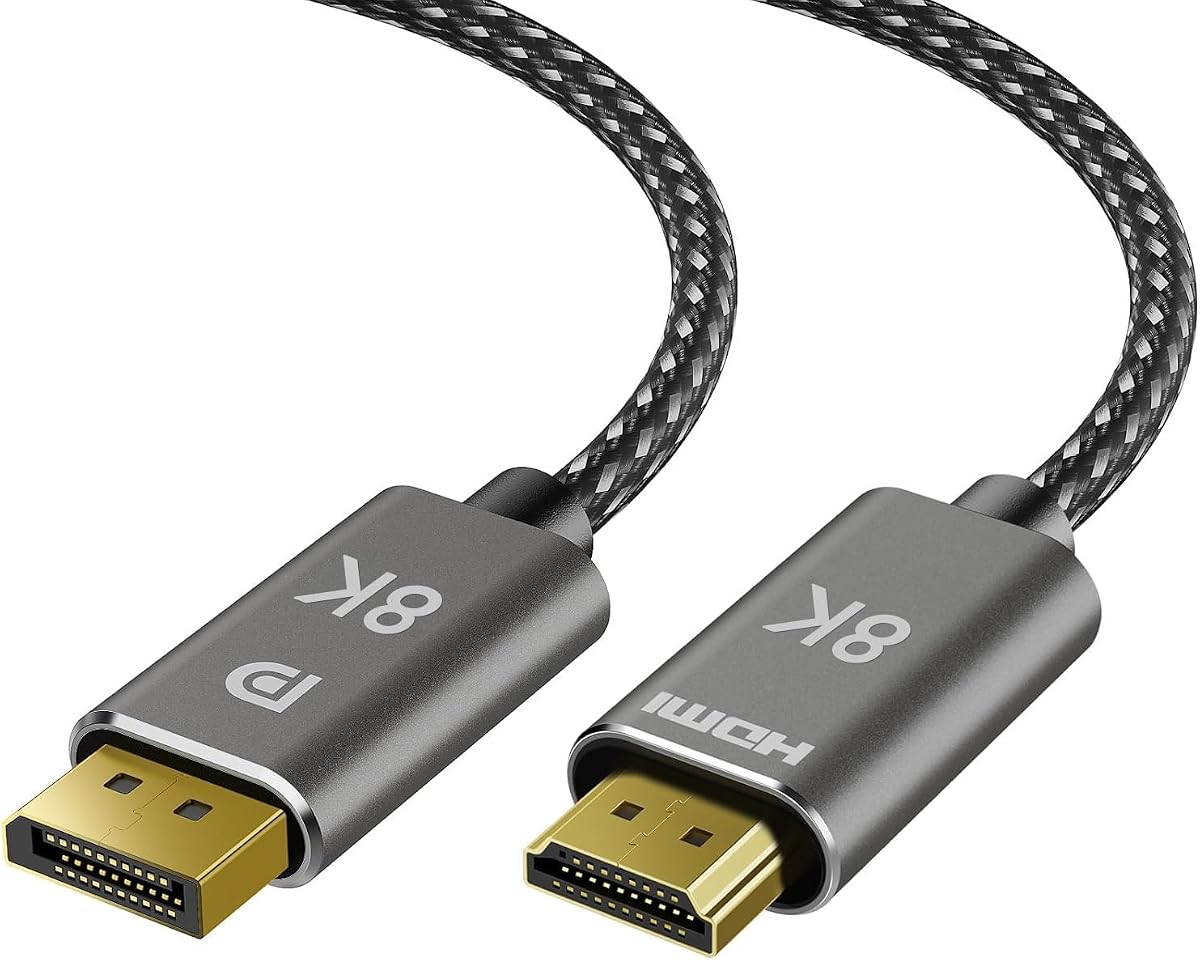

The Highwings 4K DisplayPort to HDMI cable is a practical 4K-capable option for connecting a desktop, laptop, or graphics card to an HDMI television, monitor, or projector. Its 4.5 rating reflects a generally positive customer reception, while its standout qualities include a 6.6-foot nylon-braided cable, multi-layer shielding, and a 24K gold-plated connector.
We may earn a commission when you buy through this link, at no additional cost to you.
Resolution support reaches 4K at 30Hz and includes backward compatibility with 1440p at 60Hz and 1080p. That makes the cable appropriate for a productivity desk, a large television used for general media, or a gaming setup whose display and GPU are not being asked to drive 4K at a high refresh rate. It carries synchronized audio and video for an integrated display connection.
The principal limitation is directionality. This is a DisplayPort-source-to-HDMI-display cable, not an HDMI-to-DisplayPort cable. It cannot accept a signal from a game console, Blu-ray player, or streaming device and send it to a DisplayPort monitor. Its listed 4K refresh rate is also modest, making it less suitable for demanding high-refresh gaming than the specialized 8K options later in this guide.
This is a strong recommendation for someone seeking a straightforward 4K connection without paying for advanced active electronics. Confirm that the source has DisplayPort output, the destination has HDMI input, and both support a common resolution. If those conditions fit the setup, the Highwings cable offers a useful combination of length, shielding, and everyday compatibility.
The cable supports 4K at 30Hz along with 1440p at 60Hz and 1080p, giving common office and home displays useful resolution options. Keeping the source and display within the supported range reduces the likelihood of an unstable or unexpected image.
Its nylon braid, multi-layer shielding, and 24K gold-plated connector are designed for repeated installation and dependable signal transmission. The stated 20,000-plus bend lifespan also suggests that it can tolerate ordinary movement around a desk.
We may earn a commission when you buy through this link, at no additional cost to you.
The Amazon Basics DisplayPort to HDMI Cable is a straightforward option for users who need a dependable computer-to-display connection rather than advanced gaming performance. It carries a 4.6 rating and includes a six-foot passive cable with gold-plated connectors, bare copper conductors, and foil-and-braid shielding.
We may earn a commission when you buy through this link, at no additional cost to you.
Its listed performance covers resolutions up to 1920×1200 and 1080p. Although the product title references 4K at 30Hz, the supplied specification emphasizes 1920×1200 and Full HD, so buyers seeking explicit 4K operation should verify the current display capabilities and product documentation. Uncompressed digital audio is supported in 7.1, 5.1, and 2-channel configurations.
The cable is designed around Dual-Mode DisplayPort, commonly identified as DP++. It is not compatible with USB-A and does not support LVDS sources such as dedicated audio or video players. Like most products in this category, it sends a signal only from DisplayPort to HDMI and cannot reverse the connection.
Choose this model for a conventional office, classroom, mirrored-display, or projector setup that operates at Full HD or 1920×1200. Its uncomplicated construction and strong customer rating make it a sensible option when the source and destination do not require 4K high-refresh signaling.
Support for up to 1920×1200 and 1080p covers common productivity displays and presentation equipment. It is particularly suitable for users who value a stable digital connection over high-end gaming specifications.
The cable can pass uncompressed digital audio while foil-and-braid shielding helps reduce interference. Gold-plated connectors and bare copper conductors support consistent signal and sound transmission.
We may earn a commission when you buy through this link, at no additional cost to you.
The UGREEN 4K DisplayPort to HDMI Cable is the most balanced selection for common 4K setups. Its 4.7 rating is among the strongest in the group, and the cable combines 4K at 30Hz with 1080p at 120Hz, giving users more than one practical resolution and refresh-rate combination.
We may earn a commission when you buy through this link, at no additional cost to you.
The DisplayPort 1.2 design supports 10.2Gbps and up to 240Hz under applicable conditions, while its listed display modes include 4K at 30Hz, 2K at 60Hz, and 1080p at 120Hz. Mirror and extend modes are supported, and up to six screens can be connected at once where the source, cable, and display configuration permit.
Audio support includes uncompressed digital 7.1-, 5.1-, and 2-channel sound. Construction uses 32AWG tinned copper, double shielding, an aluminum housing for heat dissipation, and a nylon-braided jacket described as stronger than PVC. A no-buckle connector design is intended to reduce damage during repeated use.
This cable fits users who want 4K presentation or media capability, high-refresh Full HD gaming, and a broad device ecosystem without moving to an active 8K design. It cannot accept HDMI source devices such as a MacBook, PlayStation, Switch, or Xbox, so its direction must be checked before purchase.
Supporting 4K at 30Hz, 2K at 60Hz, and 1080p at 120Hz allows the cable to fit both detailed desktop work and smoother high-refresh Full HD gaming. The available mode still depends on the source computer, graphics card, and connected display.
The plug-and-play approach avoids driver or software setup. Mirror and extend functions make it convenient for large-screen viewing, presentations, and multi-screen productivity when the complete hardware chain supports those arrangements.
We may earn a commission when you buy through this link, at no additional cost to you.
The Warrky 4K DisplayPort to HDMI cable is a well-built option for users who want 4K support and emphasize shielding and connector durability. It has a 4.6 rating and a six-foot length, which works well for many desk, office, and home entertainment arrangements.
We may earn a commission when you buy through this link, at no additional cost to you.
Its listed resolutions include 4K UHD at 30Hz, 1440p at 60Hz, and 1080p at 120Hz. A slim, one-piece aluminum alloy shell protects the connector area, while 24K gold-plated contacts and five-layer shielding support clean signal transmission. Uncompressed digital audio is available in 7.1, 5.1, and 2-channel formats.
The nylon-braided jacket is rated for more than 16,000 bends, providing reassurance for cables that are regularly moved behind desks or plugged and unplugged. The important restriction is again direction: this cable accepts a DisplayPort source and sends the converted output to an HDMI display. It does not support HDMI-to-DisplayPort use.
Buyers who want 4K for productivity or general gaming will find a capable and durable option. It is not the right choice for 8K, 4K at extreme refresh rates, or variable refresh rate requirements, but its robust shielding and broad device compatibility make it effective for standard setups.
Five-layer shielding helps maintain a stable signal in environments with nearby electronics. That makes the cable suitable for office equipment, desktop computers, and home systems where interference reduction is valuable.
The one-piece aluminum shell and braided jacket protect the connection from everyday wear. Its stated bend resistance makes it a practical choice for a permanent installation that may still be adjusted occasionally.
We may earn a commission when you buy through this link, at no additional cost to you.
The JSAUX DisplayPort to HDMI Cable is differentiated primarily by its 10-foot length, making it useful when a computer and display are separated by a desk, wall, conference table, or media cabinet. It has a 4.6 rating and supports 4K at 30Hz, 2K at 60Hz, and 1080p at 120Hz.
We may earn a commission when you buy through this link, at no additional cost to you.
The cable is designed for everyday office work, presentations, home displays, and routine viewing. Its unidirectional format means the DisplayPort connector must be attached to a computer, laptop, or graphics card, and the HDMI connector must be attached to the television, monitor, or projector.
The supplied guidance emphasizes checking the port types, selecting the correct HDMI input, and staying within the supported resolution range if a picture does not appear. A durable nylon exterior is intended for regular use, while the extra length provides installation flexibility in larger rooms.
This is a strong recommendation for anyone who finds six-foot cables inconvenient. Its tradeoff is that it remains a conventional 4K-at-30Hz product rather than an active high-bandwidth solution for 8K or 4K at 120Hz and above. Confirm that your display can accept the selected resolution and refresh rate.
The 10-foot length can route a connection across a wider desk, around furniture, or to a wall-mounted screen. It reduces the need for an extension or awkwardly short run in home offices and meeting spaces.
The product guidance emphasizes checking both connector positions, the television's active input, and the output resolution. Those checks help distinguish a setup mistake from an unsupported resolution combination.
We may earn a commission when you buy through this link, at no additional cost to you.
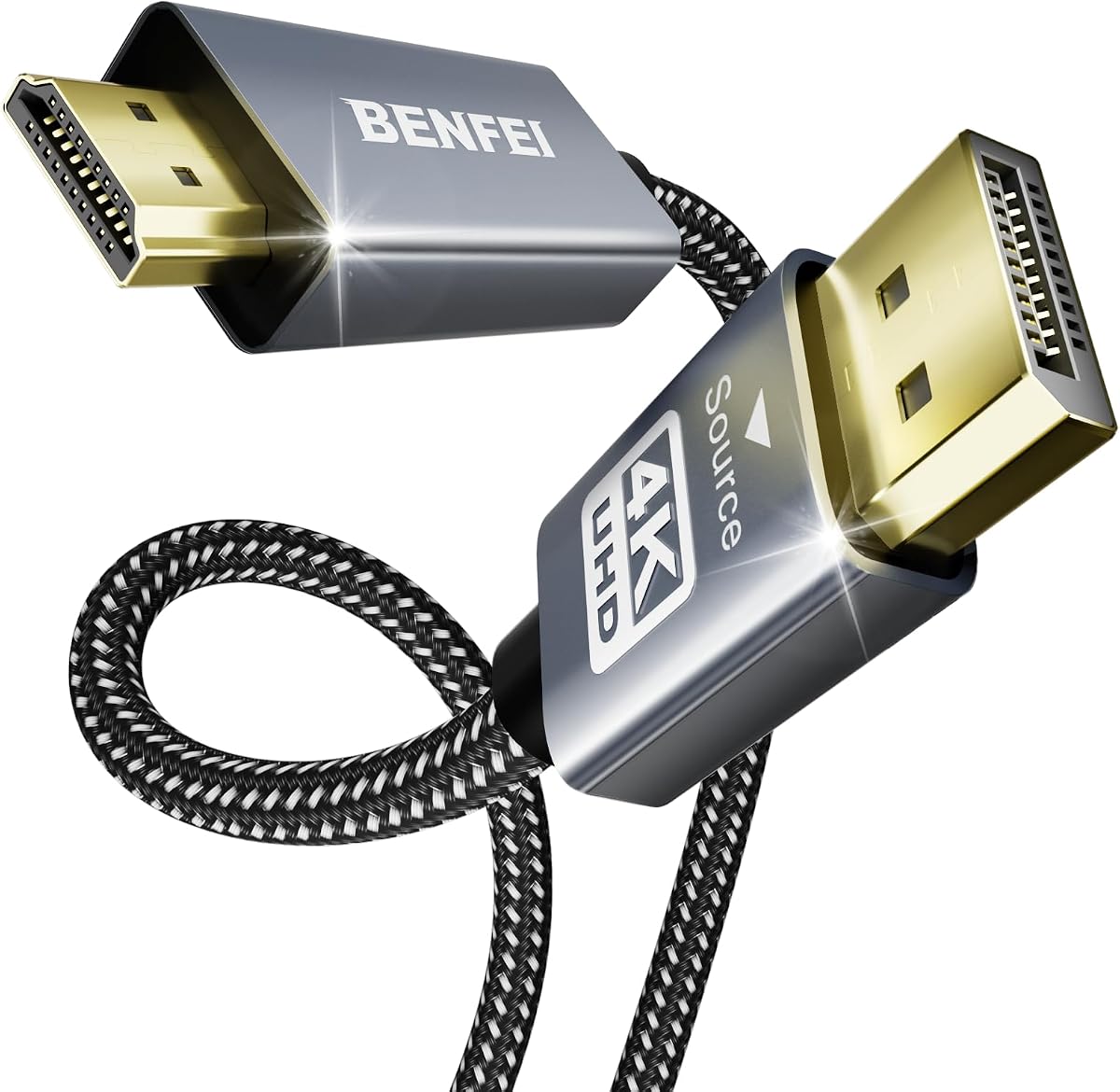
The BENFEI 4K DisplayPort to HDMI is a six-foot cable built around an advanced internal conversion chip and a durable aluminum-shell design. Its 4.5 rating indicates positive customer feedback, and the included multi-layer shielding is intended to support accurate data streaming.
We may earn a commission when you buy through this link, at no additional cost to you.
Supported display modes include 3840×2160 at 30Hz and 1920×1080 at 60Hz, along with 720p, 1600×1200, and 1280×1024. The cable supports uncompressed digital audio pass-through in 7.1-, 5.1-, and 2-channel configurations, making it suitable for compatible computer-to-display installations.
A gold-plated DisplayPort connector resists corrosion and abrasion, while molded strain relief reduces stress where the cable meets the plug. The nylon-braided exterior is designed for heavy use and helps protect the internal construction during routine repositioning.
BENFEI is a sound recommendation for a standard 4K desktop, office, or home display setup. Its limitations are the unidirectional design and a maximum 4K refresh rate of 30Hz. It offers an 18-month warranty, but buyers seeking 4K high refresh, 8K, or advanced gaming features should consider the active options instead.
The built-in chip converts the DisplayPort signal for the HDMI display while preserving compatibility with a broad set of standard resolutions. The design remains directional and should not be treated as a reversible converter.
Molded strain relief and a braided jacket protect the cable where movement and bending are most likely. Gold plating adds corrosion resistance at the DisplayPort connection during repeated use.
We may earn a commission when you buy through this link, at no additional cost to you.
The Cable Matters two-pack is a convenient choice for users who need more than one DisplayPort-to-HDMI connection or want a spare cable for a second desk or travel kit. It has a 4.7 rating, and each six-foot cable uses gold-plated connectors, bare copper conductors, and foil-and-braid shielding.
We may earn a commission when you buy through this link, at no additional cost to you.
Its stated maximum resolution is 1080p Full HD, with uncompressed digital audio pass-through available in 7.1-, 5.1-, and 2-channel configurations. The included cables support mirrored and extended desktop arrangements when the connected computer, graphics output, and display permit them.
The latching DisplayPort connector helps prevent accidental disconnection, which is useful when the cable passes through furniture or behind a mounted display. The release button must be pressed before removal so the latch does not damage the port.
This two-pack is best for standard Full HD productivity, classroom, office, or entertainment connections. It is less suitable if the intended display requires 4K, 8K, or high-refresh gaming. Its value comes from owning two complete cables rather than gaining advanced bandwidth.
The package includes two six-foot DisplayPort-to-HDMI cables. One can serve as the primary desktop connection while the second supports another display, a replacement setup, or a shared office arrangement.
The latching DisplayPort plug helps keep the source connected in installations where tension or movement could dislodge it. Releasing the latch before unplugging protects the connector and computer port.
We may earn a commission when you buy through this link, at no additional cost to you.
The 8K DisplayPort to HDMI Cable is designed for users who want the highest listed resolution and refresh-rate combinations in the roundup. It supports 8K at 60Hz and 4K at 240Hz, making it relevant to compatible high-end graphics cards, laptops, and modern gaming displays.
We may earn a commission when you buy through this link, at no additional cost to you.
The cable uses a DP 1.4-to-HDMI 2.1 design and supports HDR, Dolby Atmos, and surround-sound presentation according to the supplied information. A braided jacket, molded strain relief, and secure DisplayPort latch are included for durability and stable installation.
Compatibility is more demanding than with ordinary 4K cables. NVIDIA RTX 20 and 30 series and ATI RX 6000 series users may need driver updates, while firmware updates can improve compatibility with features such as HDR and Dolby Atmos. Variable refresh rate is explicitly not supported, which is a meaningful limitation for gamers.
The cable is one-way and cannot connect a PlayStation, Xbox, Fire Stick, or another HDMI source to a DisplayPort monitor. It is most appropriate for a PC with suitable graphics output and a high-end HDMI display. Buyers should verify DSC, refresh-rate, and firmware requirements before installation.
Support for 8K at 60Hz and 4K at 240Hz targets displays and graphics hardware capable of those modes. The practical result depends on the source GPU, display, firmware, and selected resolution remaining within the complete supported chain.
Driver and firmware updates can be important for negotiating advanced resolution, HDR, and surround-sound features. VRR is not supported, so users should choose according to the complete feature set rather than maximum resolution alone.
We may earn a commission when you buy through this link, at no additional cost to you.
The UGREEN 8K Active DisplayPort to HDMI cable is the premium option in this guide and carries the highest listed customer rating at 4.8. It is built for demanding users who want 8K at 60Hz, 4K at 240Hz, and broad compatibility with high-end HDMI displays.
We may earn a commission when you buy through this link, at no additional cost to you.
Its active DP 1.4-to-HDMI 2.1 design supports a maximum transmission rate of 32.4Gbps. The supplied specifications also list 2K at 240Hz and 1080p at 480Hz, along with HDMI 2.1 features such as HDR and DSC 1.2a. Installation remains plug-and-play without a required driver.
The cable is compatible with DisplayPort-equipped laptops, desktops, graphics cards, and systems such as the Valve Steam Machine, while the destination can be an HDMI television, projector, monitor, or VR headset. It cannot accept HDMI source devices such as MacBook models, PlayStation, Switch, or Xbox hardware.
UGREEN recommends a direct connection rather than routing through a dock or hub to avoid display errors caused by hardware limitations. This cable is a compelling choice for a compatible high-end gaming or media setup. It is unnecessary for ordinary office displays, but it offers the strongest combination of stated bandwidth, resolution, and customer rating among the advanced options.
The 32.4Gbps active design and DSC 1.2a support target the bandwidth demands of 8K televisions and ultra-fast gaming monitors. A direct DisplayPort-to-HDMI path reduces variables that can arise when passing the signal through intermediate hardware.
A flexible braided jacket surrounds a rigid aluminum housing that improves heat dissipation. Tinned copper conductors support conductivity and flexibility, while gold-plated pins are designed to tolerate varying temperature and humidity conditions.
We may earn a commission when you buy through this link, at no additional cost to you.
The Cable Matters 8K Unidirectional DisplayPort to HDMI 2.1 cable is a specialized six-foot cable for users with a DSC-capable DisplayPort 1.4 GPU and an advanced HDMI 2.1 display. Its 4.2 rating reflects a more limited customer feedback pool than the highest-rated models in the guide.
We may earn a commission when you buy through this link, at no additional cost to you.
The cable can output 4K at 120Hz or 240Hz and 8K at 60Hz when the complete source and display combination supports those modes. It also supports HDMI 2.1 features including HDR and Dolby Atmos. Variable refresh rate, G-Sync, FreeSync, and DDC/CI are not supported.
The listed compatibility examples include Dell Alienware AW3225QF, Samsung Odyssey Neo G8, G7, Ark, and S95D, LG UltraGear 32GQ950 and 48GQ900, and LG OLED Flex displays. Compatible graphics hardware examples include NVIDIA RTX 4070, 4080, and 4090 cards and AMD RX 7900 and 6900 cards.
This model is best for a carefully matched 8K or high-refresh installation, particularly one involving a listed HDMI 2.1 display. It is not appropriate for a PlayStation, Xbox, or another HDMI source, and it is not a solution for users seeking adaptive sync or variable refresh rate.
The cable's stated support for several popular 8K and ultra-fast HDMI 2.1 displays makes hardware matching more concrete. Buyers should still verify the exact model, firmware, graphics card, and selected resolution.
The absence of VRR, G-Sync, FreeSync, and DDC/CI support is important for gamers accustomed to adaptive-sync displays. Maximum resolution is only part of the equation; a complete setup must satisfy the intended use.
We may earn a commission when you buy through this link, at no additional cost to you.
Choosing the right cable starts with the source, display, desired resolution, and available space. The following factors explain the technical details that most often determine whether a DisplayPort-to-HDMI connection works as intended.
In short: verify that the source has DisplayPort output and the display has HDMI input.
In short: choose a cable whose stated modes are supported by both endpoints.
In short: prioritize the exact resolution-and-refresh combination your hardware can sustain.
In short: use passive models for ordinary displays and active models for demanding bandwidth.
In short: confirm audio-channel compatibility at both the source and display.
In short: choose enough reach for a tidy installation without unnecessary excess.
In short: prioritize reinforced strain relief and a jacket suited to frequent movement.
In short: confirm advanced features and exclusions before choosing an 8K cable.
Begin by identifying the source and display. Connect the DisplayPort end to the computer, laptop, or graphics card while the computer is powered on or in a safe state, then connect the HDMI end to the correct input on the television, projector, or monitor. Turn on the display, select the matching HDMI input, and set the source display resolution and refresh rate to values supported by both the source and screen.
If the picture is absent, inspect both connections and verify that the display is using the intended input. Test a lower resolution or refresh rate to determine whether the selected mode exceeds the capabilities of the computer, cable, adapter, dock, or display. Advanced 8K cables may also need current graphics drivers and firmware. When using a DisplayPort latch, press its release mechanism before pulling the connector out.
Route the cable away from sharp bends, moving chair wheels, heating vents, and excessive pressure. Avoid tightly coiling an active cable while it is operating, and do not add unverified adapters or hubs to an already bandwidth-intensive display chain. Clean connectors with a dry, lint-free cloth, keep the ports free of dust, and unplug the cable by its housing rather than pulling on the wire.
No. Every cable in this guide is unidirectional and carries a signal from a DisplayPort source to an HDMI display. It cannot send HDMI output from a console, streaming device, or HDMI laptop to a DisplayPort monitor. A separately designed active adapter or a cable explicitly labeled for the opposite direction is required for that arrangement.
It depends on the specific cable and the complete hardware chain. Most conventional models in this roundup list 4K at 30Hz, while the specialist 8K models support much higher combinations under compatible conditions. The source GPU, display, driver, and cable must all support the intended resolution and refresh rate.
Not when the console is the source and the destination display has DisplayPort input. The products listed are designed for a DisplayPort-equipped computer or graphics card feeding an HDMI display. A PlayStation, Xbox, Switch, Fire Stick, or other HDMI-only source needs an HDMI connection or a separate HDMI-to-DisplayPort adapter.
Passive cables are generally intended for conventional resolutions such as 1080p and 4K at 30Hz. Active cables include conversion electronics that can negotiate substantially higher bandwidth, including 8K or 4K at very high refresh rates. Active models still require compatible source and display hardware and may be affected by docks, hubs, drivers, or firmware.
First, confirm that the DisplayPort end is connected to the source and the HDMI end to the display. Select the matching HDMI input, check that the display is powered on, and try a resolution and refresh rate supported by the equipment. Advanced modes may require updated drivers or firmware, while a faulty adapter or dock can also interrupt the chain.
Most listed products support uncompressed digital audio in 7.1-, 5.1-, and 2-channel formats. Actual audio output depends on the source computer, operating system, application, display, television, or receiver. Some displays can accept video but do not offer a compatible audio input, so both endpoints should be checked.
A six-foot or 6.6-foot cable is sufficient for most desks, while the 10-foot JSAUX option offers more placement flexibility. Measure the route and allow enough slack for stress-free connections. A longer cable can be convenient, but extra length does not automatically improve resolution or signal quality.
Generally, yes, provided the source and display support the selected mode and the cable negotiates it correctly. The advertised maximum is a ceiling rather than a required operating mode. You may still need to select the desired resolution and refresh rate manually on the computer and display.
The Highwings 4K DisplayPort to HDMI cable stands out as the best overall budget-oriented option, offering 4K at 30Hz, useful shielding, and a 6.6-foot braided construction. The UGREEN 4K model is the balanced editor's choice, adding 1080p at 120Hz and broad compatibility, while the UGREEN 8K Active cable is the premium selection for high-end displays and demanding bandwidth.
Most buyers should first confirm direction, resolution, and refresh rate rather than focus on maximum headline specifications. A conventional 4K cable is appropriate for productivity, presentations, and general media, whereas 8K models are most useful with compatible graphics cards, modern HDMI 2.1 displays, and carefully configured systems. Cable length, audio support, connector security, and excluded features can matter just as much.
Finally, verify the current product specifications, hardware compatibility, customer feedback, and current prices before making a purchase. Display technology and cable firmware can evolve, and the best choice is the model whose supported modes align precisely with the devices you already own and the picture quality you actually need.
10 Best Displayport to HDMI Cable (November 2026) Expert Guide