
Acer HDMI 2.1 Cable
4.7Editor score
48Gbps ultra-high-speed bandwidth
EightK and high-refresh support
Braided construction with eARC
Our expert HDMI Cable for Roku Ultra guide compares 10 top-rated cables for 4K streaming, gaming, eARC, durability, compatibility, and easy setup at home.
Connecting a Roku Ultra to a television or projector is simple, but choosing the right cable can influence signal stability, supported resolutions, audio features, and setup flexibility. Most viewers need a dependable certified cable, while gamers and home-theater enthusiasts may also want higher bandwidth, HDR, VRR, and eARC support.
We compared the ten featured cables using their stated bandwidth, HDMI certification, supported resolutions, gaming functions, audio capabilities, construction, length, and device compatibility. The list includes short and extended options, single cables and multipacks, plus models aimed at streaming, gaming, and dedicated audiovisual systems.
Each review identifies the product's strongest traits and any practical trade-offs so you can match the cable to your Roku Ultra, television, soundbar, and room layout. Ratings and specifications reflect the supplied product information, while current prices and availability can change at any time.
4.7Editor score
4.8Editor score

4.7Editor score
This side-by-side comparison highlights certification, bandwidth, maximum resolution features, construction, and Roku Ultra compatibility across all ten cables, helping you narrow the field before choosing a model for your display and entertainment setup.


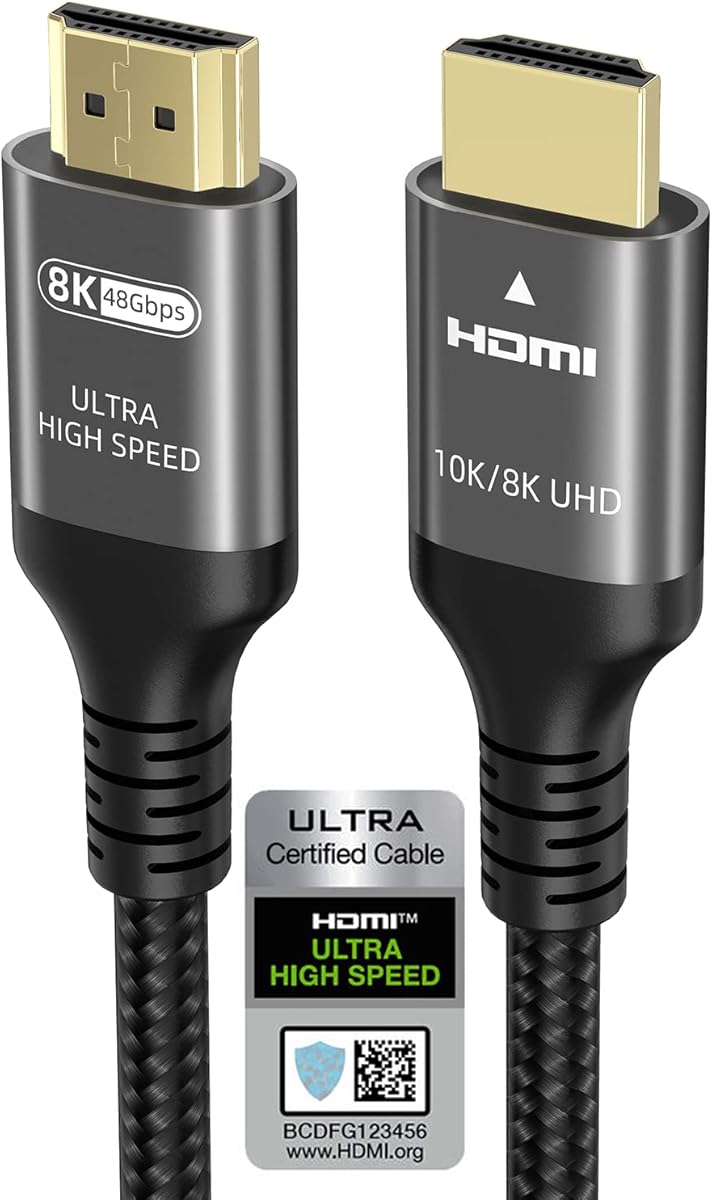




The Highwings 8K 10K 4K HDMI Cable combines certified ultra-high-speed performance with a practical six-foot length, making it a versatile option for a Roku Ultra near a television or projector. It carries 48Gbps of bandwidth and supports 8K at 60Hz, 4K at 240Hz, and 4K at 120Hz according to the supplied specifications. Its 4.7 rating reflects a strong customer reception despite its feature-heavy design.
We may earn a commission when you buy through this link, at no additional cost to you.
One of its most useful traits is backward compatibility with HDMI 2.0b, 2.0a, 1.4, 1.3, 1.2, and 1.1 versions. That means the cable can connect the Roku Ultra to a modern television while remaining usable with older HDMI equipment in the same entertainment system. Variable refresh rate support is another attraction for viewers who also use compatible gaming consoles or PCs through the same television.
The cable uses an upgraded anti-bending tail design and military-grade tensile nylon material. These details are especially relevant around a streaming stick or media hub that may be moved, plugged, and unplugged regularly. The product information also states that its components were performance-tested in a laboratory, although certification remains a more meaningful point of comparison when judging advertised high-bandwidth performance.
This is a sensible choice for someone who wants one capable cable for streaming, gaming, and home entertainment without worrying about whether it will pair with an older HDMI device. The primary compromise is that a 48Gbps cable offers more capability than many standard television setups require, and its six-foot run may not reach a distant entertainment cabinet. For a typical Roku Ultra installation, however, it provides ample performance and useful flexibility.
The wide backward-compatibility range makes this cable useful when the Roku Ultra shares a television with older gaming systems, streaming devices, or disc players. You avoid having to keep a separate basic cable for every generation of HDMI equipment.
Variable refresh rate and 4K at 120Hz support make the cable more versatile than a basic streaming lead. Those features only become active when the television, source device, and content all support them.
We may earn a commission when you buy through this link, at no additional cost to you.
The Highwings 8K HDMI 2.1 Cable 2-Pack is designed for households that need more than one connection point. It includes two six-foot certified ultra-high-speed cables, each supporting 48Gbps, 8K at 60Hz, 4K at 240Hz, and 4K at 120Hz. The 4.7 rating and broad device support make it a practical option for a Roku Ultra plus another source device.
We may earn a commission when you buy through this link, at no additional cost to you.
The stated 48Gbps bandwidth represents a major step up from the 18Gbps associated with HDMI 2.0. That capacity is most relevant when every device in the chain can use higher-resolution or higher-refresh formats. Variable refresh rate support also gives compatible gaming systems another potential benefit, while the product remains suitable for ordinary streaming duties.
Construction details are designed around repeated handling. The aluminum alloy shells strengthen the connector ends, the tail section uses an upgraded anti-bending design, and the cable jacket uses military-grade tensile nylon. Every cable in the pack is described as having passed performance testing, offering some reassurance for users who plan to keep the second cable as a backup or relocate it to another room.
The main appeal is convenience. A Roku Ultra can be connected with one cable while a game console, streaming device, or disc player uses the other, reducing the need to unplug equipment whenever you change viewing habits. The trade-off is that two identical six-foot leads may not solve a particularly long cable run. For nearby entertainment furniture, however, this pack offers flexibility and dependable headline specifications.
Keeping a second cable connected can make source changes faster and reduce wear on the Roku Ultra and television sockets. It is especially convenient when several HDMI devices share one display.
The connector tails are the area most exposed to bending during plugging and removal. The reinforced design and aluminum alloy shells are intended to extend service life in that demanding area.
We may earn a commission when you buy through this link, at no additional cost to you.
The Ubluker 10K 8K 4K HDMI Cable stands out for its unusually comprehensive feature list. It has an official HDMI certification label, 48Gbps bandwidth, and support for formats including 10K at 60Hz, 8K at 60Hz, 4K at 240Hz, and 4K at 120Hz. Its 4.7 rating indicates that the cable has been well received by users seeking a specification-rich connection.
We may earn a commission when you buy through this link, at no additional cost to you.
The supplied details list support for ALLM, VRR, QMS, QFT, Dynamic HDR, HDR10+, CEC, HDCP 2.2 and 2.3, and VESA DSC 1.2a. It also covers high-bitrate audio formats such as eARC, ARC, DTS Master, DTS:X, Dolby TrueHD, Dolby Vision, and Dolby Atmos. This breadth makes it particularly interesting for someone building a mixed system rather than using the Roku Ultra alone.
Compatibility is extensive. The product information specifically includes gaming PCs, FreeSync and G-SYNC systems, several GeForce RTX series, soundbars, major gaming consoles, Apple TV+, OLED televisions, MacBook computers, projectors, monitors, streaming services, Fire TV, Roku TV, and Shield TV. The cable therefore has clear relevance for Roku users, although actual output remains limited by the Roku Ultra, television, and connected soundbar.
The six-foot length works well for a typical media cabinet or wall-mounted display with nearby equipment. The honest drawback is that many of the advanced features will remain unused in a conventional streaming arrangement, and the listed material information focuses less heavily on jacket construction than competing products. Still, for buyers who value formal certification and a broad specification sheet, this is one of the strongest all-purpose options in the list.
The official certification label provides a clearer basis for comparison than bandwidth claims alone. The long list of supported HDMI functions also makes this cable a natural choice for a shared home-entertainment system.
eARC, ARC, Dolby Atmos, Dolby TrueHD, DTS:X, and other audio formats make the cable relevant beyond video. The television and soundbar must support the specific return-audio feature you intend to use.
We may earn a commission when you buy through this link, at no additional cost to you.
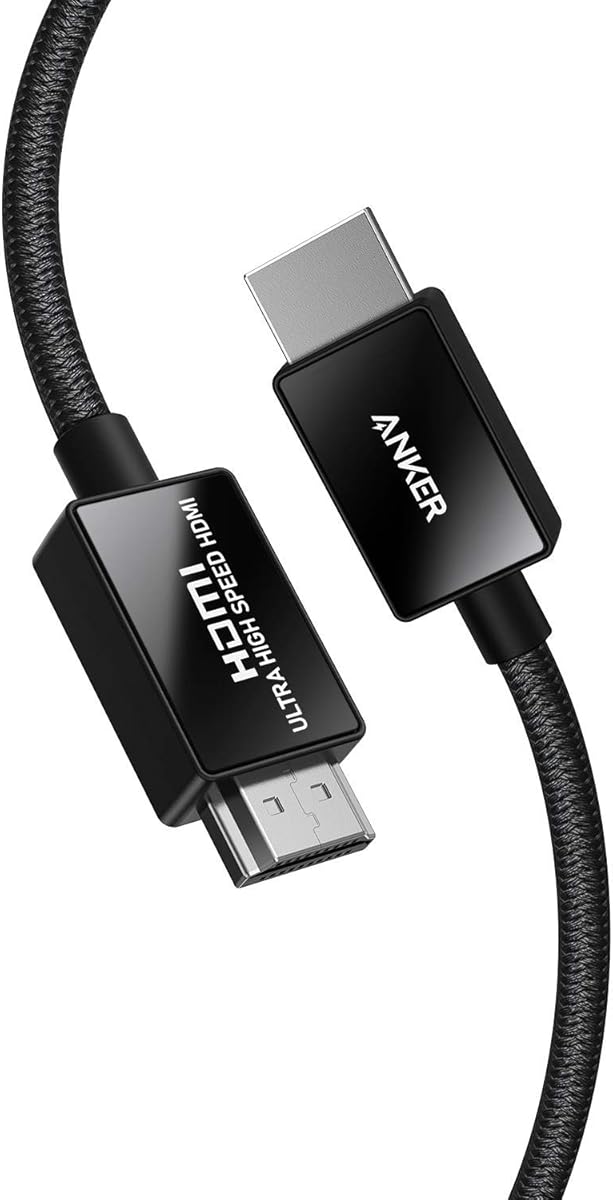
The Anker HDMI 2.1 Cable combines a 4.8 rating with official HDMI Forum certification, making it one of the most polished options for a Roku Ultra. It supports 48Gbps, 8K at 60Hz, and 4K at 120Hz. Its six-foot length is well suited to connecting a streaming device to a television mounted nearby or placed in the same entertainment cabinet.
We may earn a commission when you buy through this link, at no additional cost to you.
The certification is described as rigorous testing designed to shield against electromagnetic interference. Its stated compatibility explicitly includes Apple TV and Roku Ultra, which removes any ambiguity about its intended streaming use. The cable is also compatible with PlayStation 5, Xbox Series X/S, and other HDMI sources capable of 4K at 120Hz.
Material choices emphasize both signal performance and longevity. Carbon steel connectors, gold connector pins, and a double-braided nylon exterior form the core construction. Anker states that the cable is designed to withstand 10,000 plug-and-unplug cycles, while the package includes an 18-month warranty, a welcome guide, and dedicated customer service.
This is an especially balanced recommendation for a buyer who wants recognized certification, a high customer rating, and strong construction without moving to an extended-length model. The six-foot lead may be too short for a distant media cabinet, and the Roku Ultra will not automatically deliver 8K or 4K at 120Hz. For a normal living-room installation, however, it offers a clear combination of credibility, features, and convenience.
Roku Ultra is specifically named in the compatibility information, making this a direct match for the keyword. Certification and a 4.8 rating also distinguish it from cables that rely only on headline bandwidth figures.
The double-braided jacket and gold-plated pins address the realities of regularly connecting and disconnecting a streaming device. The stated 10,000-cycle design target adds confidence for long-term ownership.
We may earn a commission when you buy through this link, at no additional cost to you.
The Silkland Certified HDMI 2.1 Cable offers an unusually detailed combination of bandwidth, construction, and verification. It supports 48Gbps, 8K at 60Hz, 4K at 120Hz, and 4K at 144Hz, earning a 4.7 rating among users. At six feet, it works well for a Roku Ultra installed close to a television or in a shared media cabinet.
We may earn a commission when you buy through this link, at no additional cost to you.
A distinguishing feature is the QR code used to verify HDMI 2.1 certification with a scanner app. Rather than asking buyers to rely only on a printed claim, this gives users a way to check the cable's status. The stated resolution coverage also includes 10K, 5K, and 2K configurations with 12-bit color support.
Its E-Braid construction uses double-layer fishnet winding and nylon braiding. Copper cores and ferrite magnetic beads are intended to support stable signal transmission, while the product information says these elements help eliminate black screens and flickering. Additional capabilities include Dynamic HDR, HDCP 2.2 and 2.3, eARC, ARC, Dolby Atmos, and DTS:X.
The cable also supports 4K at 120Hz for compatible PS5 and Xbox systems and 4K at 144Hz for PC gaming, provided the game and hardware support those modes. It is backward compatible with HDMI standards ranging from 2.1 to 1.1. Its main drawback is that many advanced functions will remain dormant in a basic Roku Ultra setup, and buyers who want the stated certification should scan the QR code before installation.
The QR-based certification check gives the cable a useful verification step. It is especially relevant in a category where buyers may encounter large bandwidth claims with little visible proof.
Fishnet winding, nylon braiding, copper cores, and ferrite beads each address different aspects of cable construction. Together, they form a stronger feature set than a basic unshielded lead.
We may earn a commission when you buy through this link, at no additional cost to you.
The Acer HDMI 2.1 Cable delivers a practical combination of modern bandwidth, a braided exterior, and broad compatibility. It supports 8K at 60Hz, 4K at 240Hz, 4K at 120Hz, and 4K at 144Hz through 48Gbps bandwidth. Its 4.7 rating indicates a favorable response among buyers who need more capability than an entry-level lead.
We may earn a commission when you buy through this link, at no additional cost to you.
For a Roku Ultra, the important qualities are straightforward. The cable is listed as compatible with Roku devices, televisions, projectors, soundbars, and other HDMI equipment, while 48Gbps provides more than enough capability for a standard streaming chain. Backward compatibility with HDMI 2.0, 1.4, 1.3, and 1.2 devices broadens its usefulness in mixed setups.
Its high-purity copper core, aluminum alloy shell, and braided jacket are intended to resist electromagnetic interference, bending, and everyday wear. Audio support includes eARC, ARC, Dolby Vision, and Dolby Atmos on compatible devices. Variable refresh rate support is another useful feature, although it requires compatible source hardware and a television that can process the signal.
The main reason to consider this model is the balance between its feature set and value-focused positioning. Unlike several competitors, its supplied information does not specifically mention official HDMI certification, so buyers who prioritize certification can look elsewhere in this guide. Within a typical Roku Ultra installation, however, the Acer provides generous bandwidth, durable construction, and a useful range of home-theater features.
The 48Gbps bandwidth and support for high-refresh formats give the cable room to handle more than routine streaming. That makes it a sensible shared connection for compatible gaming and audiovisual equipment.
Streaming sticks are commonly plugged and unplugged, so a braided exterior and aluminum alloy shell can be valuable. The construction is better aligned with routine wear than a lightweight, unbraided cable.
We may earn a commission when you buy through this link, at no additional cost to you.
The UGREEN 8K HDMI 2.1 Cable pairs a 4.8 rating with HDMI 2.1 certification and 48Gbps bandwidth. It supports 10K, 8K at 60Hz, and 4K at 240Hz, giving it ample headroom for a Roku Ultra and other high-bandwidth devices. The six-foot size fits most entertainment centers and nearby wall-mounted television arrangements.
We may earn a commission when you buy through this link, at no additional cost to you.
The product information emphasizes uncompressed 8K transmission, variable refresh rates, quick frame transport, automatic low-latency mode, and quick media switching. These features are most relevant to compatible gaming hardware, but the cable also supports Dynamic HDR, HDCP 2.3 and 2.2, Ethernet, 3D, and enhanced audio return channel functionality.
Its physical design includes an aluminum alloy case, nickel-plated connectors, and a durable nylon braided jacket. The stated construction is intended to survive repeated bending without sacrificing flexibility. For a home-entertainment system, the eARC support can be useful when sending high-resolution audio from the television to a compatible soundbar or audiovisual receiver.
Compatibility includes Apple TV, PlayStation devices, Xbox systems, Nintendo hardware, Roku Stick, television sticks, media boxes, laptops, PCs, disc players, receivers, projectors, monitors, and major television brands. It is a broad, practical choice for a shared setup. As with the other high-bandwidth models, the Roku Ultra will only display the formats it and the television support, so the extra capability is best viewed as flexibility rather than guaranteed output.
A 4.8 rating and HDMI 2.1 certification provide two strong signals of customer and technical appeal. The 48Gbps capacity offers room for future high-resolution and high-refresh source devices.
Dynamic HDR and eARC extend the cable's value to a complete home-theater chain. eARC can carry full-resolution audio from a compatible television to a soundbar, depending on the equipment involved.
We may earn a commission when you buy through this link, at no additional cost to you.
The Zeskit Certified Maya HDMI Cable is a five-foot option with 48Gbps bandwidth and support for 8K at 60Hz and 4K at 120Hz. Its 4.7 rating makes it a solid choice for a Roku Ultra placed immediately beside a television, particularly when a shorter lead makes cable management easier.
We may earn a commission when you buy through this link, at no additional cost to you.
The cable carries an Ultra High Speed certification hologram and supports a broad collection of features, including HDR, HDCP 2.2 and 2.3, DTS:X, Dolby Atmos, Dolby Vision, Dynamic HDR, eARC, ALLM, QFT, QMS, and VRR. That feature coverage makes it suitable for a television used across streaming, gaming, and soundbar connections.
Compatibility is broad enough for Apple TV, Roku devices, PlayStation 5, Xbox Series X, and monitors, while backward compatibility allows use with earlier HDMI equipment. Although a Roku Ultra normally remains connected to one television input, a cable with this range of features can be reused if you later move the streaming device to another display or entertainment system.
The main limitation is its 1.5-meter length. It is ideal for a compact setup but less suitable when the Roku Ultra sits in a media cabinet several feet from a wall-mounted television. There is also only one cable in the package. For a nearby device or a cleaner installation, however, the Maya combines certification, rich feature support, and a compact format in an appealing package.
A five-foot cable can be easier to route behind a television or place within a narrow entertainment cabinet. It also reduces excess length that might gather behind a stand.
Support for HDR, eARC, VRR, ALLM, and major audio formats makes the cable appropriate for more than streaming. It can remain part of a flexible setup when source devices change.
We may earn a commission when you buy through this link, at no additional cost to you.
The Stouchi Ultra High Speed HDMI Cable is a compact four-foot option for close-range connections. It supports 48Gbps, 8K at 60Hz, 4K at 120Hz, and 2K at 144Hz, and it carries a 4.7 rating. Roku Ultra is explicitly included in the stated compatibility list, making its streaming purpose direct.
We may earn a commission when you buy through this link, at no additional cost to you.
Its slim braided design is useful when space behind a television is limited. A gold-plated connector, 30AWG copper wire, and triple tin shielding are included to promote stable signal transmission and reduce interference. The construction also appears designed for repeated plugging and unplugging, which matters for frequently moved streaming hardware.
Beyond video, the cable supports Dynamic HDR, eARC, DTS Master, DTS:X, Dolby Atmos, SBTM, VRR, QMS, and ALLM. The supplied details note that 10K at 30Hz and 8K at 60Hz require source and display support for Display Stream Compression under the HDMI 2.1 specification, an important qualification for buyers comparing advertised formats.
A four-foot cable is most attractive when the Roku Ultra is mounted directly beside or below the television. It may be too short for a cabinet located farther away, and moving the device closer might reduce the convenience of cable routing. For a tight installation, however, the Stouchi delivers modern bandwidth and useful smart-TV features without an unwieldy length.
The four-foot length works well when the Roku Ultra sits near the screen or within a shallow wall bracket. It minimizes excess cable and can simplify a tight installation.
The product information properly notes that high-end display modes require compatible source and display hardware. It also identifies DSC support as necessary for certain 8K and 10K configurations.
We may earn a commission when you buy through this link, at no additional cost to you.
The BlueRigger 8K HDMI Cable 15 FT is the long-distance option in this comparison. It supports 8K at 60Hz, 4K at 120Hz, and 48Gbps bandwidth, allowing a Roku Ultra to connect to a television or projector positioned farther from the entertainment cabinet. Its 4.7 rating indicates solid customer reception despite being the most specialized length here.
We may earn a commission when you buy through this link, at no additional cost to you.
The cable includes solid copper wires and 24K gold-plated connectors, which the product information describes as helping resist corrosion and maintain stable signal strength. Its stated bend lifespan exceeds 25,000 bends, giving it a reassuring durability profile for a run that may remain installed for years.
HDMI support includes HDR10+, HDCP 2.3, eARC, 3D, Ethernet, Dolby TrueHD 7.1, and hot plugging. It is compatible with Roku devices, Apple TV, Xbox One, Xbox Series X, PS5, Nintendo Switch, PCs, Blu-ray players, laptops, monitors, and projectors. It can also serve as an HDMI ARC cable between a television and compatible soundbar.
The advantage is straightforward placement flexibility. A fifteen-foot lead can reach from a wall-mounted display to a cabinet across the room, or connect a projector positioned farther back. The trade-off is that the extra length may be unnecessary and can introduce excess slack if your equipment is close together. For an extended installation, this is a premium cable built around useful room flexibility rather than a compact one-cable solution.
A fifteen-foot cable can connect a Roku Ultra to a wall-mounted television without forcing the streaming device to sit awkwardly near the screen. The extra reach is particularly useful with projectors and larger furniture gaps.
Solid copper wiring, 24K gold-plated connectors, and a stated bend lifespan above 25,000 cycles support long-term use. The included lifetime warranty and US-based customer support add another layer of reassurance.
We may earn a commission when you buy through this link, at no additional cost to you.
The right choice depends on cable length, certification, bandwidth, construction, and the display equipment connected to the Roku Ultra. A basic certified lead may handle ordinary streaming perfectly, while gaming, high-refresh displays, and elaborate audio systems benefit from more advanced specifications.
Choose features your actual equipment can use. High-bandwidth specifications provide useful flexibility, but certified HDMI 2.0 may be enough for many conventional viewing arrangements.
Prioritize credible certification when signal stability, future compatibility, or a long installation matters. Certification does not remove the need to match the cable with capable source and display devices.
Do not choose bandwidth in isolation. A cable is only as capable as the devices attached to it, so focus on formats that your television, streaming hardware, and games actually support.
Measure before purchasing and avoid choosing a length that creates unnecessary slack. A slightly longer cable can make routing easier, but a very long run may be inconvenient behind furniture.
Verify that both the television and soundbar support the return-audio method you want. A capable cable cannot add eARC, Dolby Atmos, or Dolby Vision to equipment that lacks those functions.
Look for a connector tail that bends gradually rather than sharply and a jacket designed to resist repeated flexing. Proper handling still matters more than any claimed material or bend rating.
Treat gaming specifications as a bonus for shared setups. Verify that the console, television, game, and selected input all support the desired mode before expecting a visible difference.
Confirm which legacy devices you still own before buying. Broad compatibility is useful, but the physical connector and supported mode must still match the equipment you intend to connect.
Begin by identifying the correct HDMI input on the television or projector and checking its stated capabilities. Connect one end of the cable to the Roku Ultra and the other to that input, then power on the display and streaming device. Allow the television to recognize the source before adjusting picture, sound, or gaming settings in its menus.
If you plan to use eARC with a soundbar, connect the soundbar according to its instructions and select the appropriate return-audio option on the television. For 4K at 120Hz, VRR, ALLM, or other advanced features, verify that the television, source, content, and selected input all support the required mode. The presence of a high-bandwidth cable alone does not enable those functions.
Handle the connector by its housing rather than pulling the cable itself. Route the lead without creating sharp bends, pinch points, or unnecessary tension behind furniture. Disconnect it by pressing the connector release where applicable, and keep the connectors clean and dry. Periodically check both ends for looseness, damaged shielding, or a jacket that has been tightly folded.
A Roku Ultra generally works with a standard quality HDMI cable, but a certified ultra-high-speed cable provides additional bandwidth and compatibility headroom. The best choice depends on the television, soundbar, and other devices sharing the setup. A 48Gbps cable is useful for high-resolution displays, gaming features, and future equipment, although those features still require compatible hardware.
It can be worth it if you want one cable that supports high-end television and gaming specifications or expect to upgrade your display. The Roku Ultra itself is the limiting device for many available content modes, so an 8K cable will not create 8K output. For a standard living-room television, the extra specification is mainly about flexibility rather than a visible streaming upgrade.
A four- or five-foot cable works well when the Roku Ultra sits directly beside or below the television. A six-foot lead usually fits standard entertainment centers, while a fifteen-foot cable offers flexibility for distant cabinets, projectors, and wall-mounted displays. Measure the intended route first and choose enough length for neat routing without excessive slack.
You need it if you want the television to send full-resolution audio back to a compatible soundbar over HDMI. Both the television and soundbar must support eARC, while the cable must also support the function. Without eARC, the setup may still work through other connections, but it will not gain the full benefit of the return-audio feature.
It may improve flexibility and help ensure stable transmission of demanding formats, but it cannot improve the quality of content beyond what the Roku Ultra, service, and television provide. A modern 48Gbps cable is most valuable when your display, gaming hardware, or audio system can use advanced specifications. A simpler certified cable can be entirely adequate for conventional viewing.
One physical cable cannot connect two source devices to the same television input at the same time. Many owners keep separate cables and switch the television input when changing devices. The two-pack options in this guide are convenient for that arrangement, while the single cables can be reused for other equipment or installed in a second location.
It indicates that the cable has been tested against the HDMI Forum's ultra-high-speed requirements. Certification can provide confidence in advertised bandwidth, shielding, and high-resolution transmission. The Roku Ultra and television still determine the actual resolution and refresh rate, while VRR, ALLM, and gaming modes also depend on compatible source hardware and content.
Start with a certified cable, firmly seat both connectors, and avoid sharp bends near the ends. Confirm that the selected television input and source settings match each other, and update the Roku Ultra and television software when updates are available. If problems continue, test with a shorter or different cable to rule out a damaged lead or connector.
The Anker HDMI 2.1 Cable is the Editor's Choice for its official certification, 4.8 rating, explicit Roku Ultra compatibility, and double-braided construction. The Acer HDMI 2.1 Cable offers a value-focused alternative with 48Gbps bandwidth, high-refresh support, eARC, and a braided exterior, while the BlueRigger 15FT cable takes the premium extended-run position for installations requiring more reach.
For most buyers, length and the connected equipment should decide the shortlist before any advanced feature. Choose a four- or five-foot cable for a close television mount, a six-foot cable for most media cabinets, and an extended cable for distant displays or projectors. Certification, eARC, HDR, VRR, and gaming support add value when the television, soundbar, and other devices can use them.
The supplied ratings, images, specifications, and links provide a strong basis for comparison, but prices and availability can change. Check the current listing before purchasing, confirm the physical route, and ensure that every device in the chain supports the resolution, refresh rate, and audio functions you plan to use.