
msi PRO MP243L E14
4.6Editor score
Four-side slim bezel design
144Hz IPS refresh rate
VESA monitor-arm support
A no bezel PC monitor offers a clean, expansive appearance that can make a desk feel more open and give multi-screen setups a more unified look. The most practical models minimize the frame around the panel while balancing resolution, refresh rate, color quality, eye comfort, connectivity, and affordability for different needs.
We compared ten slim-bezel monitors by examining their panel types, resolutions, refresh rates, motion features, viewing angles, eye-care functions, stands, ports, and suitability for gaming or productivity. The list includes compact Full HD displays, larger QHD options, flat and curved designs, and models intended for everything from office work to immersive play.
Each recommendation reveals what makes that monitor distinctive and where its compromises may matter. The top picks highlight strong all-around choices, while the remaining reviews identify the best reasons to consider specific sizes, panel technologies, or features. Product availability and pricing can change, so verify current details before buying.
4.6Editor score

4.6Editor score

4.4Editor score
As an Amazon Associate we earn from qualifying purchases.
This side-by-side comparison highlights the principal differences in screen size, panel technology, resolution, refresh rate, and gaming support. It is designed to help you narrow the field before considering connectivity, stand adjustment, eye-care features, and multi-monitor fit.
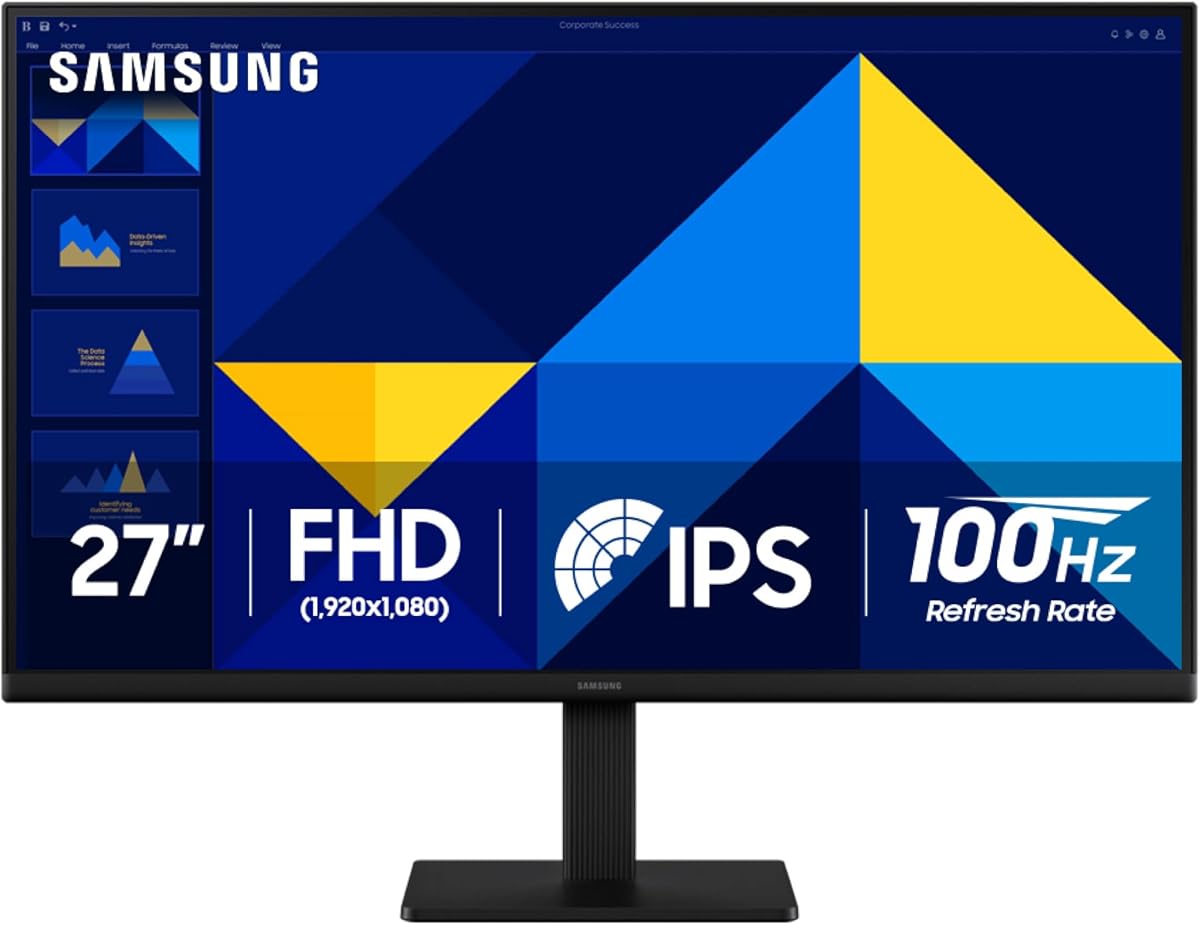




The Samsung S30GD 27-inch combines a conventional IPS panel with a modern ultra-thin bezel design, making it a versatile monitor for work, entertainment, and casual gaming. Its 4.5 rating reflects a balanced feature set, while the 27-inch format offers enough screen area for everyday multitasking without requiring the large footprint of a 32-inch display.
We may earn a commission when you buy through this link, at no additional cost to you.
Color consistency is a major strength because the IPS panel is designed to maintain bright, clear tones from different viewing angles with less color washing. The 100Hz refresh rate adds noticeably smoother movement than a standard 60Hz panel, helping reduce perceived lag and motion blur during fast-paced games, videos, and scrolling. Adjustable contrast and color settings, together with a dedicated Game Mode, make the display adaptable to different content.
The slim border bezels support a modern appearance and make this a sensible option for a two-monitor arrangement, although the product information does not describe every side as completely borderless. Its 100Hz rate and 27-inch Full HD canvas are well suited to general use, though it does not offer the higher resolution or extreme refresh rate found in more specialized gaming displays.
This monitor is best for buyers who want a clean-looking, capable all-rounder without moving into a premium gaming specification. It is particularly attractive for office work, school, media consumption, and a mixed gaming-and-productivity setup. For users who prioritize a polished borderless appearance and consistent color, the S30GD is a strong recommendation.
The ultra-thin border bezels preserve a modern appearance when this 27-inch display is placed beside another screen. Matching models also make it easier to create a symmetrical workstation with a reduced sense of separation between panels.
A 100Hz refresh rate gives the monitor more headroom for scrolling, video, and casual gaming. It remains a sensible middle ground between basic office panels and dedicated high-refresh gaming models.
We may earn a commission when you buy through this link, at no additional cost to you.
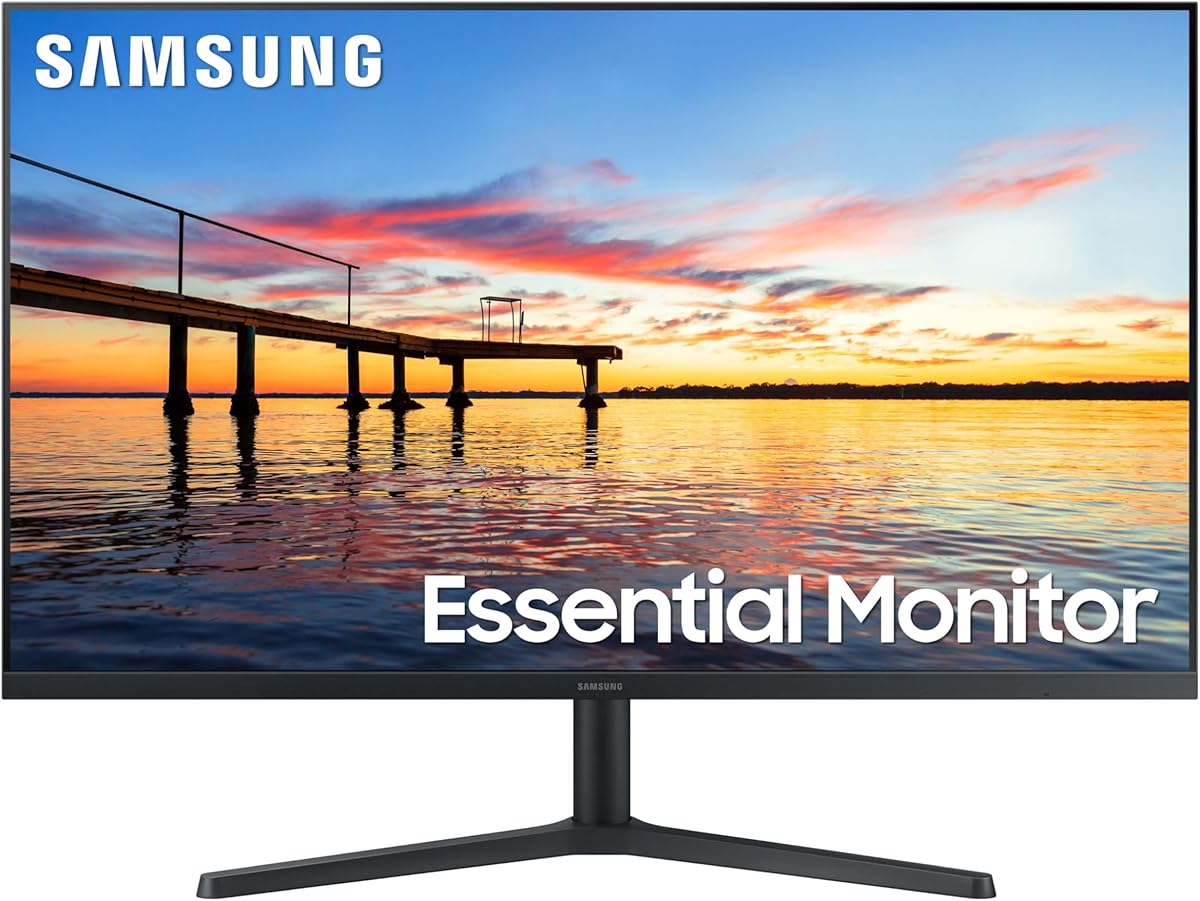
The Samsung 32-inch Flat Computer Monitor emphasizes screen space and a clean visual profile. Its three-sided borderless display reduces visual interruptions and is designed to line up neatly in a multi-monitor configuration. The 4.5 rating indicates a well-received general-purpose option, particularly for users who want more workspace than a compact Full HD display can offer.
We may earn a commission when you buy through this link, at no additional cost to you.
AMD FreeSync synchronizes the display and graphics card refresh rates to help reduce image tearing, while the 75Hz panel provides fluid movement for presentations, video, and gaming. Game Mode, enhanced contrast, and vivid color settings improve the experience, and Eye Saver Mode plus Flicker Free technology target long-session comfort.
The main limitation is the 75Hz refresh rate. It offers less headroom for competitive gaming than 120Hz, 144Hz, or 165Hz alternatives in this list. Its 32-inch size also requires more desk space, and Full HD spread across such a large panel can make small text and interface elements feel less dense than they would on a higher-resolution display.
Choose this monitor when a large, flat, nearly borderless canvas is more important than high-refresh competitive gaming. It works well for general office tasks, media consumption, and side-by-side multitasking, especially if AMD FreeSync and three-sided borderless styling are priorities.
A 32-inch display gives applications, documents, and video previews generous room to breathe. The three-sided borderless treatment also helps separate panels look more unified when two units are placed together.
Eye Saver Mode reduces emitted blue light, while Flicker Free technology targets distracting screen flicker. AMD FreeSync adds smoother synchronization with compatible graphics hardware.
We may earn a commission when you buy through this link, at no additional cost to you.
The Sceptre E225W-FW144 is a compact 22-inch Full HD gaming monitor designed to pair a high refresh rate with a minimal frame. Its 4.4 rating makes it a notable option for smaller desks, portable gaming setups, and users who value integrated speakers and modern styling over a large display.
We may earn a commission when you buy through this link, at no additional cost to you.
The ability to reach up to 144Hz provides fluid motion for games, while the nearly bezel-free design supports a cleaner dual-monitor arrangement. HDMI and DisplayPort connectivity gives users flexible options for modern PCs and consoles, while the built-in speakers can provide convenient audio without adding separate desktop units.
Its 22-inch footprint is the central compromise. Although the resolution is Full HD, the smaller panel produces a more compact image, and users who need multiple open documents may find a 24-inch or larger display more comfortable. The built-in speakers also serve basic audio needs but should not be mistaken for a dedicated entertainment sound system.
This is a persuasive choice for a small gaming station, a compact dual-screen setup, or a desk where every inch matters. It is less suited to users who want fine text detail, expansive multitasking, or a cinematic display, but it delivers a rare combination of slim framing, fast motion, and convenient built-in audio.
Integrated speakers can handle everyday sound effects, system audio, and casual video viewing without separate desktop speakers. They help keep the entertainment area visually clean while reducing the number of connected accessories.
The combination of Full HD output and up to 144Hz motion makes the E225W-FW144 practical for smaller gaming rigs. Its light visual footprint also makes it easier to arrange beside a laptop or another compact display.
We may earn a commission when you buy through this link, at no additional cost to you.
The Samsung Odyssey G55C is the most performance-focused monitor in this collection, combining QHD resolution, a 165Hz refresh rate, and a pronounced 1000R curve. Its 4.4 rating reflects a feature-rich gaming package built for fast action, detailed scenes, and an expansive sense of immersion.
We may earn a commission when you buy through this link, at no additional cost to you.
QHD delivers substantially more pixel density than Full HD, allowing finer detail in games and more desktop information at the same viewing size. The 165Hz refresh rate and 1ms MPRT target smooth, low-blur motion, while AMD Radeon FreeSync helps reduce tearing. HDR10 support, deep blacks, luminous whites, and vivid color make the 1000R curve especially effective for entertainment.
Immersion comes with trade-offs. A strongly curved screen may not suit people who prefer a flat, conventional work surface or need precise image geometry. The demanding resolution and refresh combination also benefits from a capable graphics card, and the size can occupy a substantial area. Eye Saver Mode and flicker reduction help during extended sessions.
Choose the G55C for immersive gaming, competitive motion, and a premium-looking display that also handles movies well. It is the strongest fit for a dedicated gaming setup where visual engagement matters more than compact dimensions or a neutral office aesthetic.
QHD resolution supplies noticeably finer detail than Full HD, while the 165Hz panel and 1ms MPRT keep fast movement responsive. The result is a monitor capable of supporting both visually detailed games and fast competitive play.
The 1000R curve wraps the display more closely around the viewer, expanding peripheral coverage. That geometry can make action feel more encompassing, particularly in first-person games and cinematic entertainment.
We may earn a commission when you buy through this link, at no additional cost to you.
The LG 24U411A-B is a well-rounded 24-inch monitor that pairs a three-side virtually borderless design with 120Hz refresh, an IPS panel, and extensive productivity features. Its 4.6 rating is among the strongest in the group, reflecting a balanced combination of smooth motion, color, comfort, and software-assisted organization.
We may earn a commission when you buy through this link, at no additional cost to you.
The Switch app can divide the screen into up to six sections, customize layouts, and launch video calls through a hotkey. IPS technology supports vivid color and broad viewing angles, while HDR10 and up to 99% sRGB coverage benefit games, streaming, and creative work. Reader Mode, Flicker Safe, and a 1ms Motion Blur Reduction setting round out the feature set.
The included stand offers tilt adjustment from -5 to 20 degrees, but the product information does not identify height, swivel, or pivot controls. Full HD resolution is comfortable at 24 inches, yet a QHD option would offer more usable workspace for dense documents, timelines, and spreadsheets. The 120Hz rate is smoother than basic office displays but below the fastest gaming models.
This monitor is a strong recommendation for students, office users, hybrid workers, and casual gamers who want one display to handle several roles. Its borderless styling, multitasking app, and eye-care functions make it especially appealing for a tidy shared or home-office setup.
The Switch app turns the display into a configurable workspace by splitting it into as many as six sections. It is a convenient way to separate communication, documents, media, and other tasks without manually resizing every window.
Reader Mode lowers blue light levels for document-heavy sessions, while Flicker Safe is intended to reduce distracting flicker. The tilt range also helps users establish a more comfortable viewing position.
We may earn a commission when you buy through this link, at no additional cost to you.
The MSI PRO MP243L E14 is a 24-inch IPS monitor that unusual combines a four-side slim bezel with 144Hz motion, FreeSync, and extensive mounting flexibility. Its 4.6 rating makes it one of the strongest all-around choices for buyers who want an uncluttered frame, useful office functions, and capable gaming performance.
We may earn a commission when you buy through this link, at no additional cost to you.
The four-sided slim bezel is especially valuable in two-monitor arrangements because the frame looks narrow from every direction. A 1500:1 contrast ratio, wide 178-degree viewing angles, and 1ms response specification support clear images, while 144Hz refresh rate and FreeSync help maintain fluid, tear-free play with compatible graphics hardware.
MSI also includes TÜV Rheinland-certified Flicker Free and Low Blue Light features, an Eye-Q Check vision assessment tool, and firmware support for performance and compatibility improvements. HDMI 2.0 with HDMI-CEC provides convenient control, while VGA adds support for older computers and equipment. VESA 100×100 compatibility makes monitor arms and multi-monitor arrangements straightforward.
Choose the MP243L E14 for a compact office-gaming setup, especially if you plan to use a monitor arm or arrange two displays closely. The included stand only offers tilt, but the VESA support compensates for that limitation when suitable mounting hardware is available.
Narrow framing on all four sides makes the display look clean from every side and reduces the visual gap in a paired setup. This is particularly useful for laptops paired with a second monitor or for a two-panel productivity station.
VESA 100×100 compatibility allows the monitor to be mounted on an arm or bracket, giving users better control over height and distance. The tilt-adjustable stand remains an easy option when no extra mounting hardware is desired.
We may earn a commission when you buy through this link, at no additional cost to you.
The Philips 241V8LB is a 24-inch Full HD monitor built around a high-contrast VA panel and a virtually bezel-free three-sided design. With a 4.6 rating, it is an attractive office and media option for users who value deeper blacks, consistent color, and a clean appearance more than aggressive gaming specifications.
We may earn a commission when you buy through this link, at no additional cost to you.
The VA panel produces brighter whites, deeper blacks, and more visible gradients across a palette of 16.7 million colors. Its 178-degree horizontal and vertical viewing angles help prevent color shifts when looking at the screen from an offset position. A 100Hz refresh rate provides smoother everyday motion than a conventional 60Hz display, while EasyRead mode offers a more paper-like document presentation.
The design is clearly aimed at productivity rather than competitive gaming. There is no listed high-end gaming feature set, variable-refresh specification, or ultra-fast response target, so enthusiasts may find its capabilities less specialized. As with the other Full HD options, it offers a straightforward image at 24 inches but does not deliver the fine detail of a QHD panel.
Choose the Philips 241V8LB for office work, reading, media, and a tidy dual-monitor setup. It is especially compelling for buyers who want VA contrast and a narrow three-sided frame without moving to a high-refresh gaming design.
The VA panel’s deeper blacks and brighter highlights give movies and on-screen graphics greater perceived contrast. It is a useful trait for entertainment users who regularly view content in dimmer surroundings.
EasyRead mode is tailored to lengthy documents, while the three-sided virtual bezel supports a modern, distraction-reduced workspace. These features make the monitor more comfortable for office-centered use.
We may earn a commission when you buy through this link, at no additional cost to you.
The LG 27U411A-B expands the borderless productivity formula to a 27-inch screen. It retains the 120Hz IPS performance, three-side virtually borderless styling, and useful software features of the smaller LG model, giving buyers more workspace in a familiar general-purpose format. Its 4.6 rating supports its reputation as a well-rounded display.
We may earn a commission when you buy through this link, at no additional cost to you.
The IPS panel delivers sharp Full HD imagery, vivid color, and stable viewing angles, while the 120Hz refresh rate delivers fluid transitions in work, video, and casual games. HDR10 and up to 99% sRGB coverage improve color richness, and Dynamic Action Sync minimizes input lag. The Switch app can split the screen into up to six customizable sections.
Reader Mode, Flicker Safe, and a tilt range of -5 to 20 degrees prioritize everyday comfort and flexible positioning. The compromise is resolution: Full HD across 27 inches does not offer the same text density or application capacity as a QHD or 4K screen. The product information also does not list height, swivel, or pivot adjustment, so the stand is relatively basic.
This is a strong recommendation for hybrid workers, students, and casual gamers who want a large, clean-looking screen with smooth motion and useful multitasking tools. Buyers handling dense professional timelines may prefer a higher-resolution display, while those wanting a simpler office monitor may find the application features unnecessary.
The 27-inch panel offers more usable area for side-by-side documents, browser windows, and communication tools. Combined with the narrow three-sided frame, it creates an open and uncluttered workspace feel.
The 120Hz refresh rate, HDR10 support, and broad sRGB coverage make the monitor suitable for video, casual games, and general creative tasks. Motion Blur Reduction further sharpens fast-moving content when enabled.
We may earn a commission when you buy through this link, at no additional cost to you.
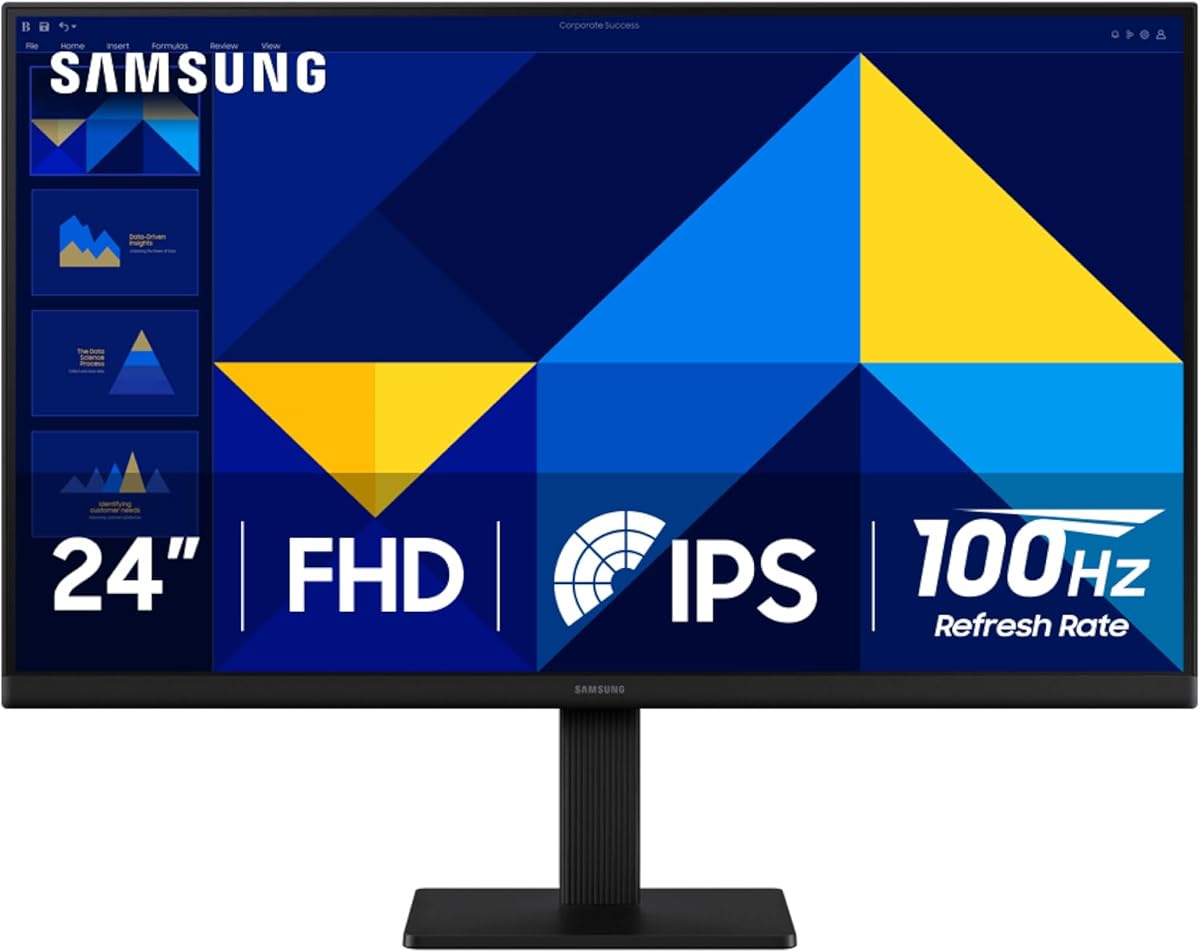
The Samsung S30GD 24-inch is a compact IPS monitor with ultra-thin border bezels, a 100Hz refresh rate, and an emphasis on straightforward everyday use. Its 4.5 rating places it among the well-regarded general-purpose options, particularly for buyers who want a smaller footprint than the 27-inch and 32-inch alternatives.
We may earn a commission when you buy through this link, at no additional cost to you.
The IPS panel keeps colors bright and consistent as viewing angles change, reducing the color washing associated with some lesser VA and TN panels. A 100Hz refresh rate supports smoother gaming, video, and scrolling, while Game Mode and adjustable color and contrast help optimize different types of content. Reduced blue light and screen flicker are also highlighted as long-session comfort features.
Its stand provides tilt adjustment only, which is the most visible limitation for users who want precise height or positioning control. The 24-inch Full HD panel is comfortable for standard productivity, but the lower pixel density limits the amount of information visible compared with QHD. Detailed specifications about high-end gaming functions are not included.
Choose the S30GD 24-inch for a smaller office, dorm, study area, or a clean two-monitor arrangement where a compact screen is important. It is a confident pick for general use, but users with extensive creative workloads may want more resolution and users with intensive gaming may prefer a higher refresh rate.
The 24-inch format fits comfortably on many compact desks and leaves room for a laptop, keyboard, and other accessories. It can also serve as a secondary display without taking over the workspace.
IPS viewing angles and 100Hz motion make this a dependable general-purpose screen. Reduced blue light and flicker features add comfort for users who spend extended periods reading, studying, or working.
We may earn a commission when you buy through this link, at no additional cost to you.
The Samsung Essential S3 27-inch uses an 1800R curve to create a more engaging viewing experience for games, video, and general entertainment. Its 4.5 rating reflects a useful combination of smooth motion, gaming-oriented settings, and certified eye-comfort features, while the 27-inch size remains more manageable than a large 32-inch display.
We may earn a commission when you buy through this link, at no additional cost to you.
The curve wraps around the viewer more closely, broadening the perceived field of view and potentially reducing peripheral distraction. A 100Hz refresh rate helps reduce lag and motion blur, and adjustable color, contrast, and Game Mode support clearer action in darker scenes. TÜV-certified eye comfort focuses on minimizing blue light and irritating flicker during longer sessions.
The main consideration is the geometry. A curved screen can feel immersive for entertainment, but some office tasks and professional applications are easier to navigate on a flat panel. Full HD at 27 inches also provides less detail and workspace density than a QHD monitor. The curved model may also be less appealing if you plan to mount or rearrange displays frequently.
Choose the Essential S3 if you enjoy curved displays and want a refined 27-inch format for mixed entertainment and productivity. It is a particularly good fit for a single-screen gaming and media setup, while flat-panel advocates and intensive multitaskers may find one of the higher-resolution or traditional-border options more practical.
The 1800R curvature creates a wider, more encompassing view without moving as deeply into gaming-focused geometry as the Odyssey G55C. That balance can work well for users who split their time between entertainment and daily tasks.
TÜV-certified eye comfort is designed to reduce blue light and screen flicker. Combined with the 100Hz refresh rate, the display aims to keep both comfort and motion handling strong during extended use.
We may earn a commission when you buy through this link, at no additional cost to you.
The best no-bezel monitor is not determined by frame width alone. Screen size, panel type, resolution, refresh rate, color, eye comfort, connectivity, adjustability, and intended workspace should all influence your decision.
Screen size determines how much content is visible and how much desk space the monitor requires. A 22-inch model is convenient for compact setups and dual-screen work, while 24 inches is a practical standard for documents, browsing, and gaming. The 27-inch options in this guide offer a more open working area, and 32-inch displays are best for large windows, media, and expansive productivity environments. Consider your desk depth, viewing distance, and whether the display will share space with other equipment.
In short, match the panel to your available space and workflow rather than choosing the largest screen that appears to fit.
IPS panels are known for consistent color and broad viewing angles, making them a strong all-around choice for offices, creative work, and general gaming. VA panels can deliver deeper blacks and stronger contrast, which may suit movies and mixed media, though the viewing experience varies by model. Curved screens add a wraparound geometry that can increase immersion, while flat screens often integrate more naturally into professional workflows. A curved design should be considered alongside desk placement, content type, and personal comfort.
Choose IPS for angle consistency, VA for contrast-focused viewing, and a curve when immersive gaming or entertainment is your priority.
Full HD at 1920 by 1080 is suitable for standard office work, browsing, video, and many games at 24 inches. It becomes less detailed as the physical panel grows, so a 27-inch Full HD display offers more space but not the same text density as a higher-resolution screen. QHD provides substantially more pixels and is valuable for detailed documents, timelines, spreadsheets, and immersive games. There is no QHD model in this particular group, so users with serious workspace-density needs may need to look beyond the shortlist.
Prioritize resolution when text and multiple detailed applications matter, and prioritize refresh rate when smooth gaming is the main goal.
Refresh rate determines how often the display updates each second, and higher rates generally make scrolling, video, and games appear smoother. A 100Hz or 120Hz monitor is a useful middle ground for everyday use and casual gaming, while 144Hz and 165Hz models provide stronger headroom for fast-paced games. Response-time claims and motion blur reduction can improve clarity, but they do not replace the need for a capable graphics system and compatible source hardware.
Use 120Hz as a comfortable daily compromise, or move toward 144Hz and above when competitive motion is important.
AMD FreeSync or FreeSync dynamically coordinates the display refresh with the graphics output, helping reduce tearing, stuttering, and perceived input inconsistency. It is especially useful in games where frame rates fluctuate. Compatibility with the graphics card, driver, and game should be verified before purchase. A high refresh rate can still be useful without adaptive synchronization, but synchronized operation generally creates a more consistent image when the hardware supports it.
Treat FreeSync as a valuable gaming companion rather than a replacement for checking resolution, latency, and GPU performance.
Color capability matters for media, creative work, and general image quality. IPS monitors in this group emphasize stable color and broad viewing angles, while the Philips VA model focuses on high contrast and deeper blacks. HDR10 support can improve visible highlight and shadow detail in supported content, although the experience depends on the source, display settings, and room lighting. Coverage figures such as sRGB percentages are useful, but actual color accuracy still varies by individual unit and calibration.
Select a panel based on the content you view most, and use HDR support as a useful enhancement rather than the sole reason to buy.
Long work and gaming sessions benefit from technologies that reduce visual fatigue. Reader Mode and Low Blue Light features lower blue light levels, while Flicker Free technology targets distracting screen flicker. Eye-Q Check and other assessment tools can help users tune the display for their own viewing environment. These features do not replace regular breaks, sensible room lighting, or correct screen distance, but they can make a long session more comfortable.
Look for multiple comfort functions when you work or play for many hours, while still taking frequent breaks from the screen.
A narrow bezel can make an otherwise basic stand more noticeable because the display may sit awkwardly or low. Tilt adjustment is useful, but height, swivel, and pivot controls provide finer control over posture and multi-monitor alignment. VESA compatibility opens the door to monitor arms, which can reclaim desk space and improve positioning. On the connection side, HDMI is a modern standard, DisplayPort supports high-refresh gaming, VGA provides legacy compatibility, and HDMI-CEC can simplify control across compatible devices.
Verify both the included stand adjustment and available ports before checkout, especially for an arm-based or multi-screen setup.
Begin by placing the monitor at a comfortable distance, approximately an arm’s length away, and align its center close to eye level. Use the included tilt adjustment or a compatible VESA arm to reduce glare and avoid neck strain. Connect the source device with the most suitable port for the intended resolution and refresh rate, then configure the display in the operating system at the desired resolution.
After installation, use the on-screen controls or Switch app where available to select the correct input, adjust brightness, refine contrast, and set color temperature for the room. Enable the appropriate eye-comfort mode for reading or extended work, and use Game Mode, FreeSync, HDR10, or motion-blur functions only when they suit the content. Enabling too many processing features at once can sometimes produce inconsistent results.
Keep the panel clean with a soft, lint-free microfiber cloth and avoid applying liquid directly to the screen. Dust the vents and surrounding stand lightly, and make sure cables do not press against the base or panel edge. If using an IPS monitor near a window, adjust brightness and contrast to the ambient light and take regular screen breaks. Periodically check for firmware updates when the manufacturer provides them, since they may improve compatibility or performance.
Borderless or bezel-free describes a monitor with extremely narrow edges around the panel. The display is still bounded by a physical frame, but that frame is minimized to create a modern appearance and make adjacent screens look more continuous. A truly frameless physical design is not practical because the panel and housing still need structural support.
A narrow bezel can make a two-monitor arrangement look cleaner and reduce the perceived visual gap between the displays. Models such as the MSI PRO MP243L E14 use slim framing on all four sides, while the Philips 241V8LB and Samsung 32-inch Flat offer a three-sided borderless design. You also need to consider stand adjustment, VESA mounting, and matching screen sizes for the most seamless alignment.
A 100Hz monitor offers a clear smoothness improvement over a standard 60Hz display and works well for many casual and competitive games. Competitive players who value the lowest motion latency may prefer the 144Hz Sceptre, 144Hz MSI, or 165Hz Odyssey G55C. Graphics card performance, game requirements, and synchronization support also influence the final experience.
IPS is often the safer all-around choice because it provides consistent color and wide viewing angles for office work, browsing, and general gaming. VA can provide deeper blacks and stronger contrast, which is beneficial for movies and darker content. The best choice depends on your priorities, because panel technology is only one part of the overall viewing experience.
A 27-inch Full HD monitor provides a generous working area and is comfortable for browsing, documents, communication, and media. It does not match the text density of a higher-resolution screen, however, so professionals handling dense spreadsheets, timelines, or many small controls may prefer QHD or 4K. The LG 27U411A-B and Samsung S30GD 27-inch remain practical general-purpose choices.
A curved monitor can create a more immersive field of view, particularly with games designed around peripheral vision. The Samsung Odyssey G55C uses a pronounced 1000R curve, while the Essential S3 uses a gentler 1800R design. Curvature is subjective, however, and a flat screen may be more comfortable for office tasks, precise alignment, or users who dislike curved geometry.
Built-in speakers are convenient for system sounds, casual video, and lighter games while helping keep a compact desk uncluttered. They generally cannot reproduce the spatial detail or impact expected from dedicated gaming headsets or speakers. The Sceptre E225W-FW144 is a good example of a small monitor that includes audio for added convenience.
Match the screen size, aspect ratio, resolution, and refresh rate as closely as possible for the cleanest visual result. VESA compatibility and adjustable stands make physical alignment easier, while matching panel technology reduces differences in color and viewing experience. Software support for operating-system-level window management can also improve workflow across two displays.
The MSI PRO MP243L E14 stands out as the best-budget option because it combines four slim sides with a fast 144Hz IPS panel, adaptive synchronization, and VESA flexibility. The LG 27U411A-B earns the editor’s choice for its balanced 27-inch workspace, polished borderless styling, smooth 120Hz motion, and helpful multitasking software, while the Samsung Odyssey G55C provides the premium experience through QHD detail, 165Hz performance, HDR10, and dramatic 1000R immersion.
The right alternative depends on your workspace. Compact users may prefer the 22-inch Sceptre, office-focused buyers can favor the Philips 241V8LB, and those wanting a larger flat display can consider the Samsung 32-inch Flat. Match the resolution and refresh rate to your primary activity, verify stand adjustment and ports, and give careful attention to screen size before arranging a multi-monitor setup.
Product specifications, configurations, and prices can change over time, so check the current listing and confirm the exact model before ordering. Once you have verified resolution, refresh rate, panel type, connectivity, and desk fit, the narrow frame can deliver the clean, seamless appearance that makes a no-bezel PC monitor so appealing.
